

オンラインストア
サービス予約
イベント
ポップアップ

Waitlist Pro
開発元:
Self-service waitlist & cancellation backfill
まだレビューはありません
無料プラン利用可能

Waitlist Pro の概要
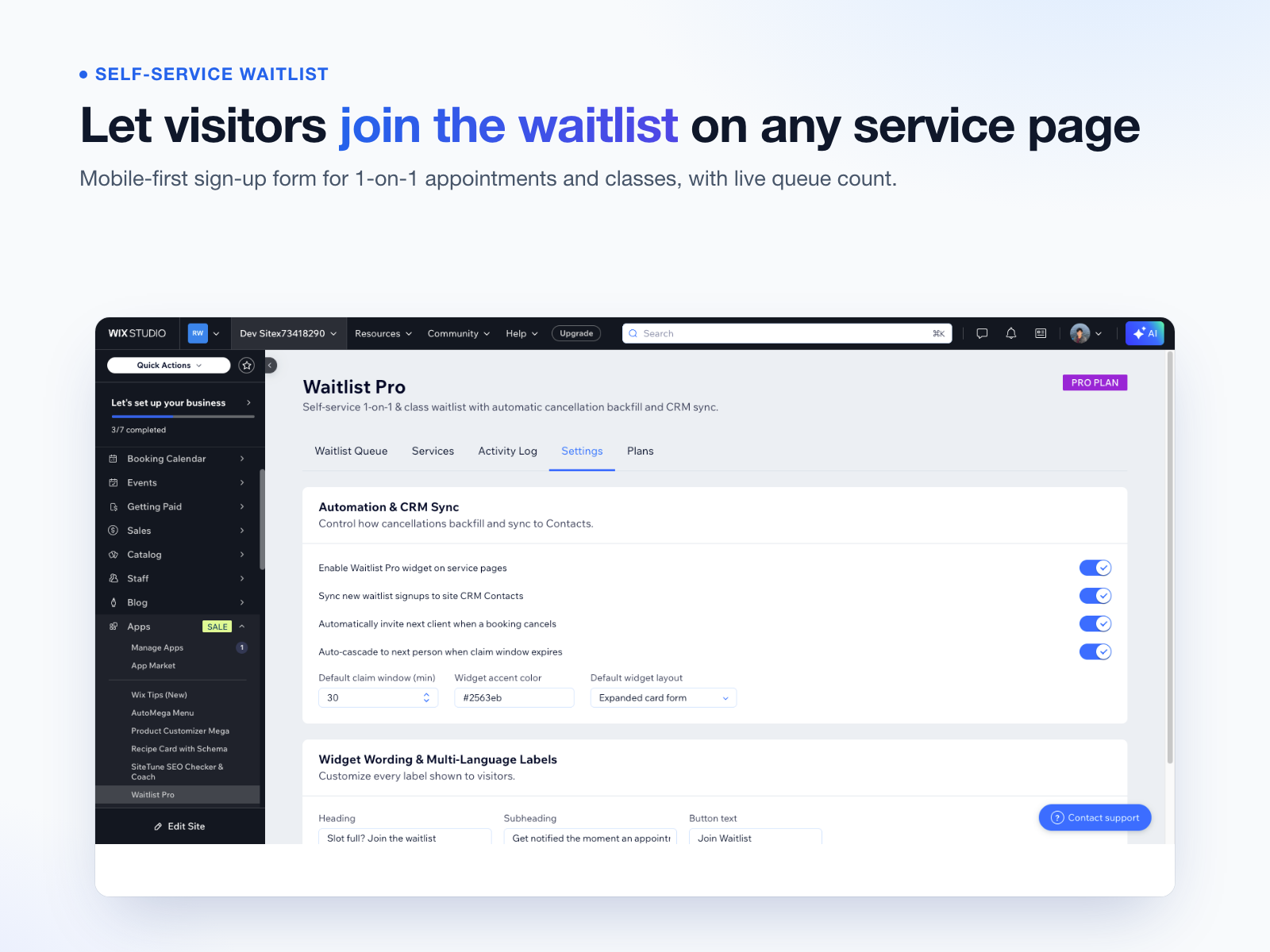
- Self-service waitlist widget on service pages
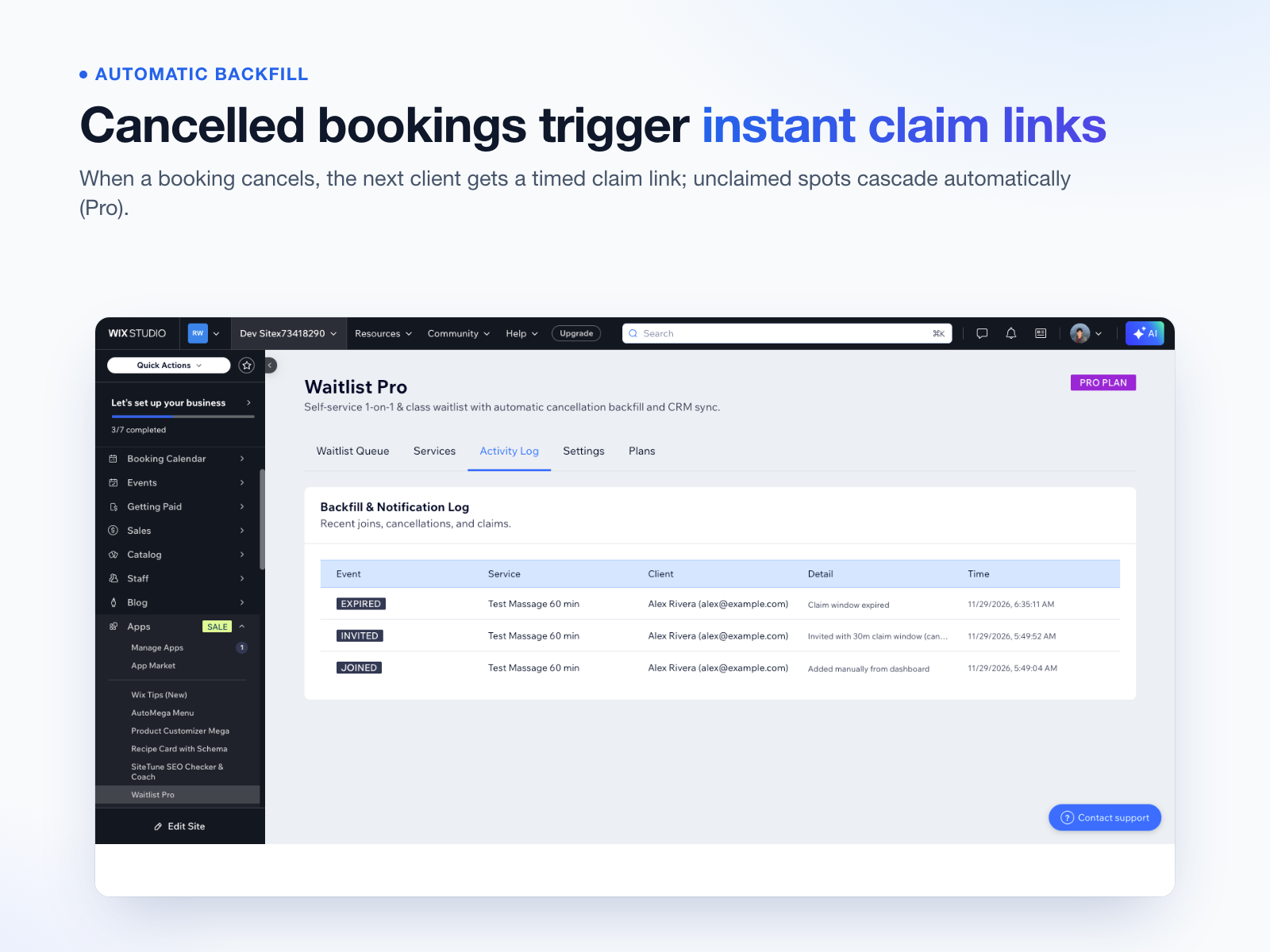
- Automatic backfill & claim links on cancellations
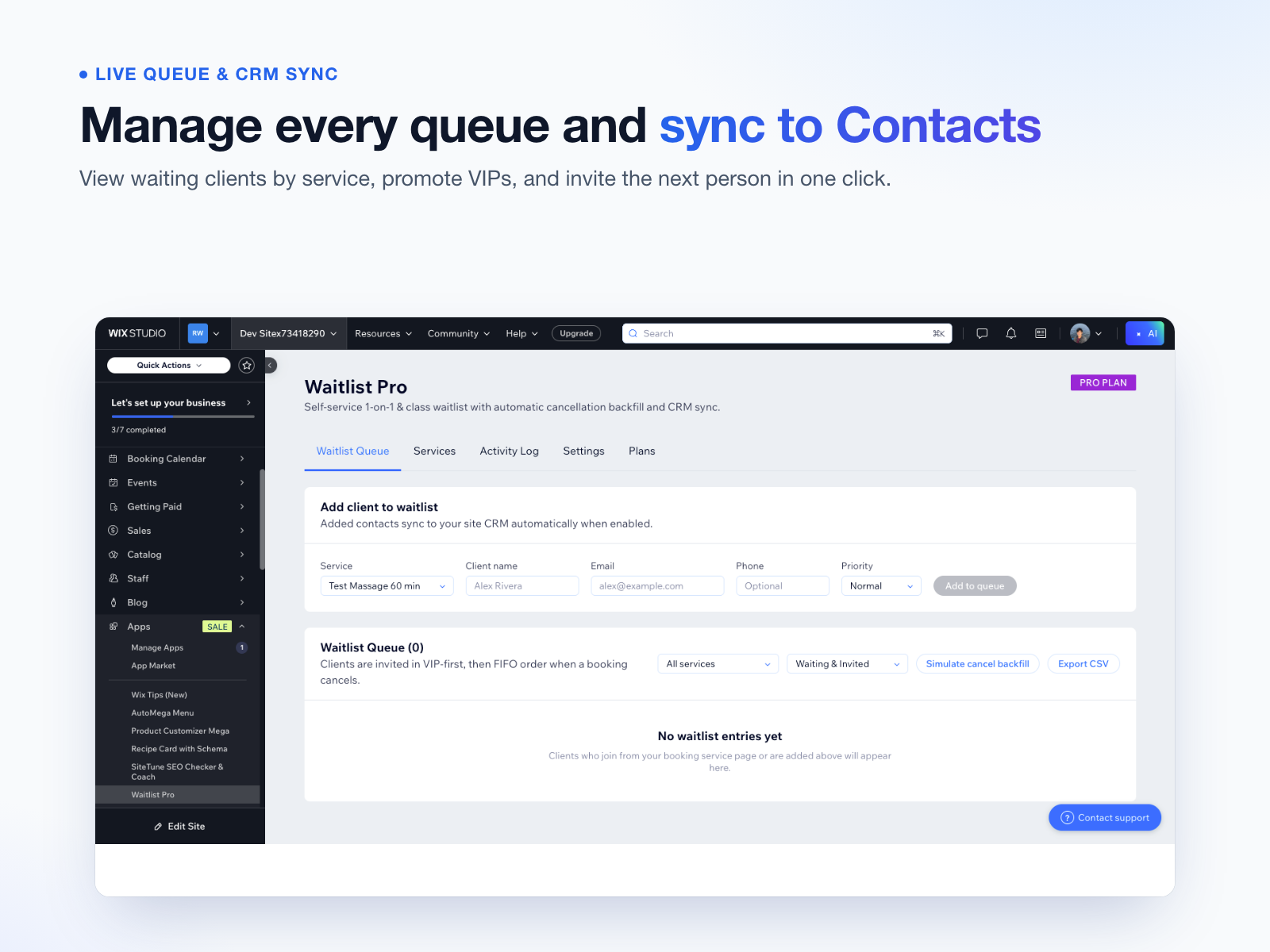
- Auto-sync waitlist signups to site CRM contacts
- VIP priority queue, custom labels & CSV export
評価・レビュー
まだこのアプリのレビューはありません、最初に評価しましょう。料金・プラン
Basicプラン
無料
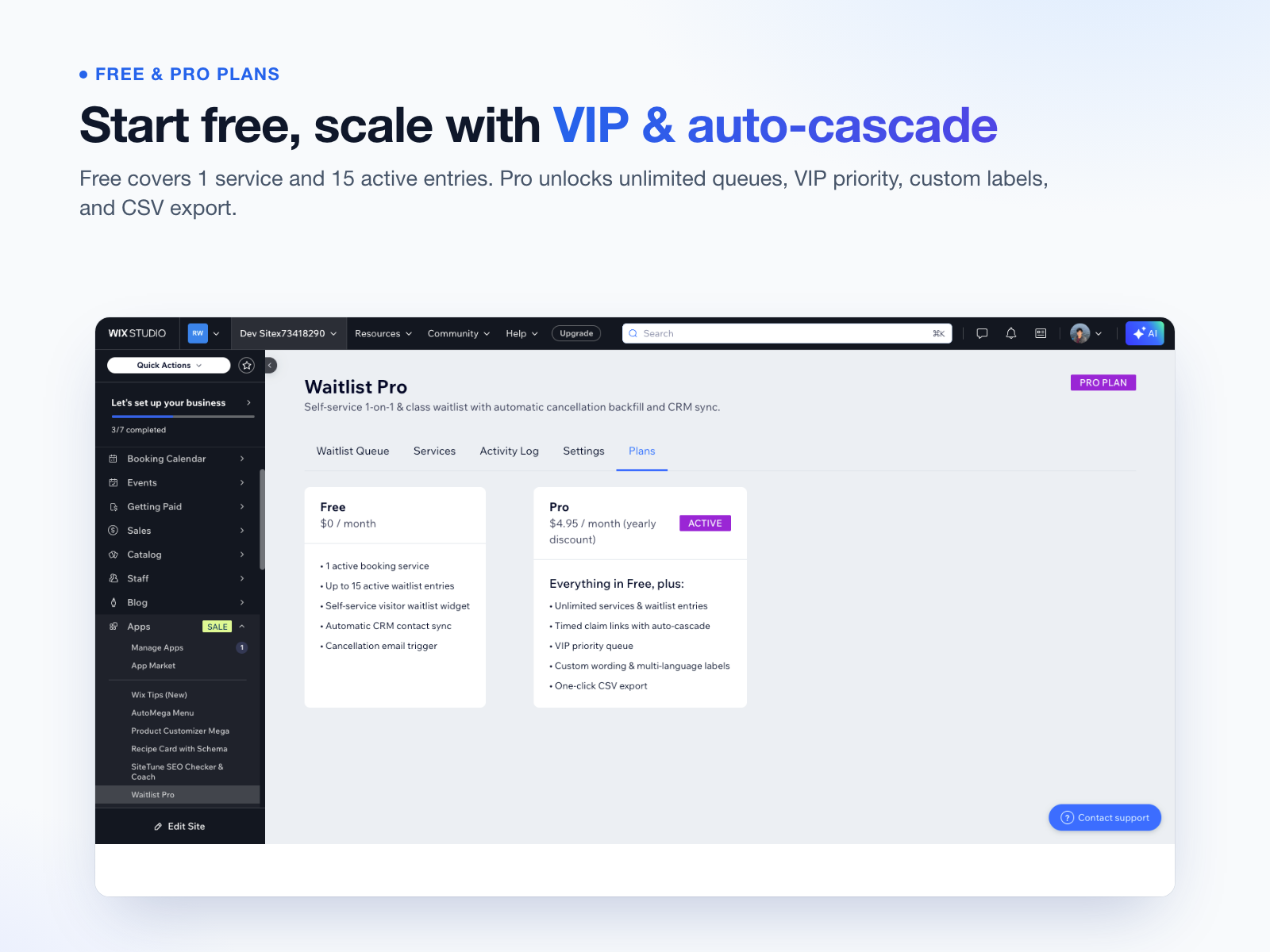
1 active booking service
Up to 15 active waitlist entries
Self-service service-page widget
Auto CRM sync & cancellation alerts
Proプラン
$
1
97
/月
$395
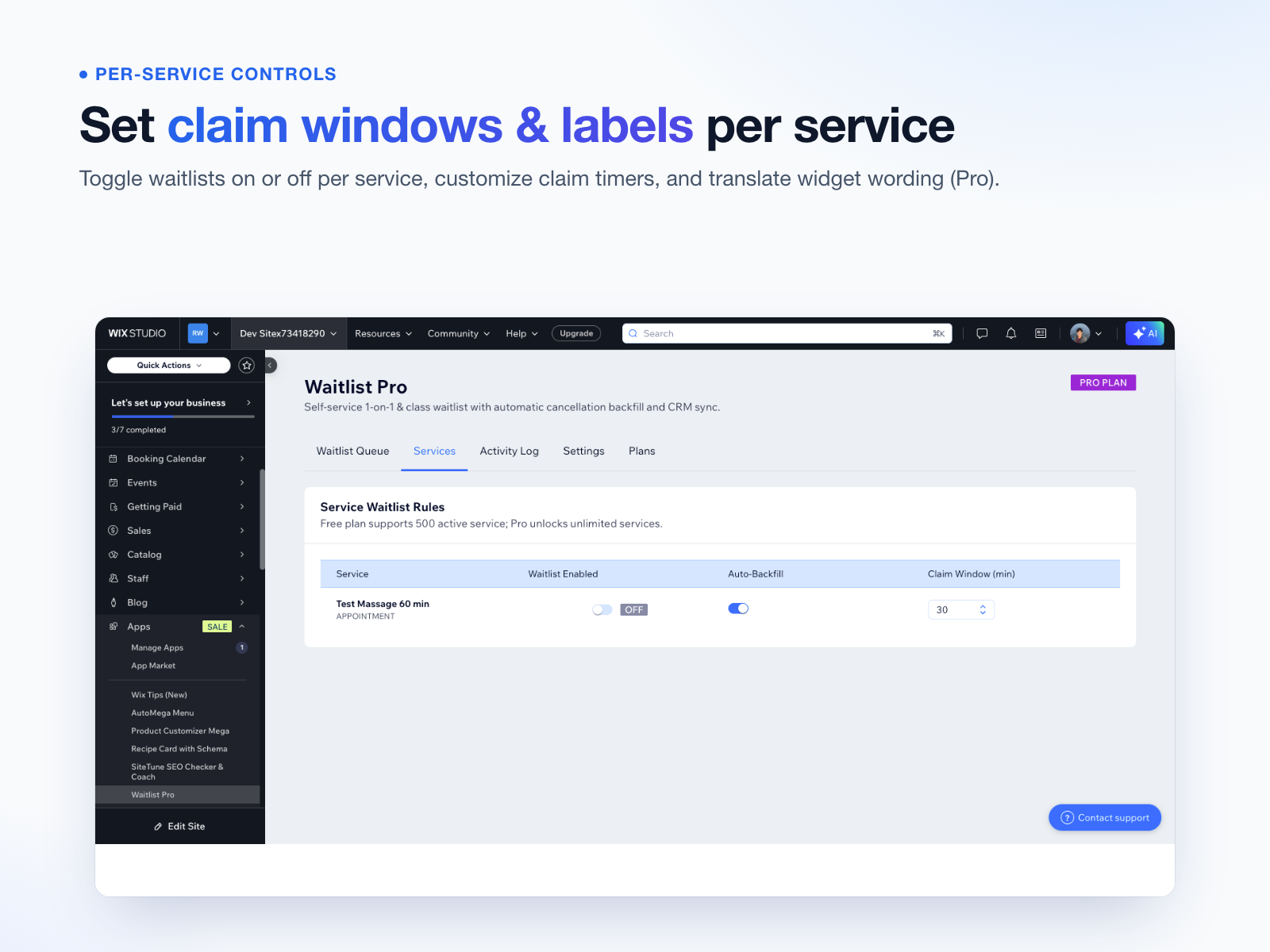
Unlimited services & waitlist entries
Timed claim links with auto-cascade
VIP priority queue & custom labels
One-click CSV export
* 価格はUSDです。