

オンラインストア
サービス予約
イベント
ポップアップ

Razorpay Payments Toolkit
開発元:
Razorpay payments, UPI, links & analytics
まだレビューはありません
無料プラン利用可能

Razorpay Payments Toolkit の概要
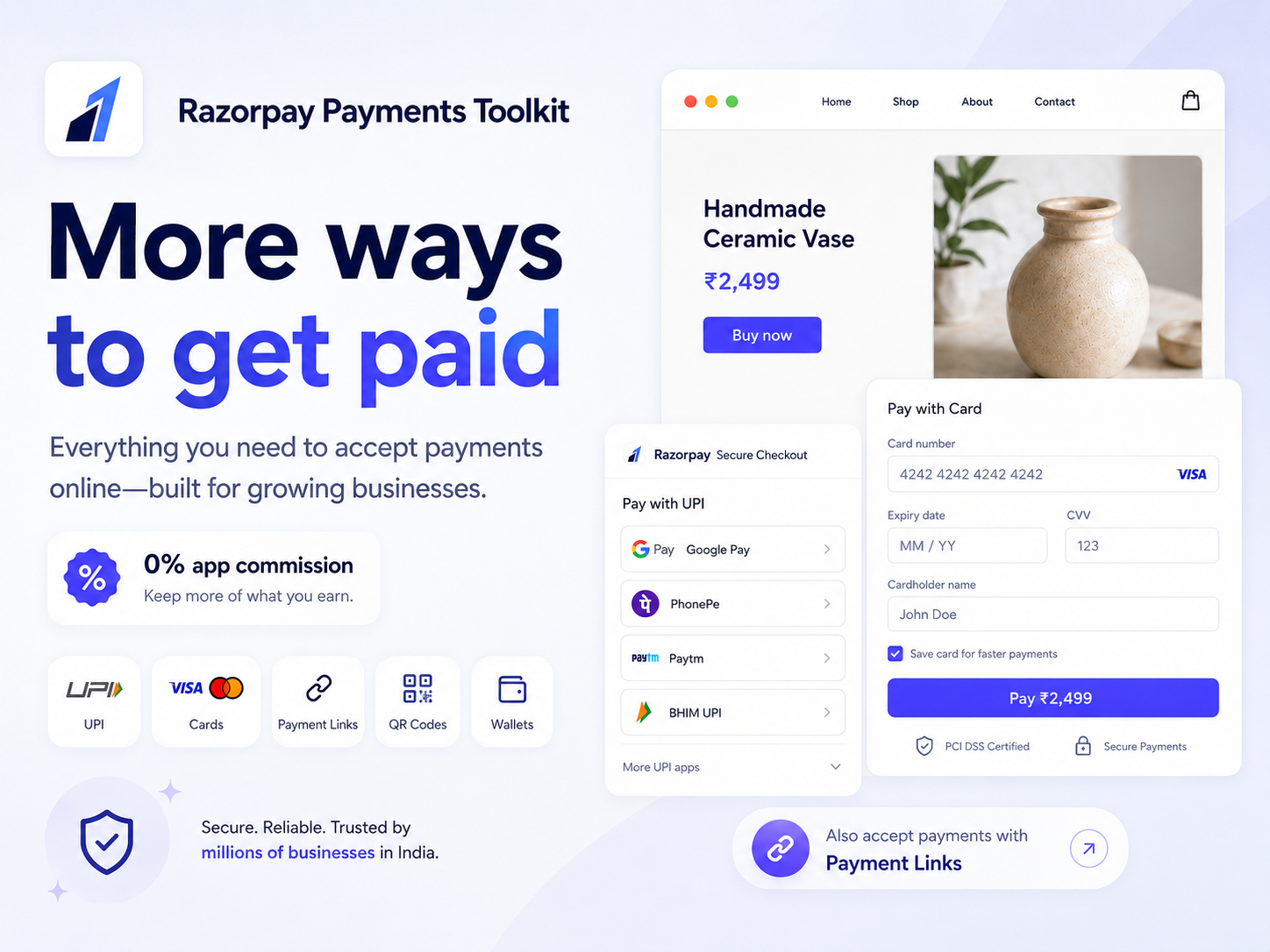
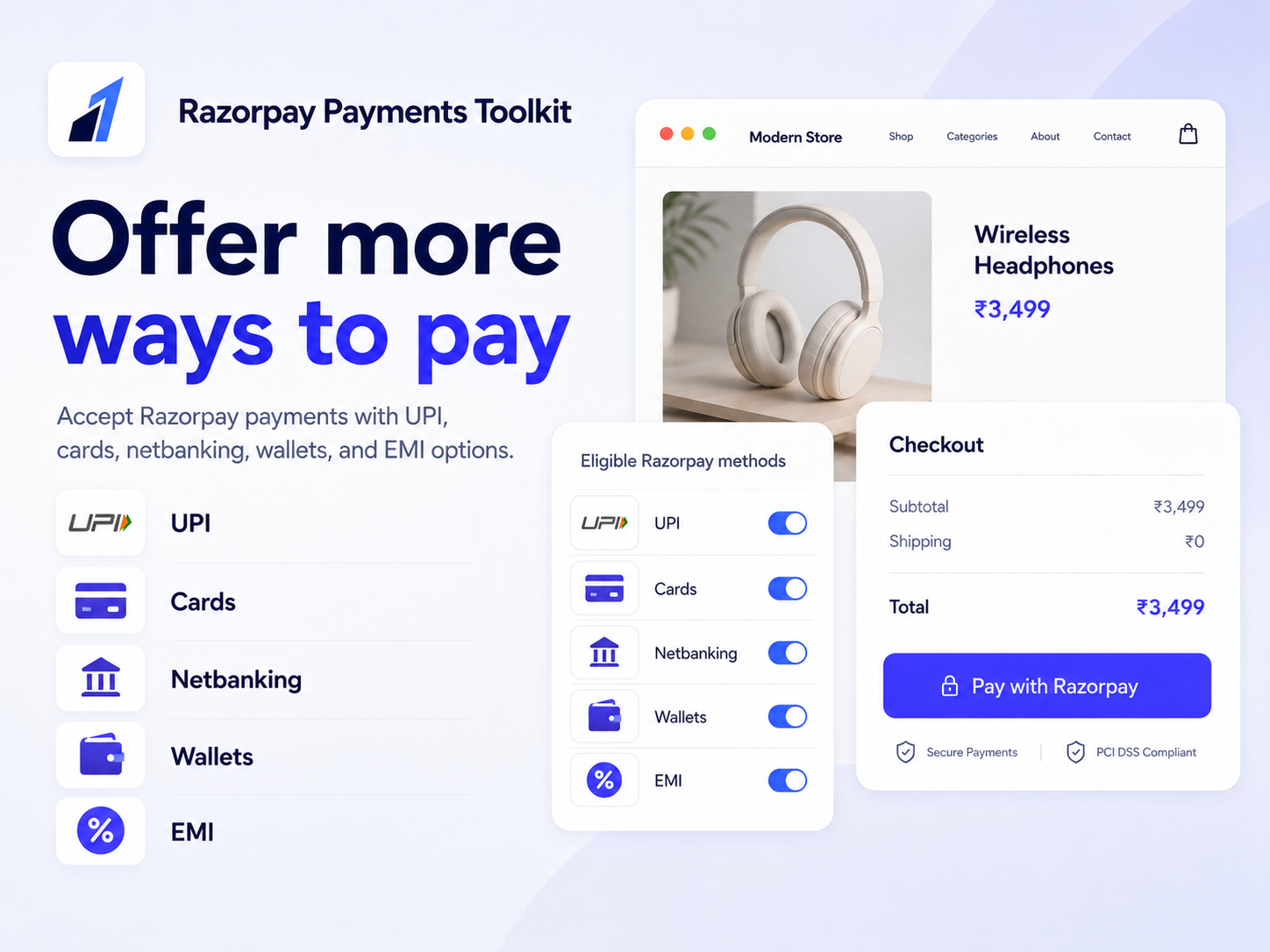
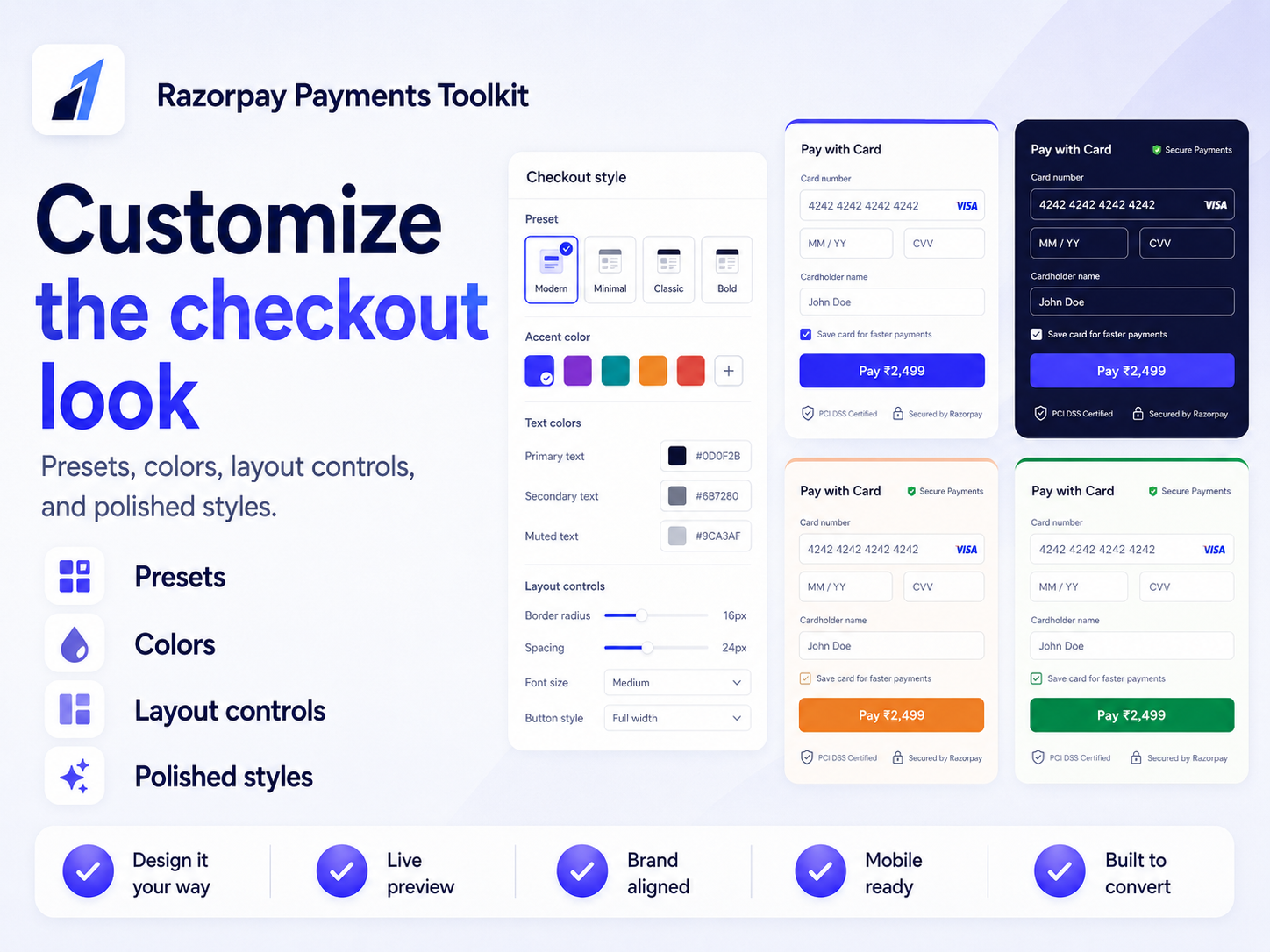
- Razorpay Checkout, UPI, and payment methods - Accept one-time Razorpay payments for products, services, donations, customer-entered amounts, suggested amounts, and quantities. Let eligible customers pay using UPI, cards, netbanking, wallets, EMI, and other Razorpay-supported payment methods enabled for your account
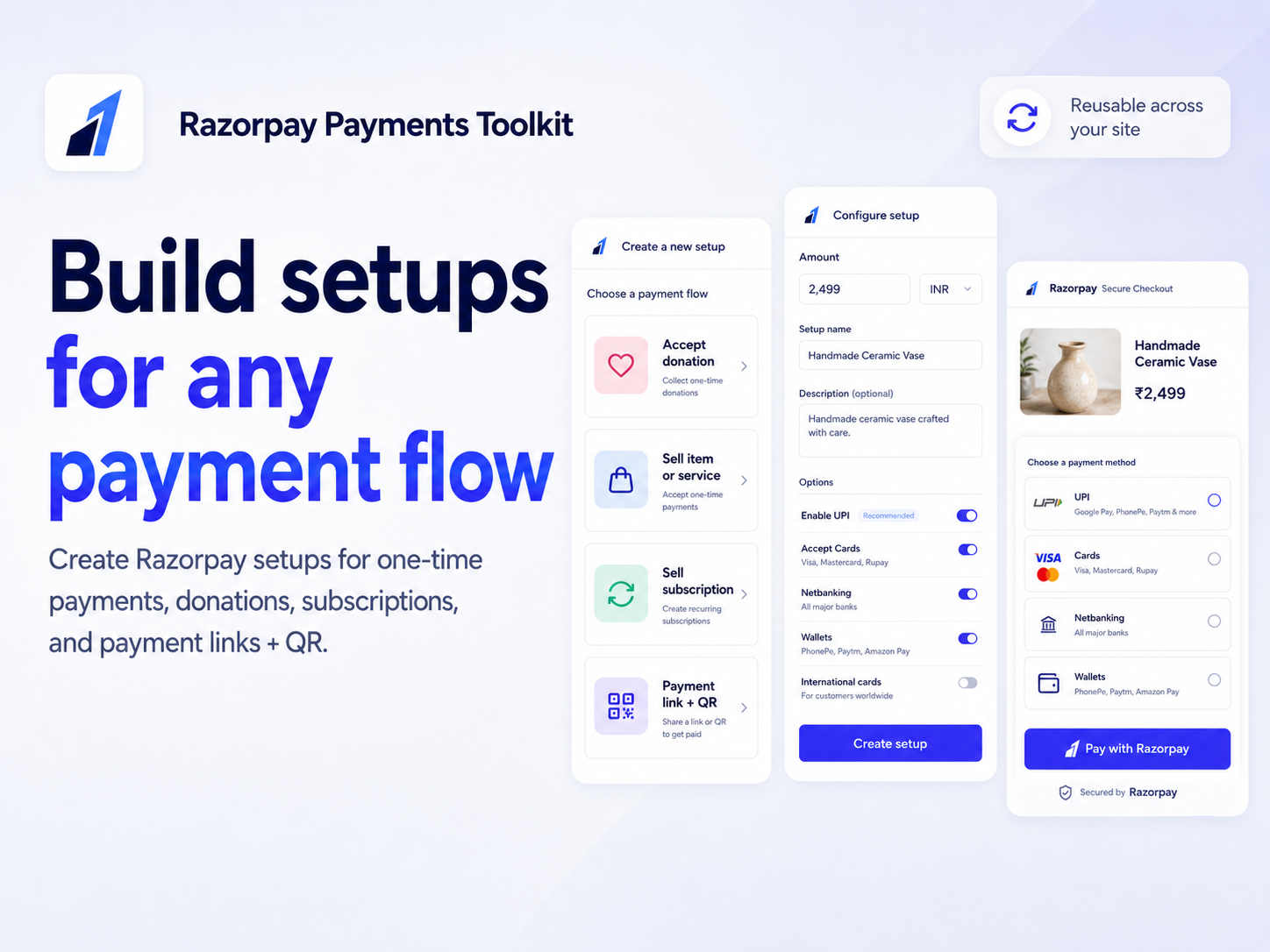
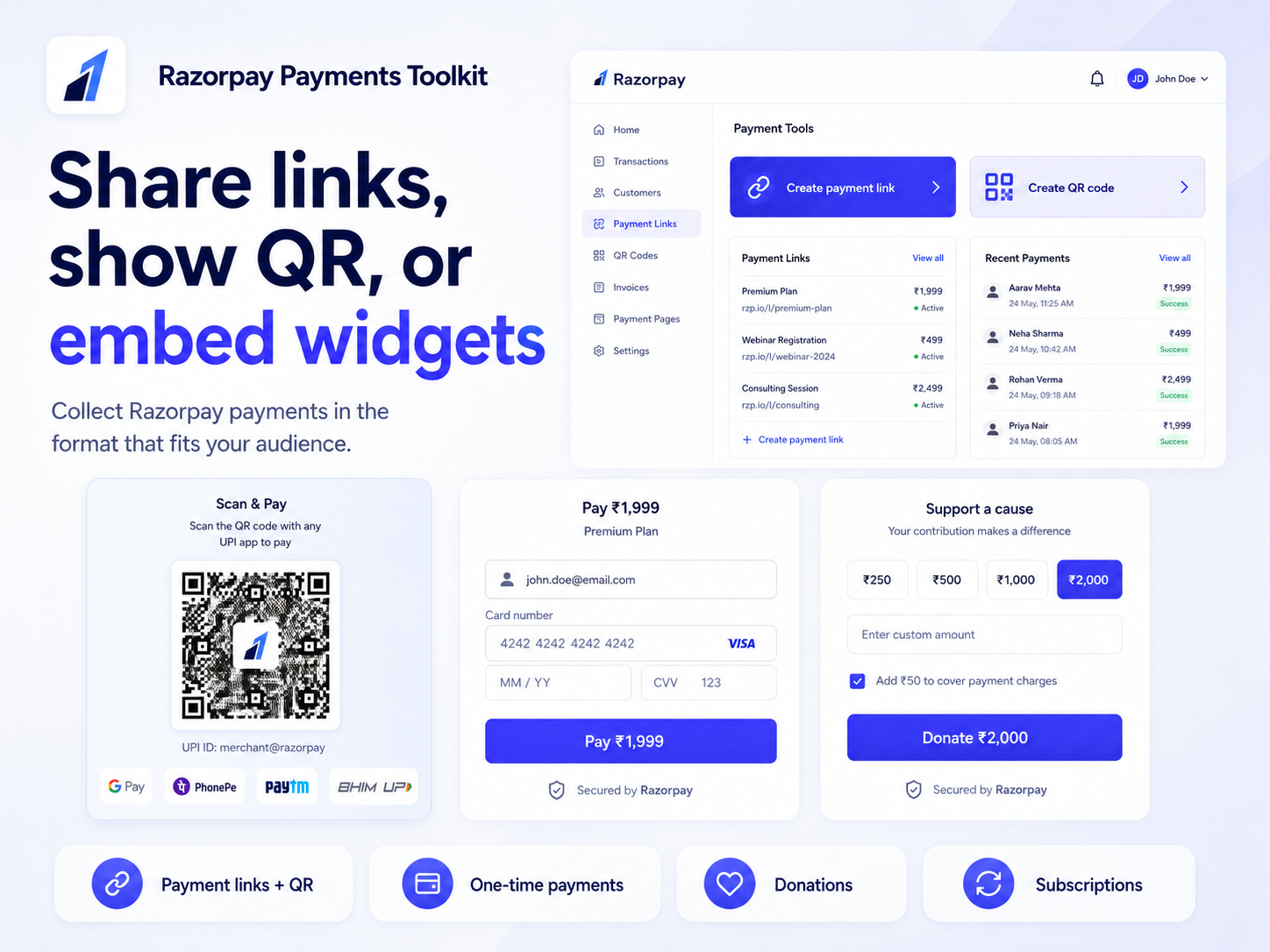
- Razorpay payment links, QR codes, and reusable setups - Create reusable Razorpay payment setups once and use them across checkout widgets, Razorpay payment links, and QR checkout flows. Build fixed-price payments, flexible donations, product payments, or shareable checkout links without recreating the same Razorpay configuration every time
- Razorpay subscriptions and recurring payments - Create Razorpay subscription setups for memberships, recurring services, support plans, or recurring donations. Launch hosted subscription checkout, reuse billing plans, and monitor Razorpay subscription activity and status from the dashboard
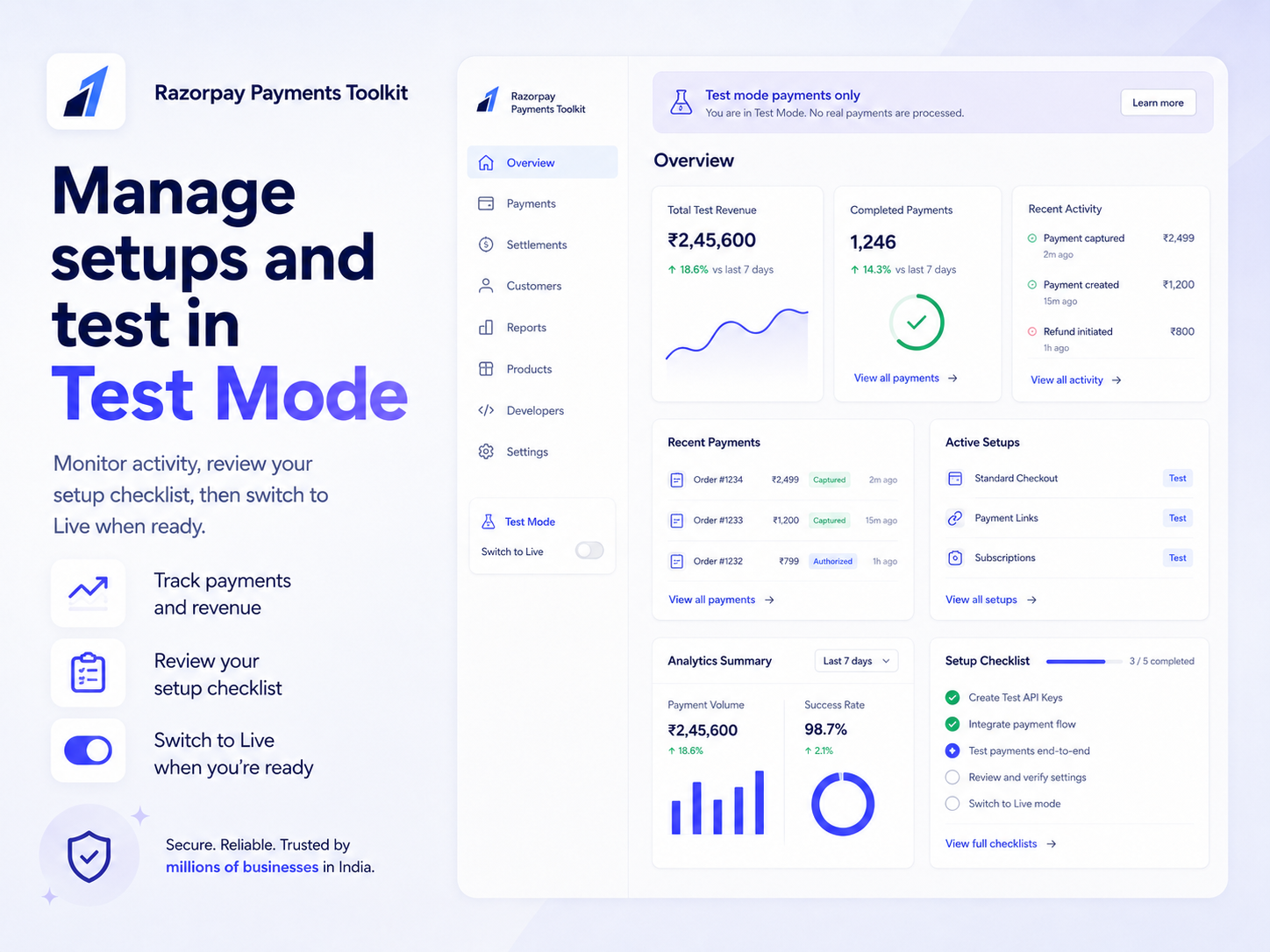
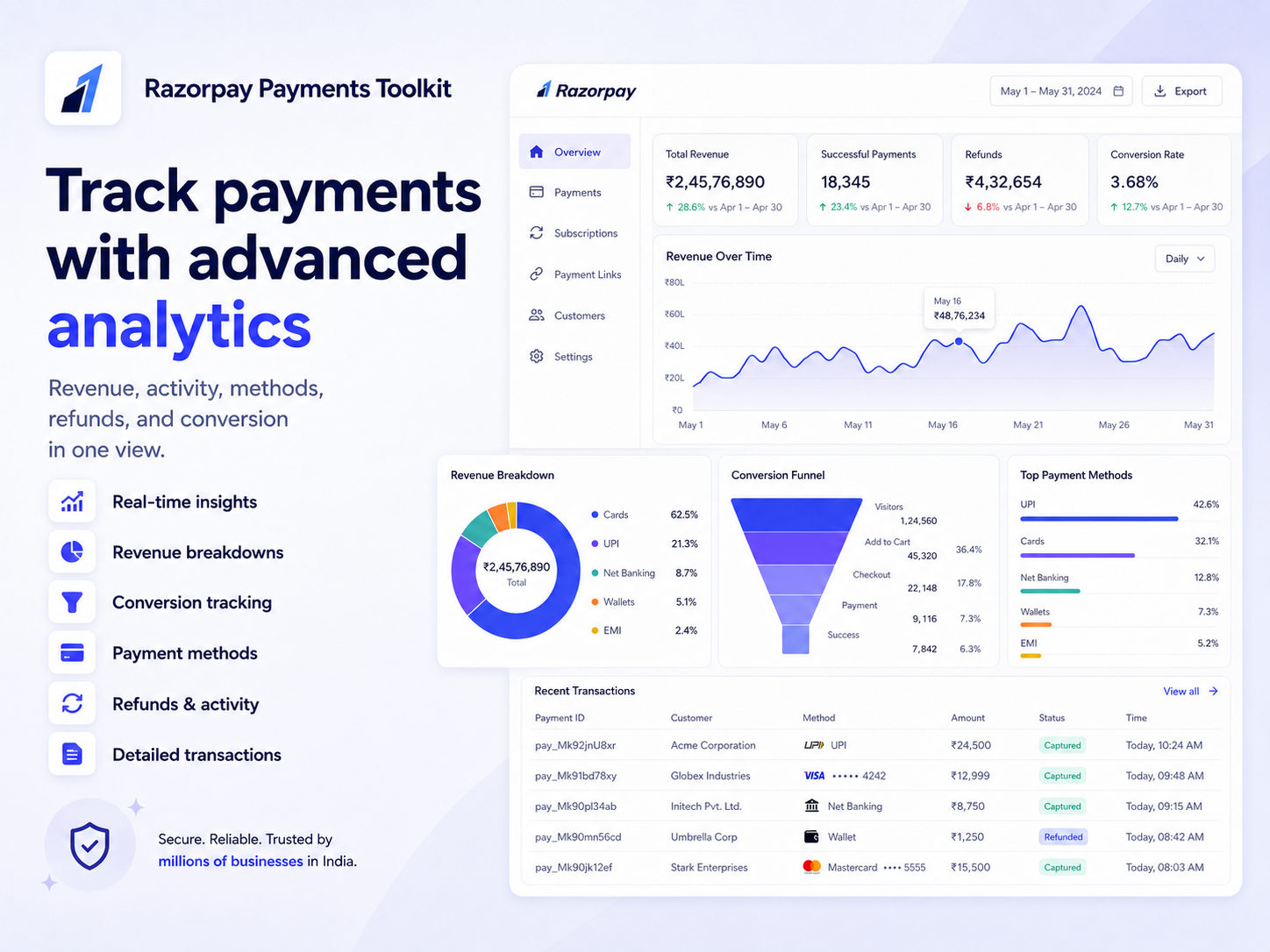
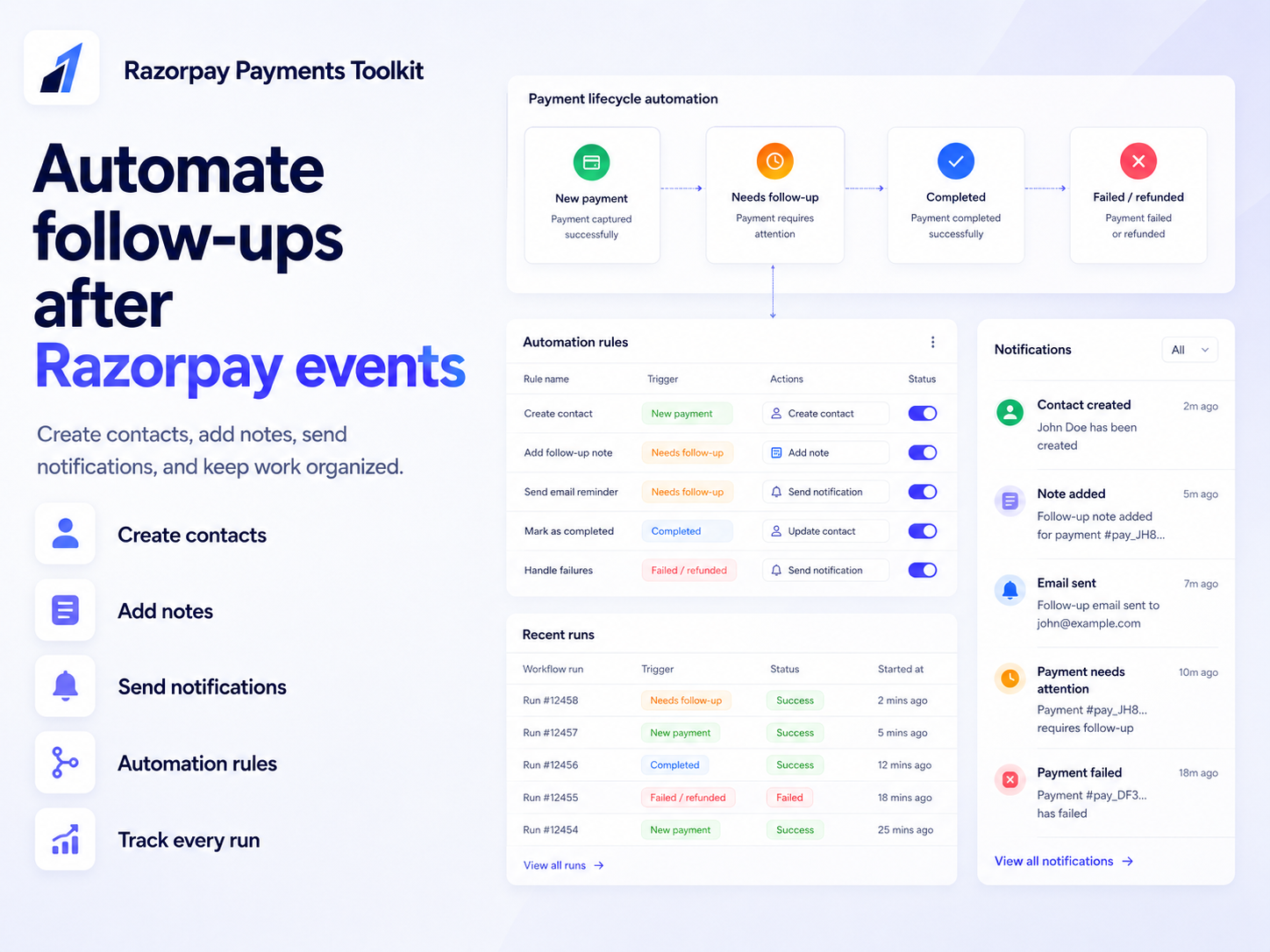
- Razorpay dashboard, analytics, and automations - Manage Razorpay payments from one dashboard. Track payment attempts, completed payments, revenue, refunds, methods, subscriptions, setup performance, and sync status. Use automations to create contacts, add notes, send notifications, or create pipeline cards after Razorpay payment events
評価・レビュー
まだこのアプリのレビューはありません、最初に評価しましょう。料金・プラン
Freeプラン
無料
1 active setup
20 checkouts / month
RazorPay method
Basic payment records
Coreプラン
$
3
49
/月
10 active setups
200 checkouts / month
Links and QR
Donations and custom amounts
Proプラン
$
6
99
/月
Unlimited setups
Unlimited checkouts
Subscriptions
Automations
* 価格はUSDです。