

オンラインストア
サービス予約
イベント
ポップアップ

Curate Virtual Try-On
開発元:
Let shoppers try your clothes on before buying
まだレビューはありません
無料

Curate Virtual Try-On の概要
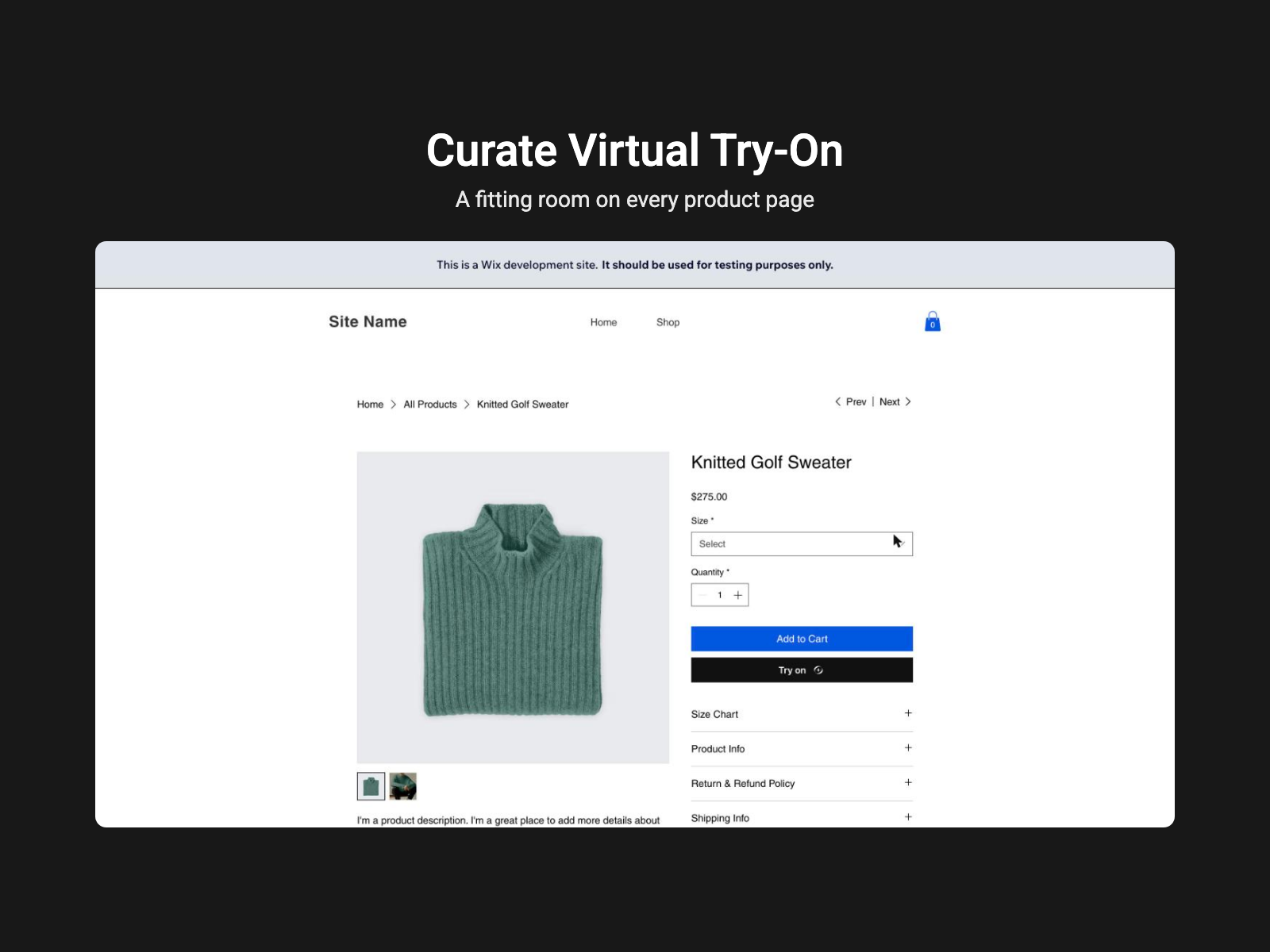
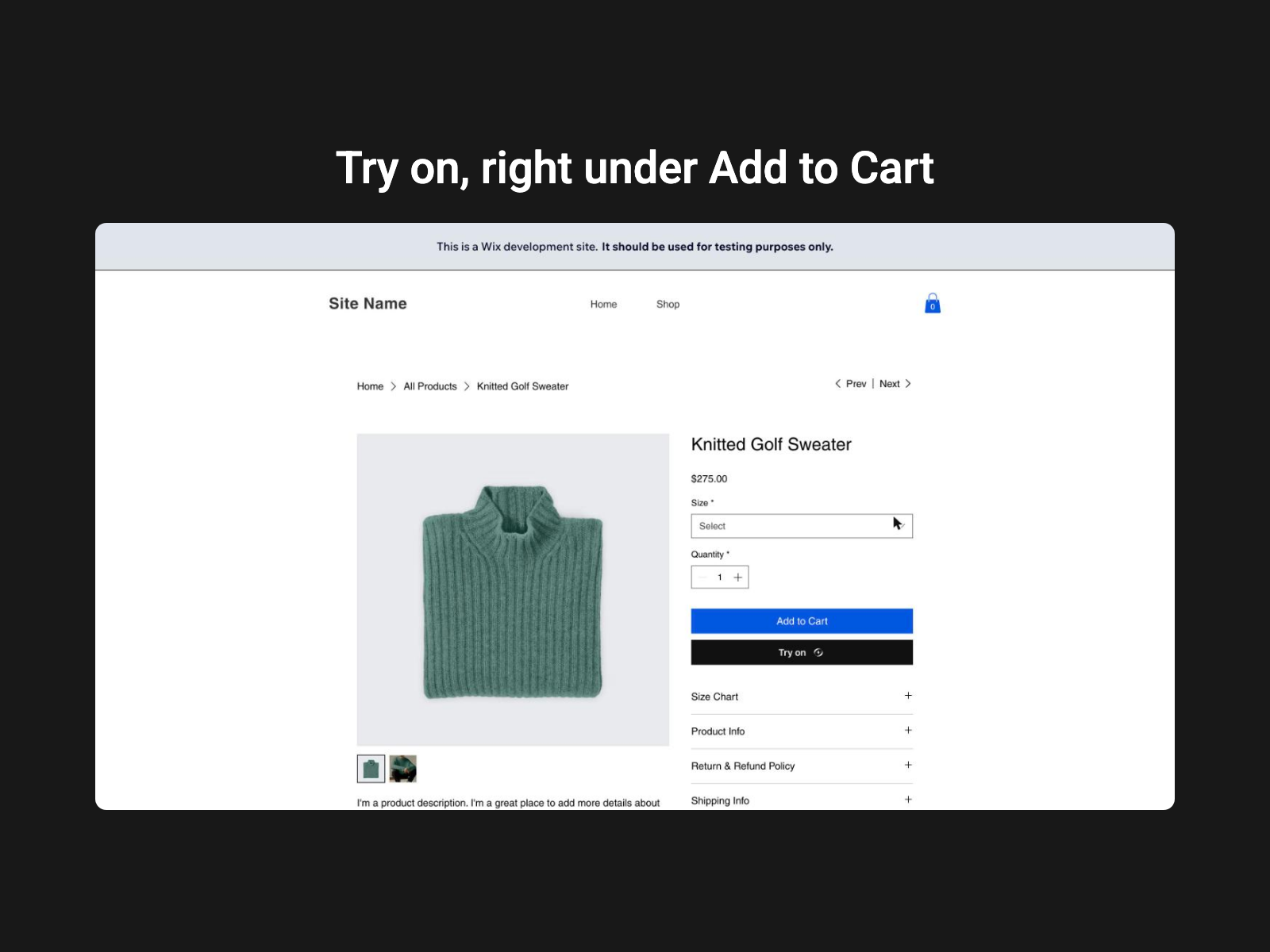
- A Try On button on your product pages, added for you
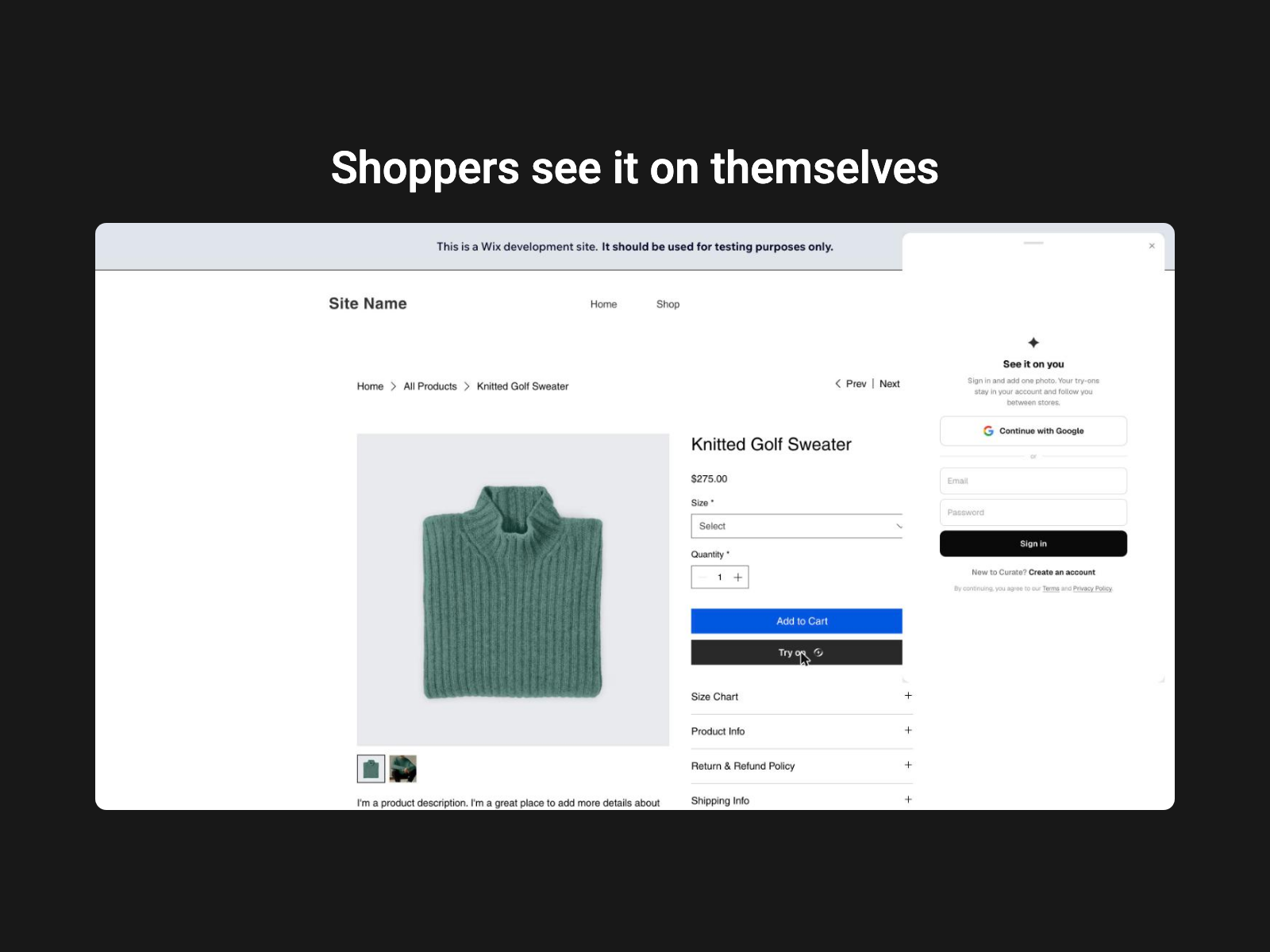
- Shoppers see your clothes on a photo of themselves
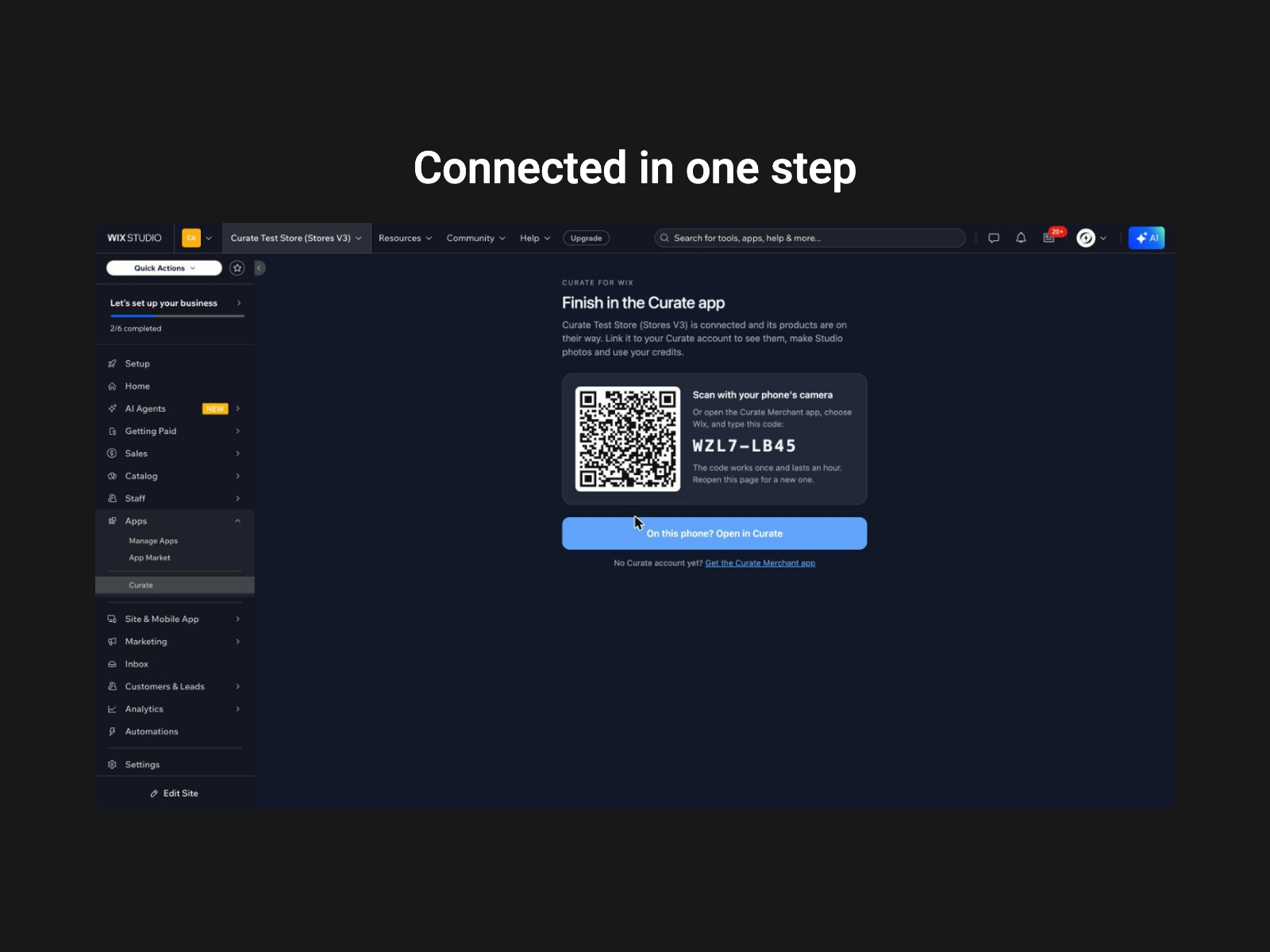
- Your products, colours and sizes come in and stay in sync
- Shoppers add to cart straight from the try-on