Wix App Market Logo

wix logo


Trending Topics
オンラインストア
サービス予約
イベント
ポップアップ

Steps Timeline logo

Steps Timeline

開発元:
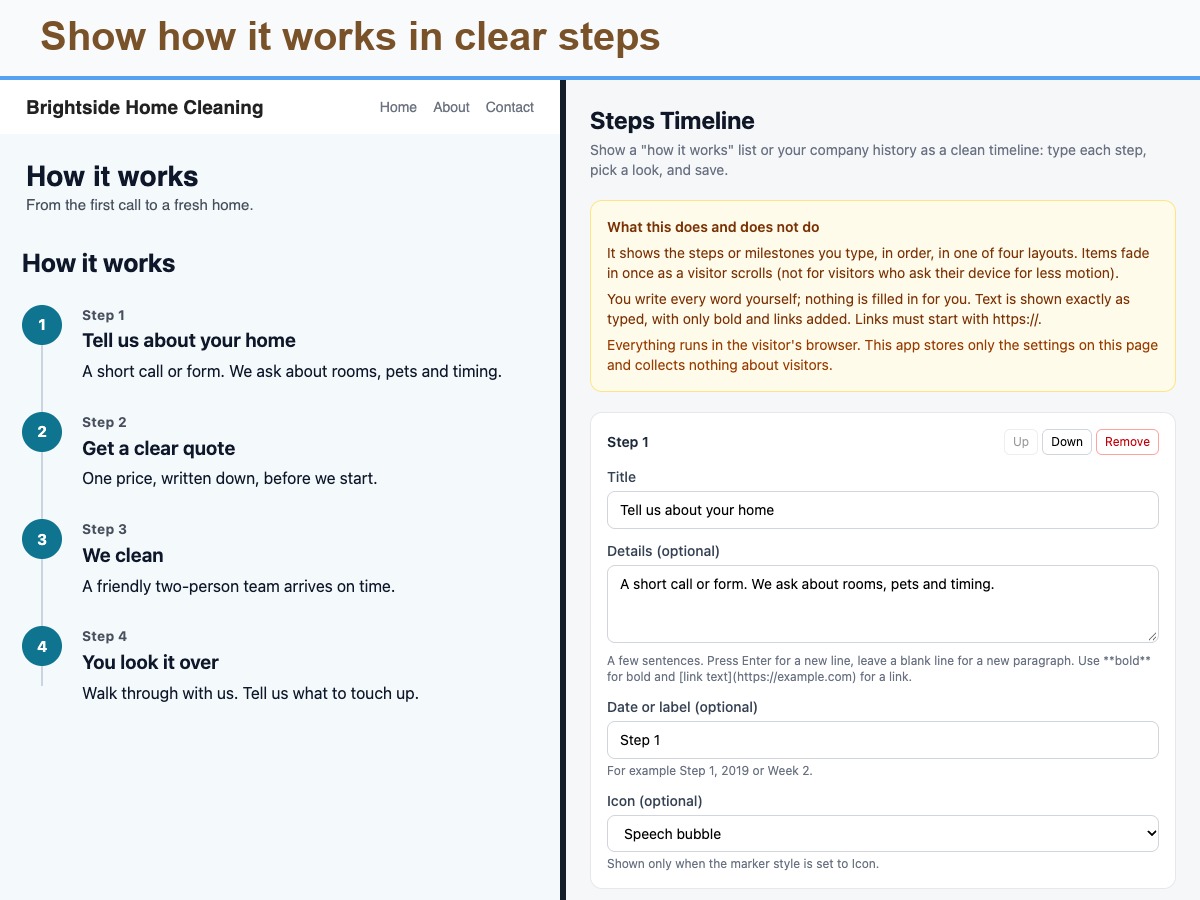
Show how it works, or your history, in steps
まだレビューはありません
無料

Steps Timeline の概要

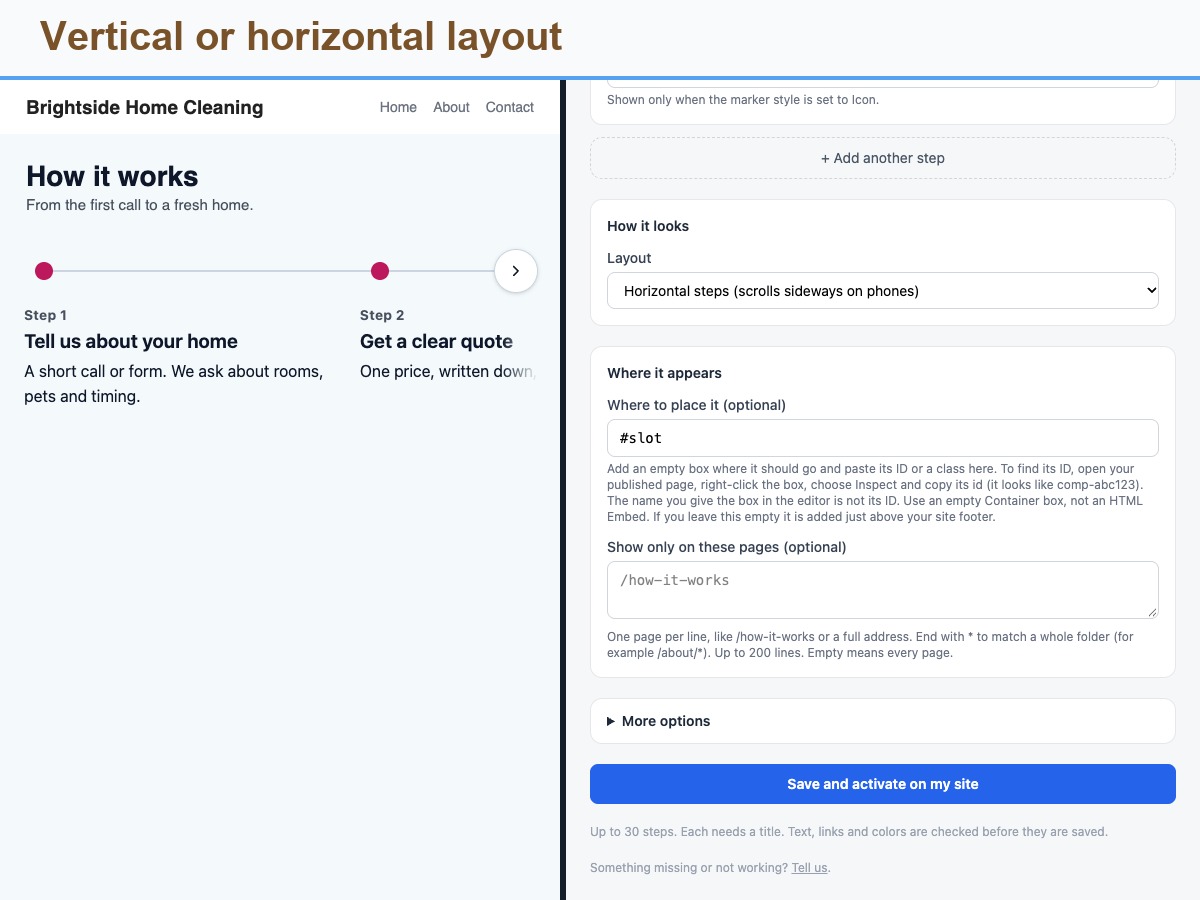
  • Four layouts, vertical to numbered cards
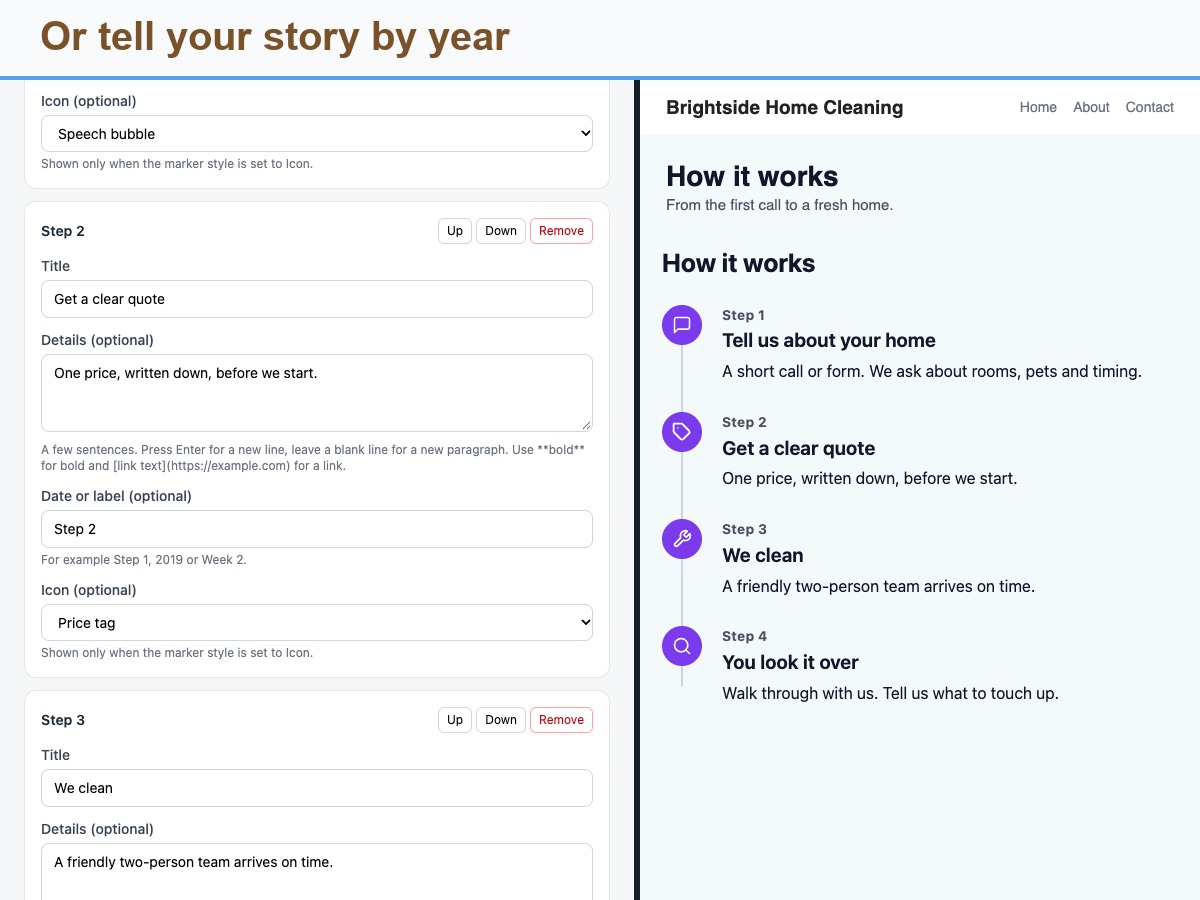
  • Built-in icons, numbers or dots
  • Bold text and links in each step
  • Fades in on scroll, motion-safe
Steps Timeline turns a list of steps or milestones into a clear visual flow. Use it for a How it works section, an onboarding path, a process, or a company history. For each step you type a title, optional details, an optional date or label such as Step 1, 2019 or Week 2, and an optional icon from a built-in set of simple line icons. Details can include bold text and links that start with https. Choose one of four layouts: a vertical line with alternating sides, a vertical line on one side, a horizontal stepper that scrolls sideways on phones, or numbered cards. Pick a number, icon or dot marker, count the steps or not, change the text size and set marker, line and text colors. Steps fade in once as a visitor scrolls, and visitors who prefer reduced motion see everything at once. Place it inside a box you name or just above your footer, and limit it to chosen pages. It supports right-to-left languages and reads in order for screen readers. Honest by design: you write every word yourself, and the block shows exactly what you type, with only bold and links added. There are no images or per-step buttons. Only your settings are stored, nothing about visitors.
利用できる国:
このアプリは世界中で利用できます。
アプリ言語:
英語
サイトに表示されているすべてのアプリコンテンツをあらゆる言語に翻訳できます。
こちらもチェック:

評価・レビュー

まだこのアプリのレビューはありません、最初に評価しましょう。

あなたのアプリを世界で2億人以上もいる Wix ユーザーに提供しませんか