

オンラインストア
サービス予約
イベント
ポップアップ

Wix 認定済み
Square
開発元:
Square payments, links, QR & analytics
5.0
無料プラン利用可能

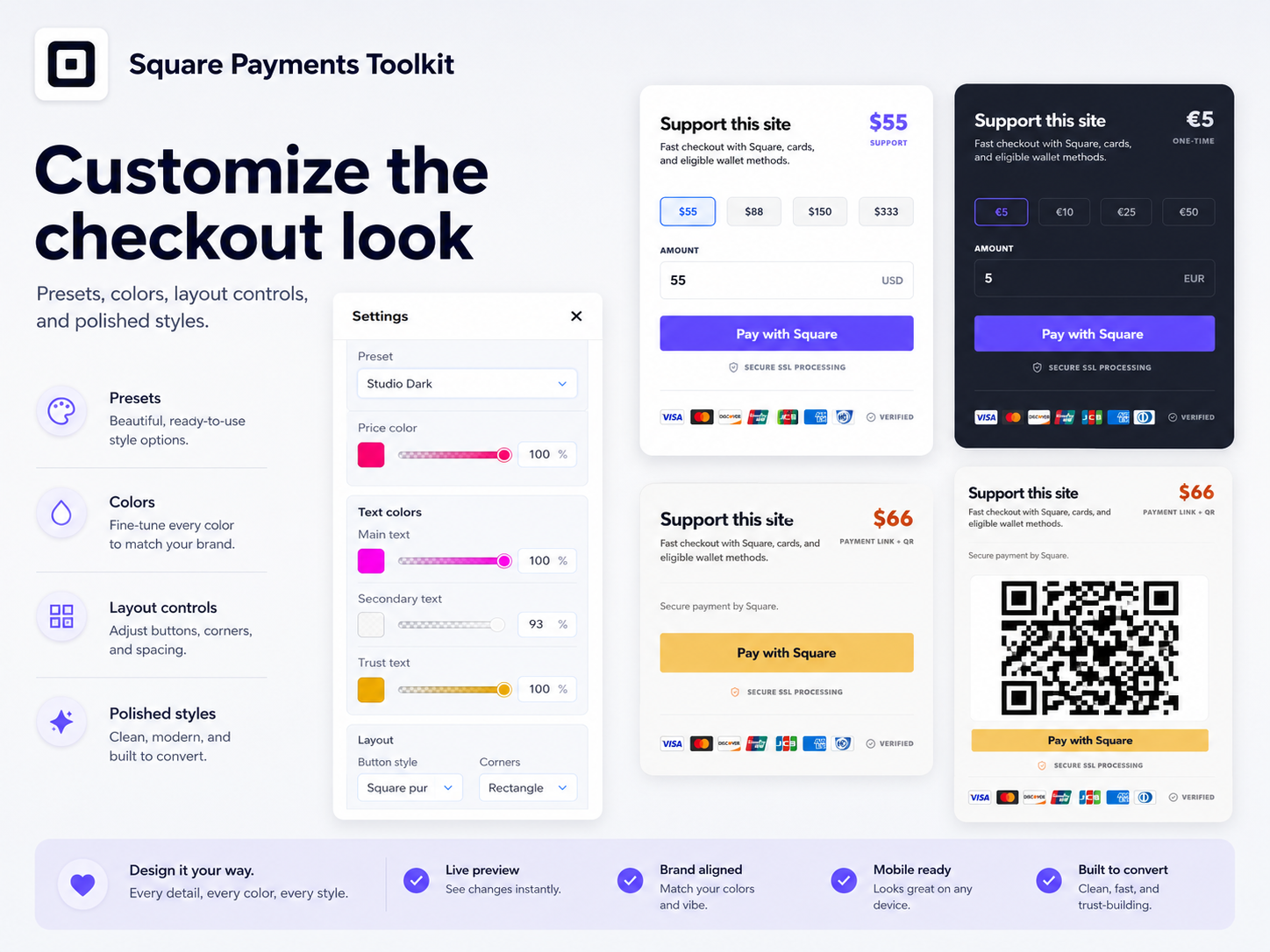
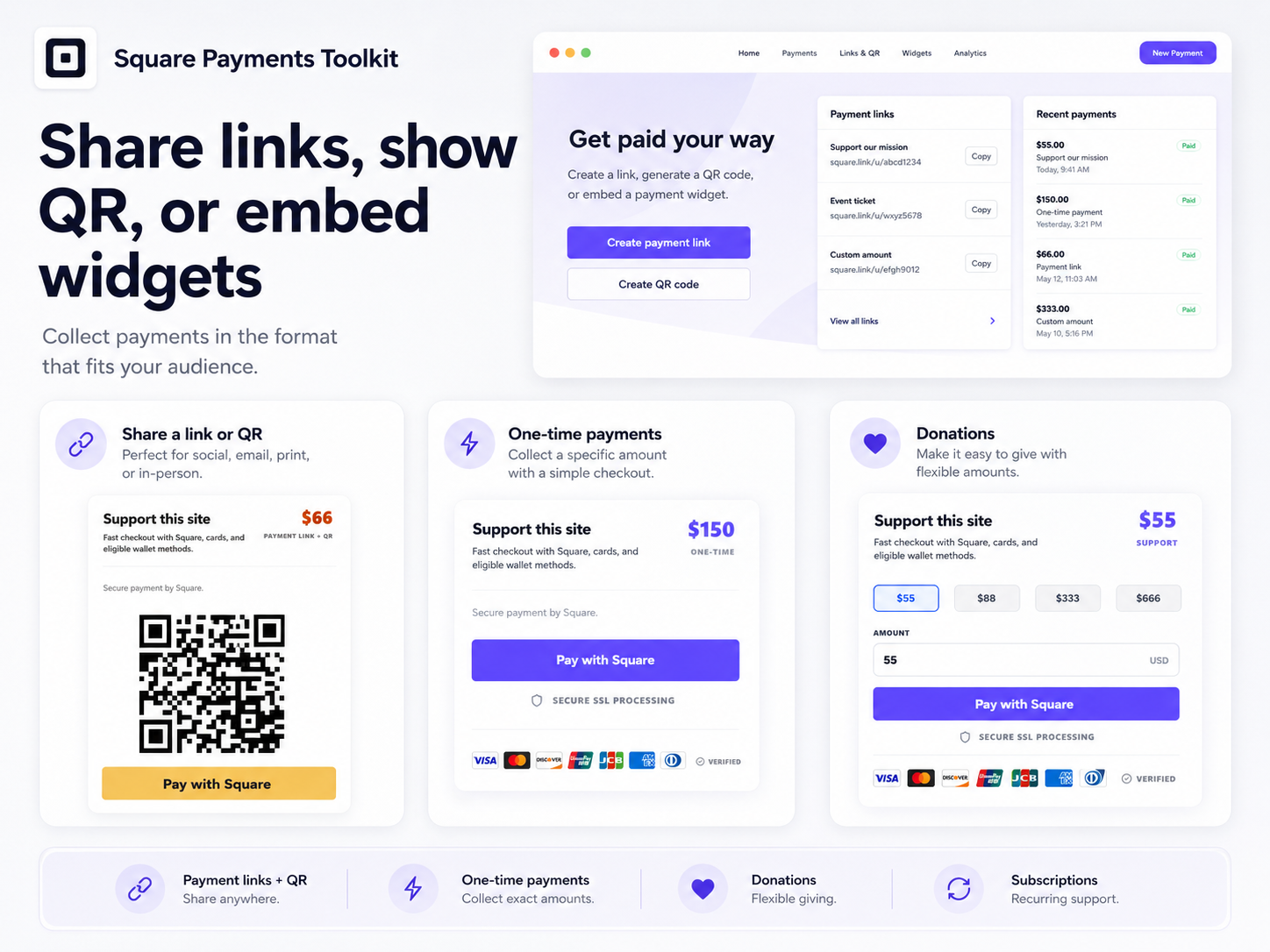
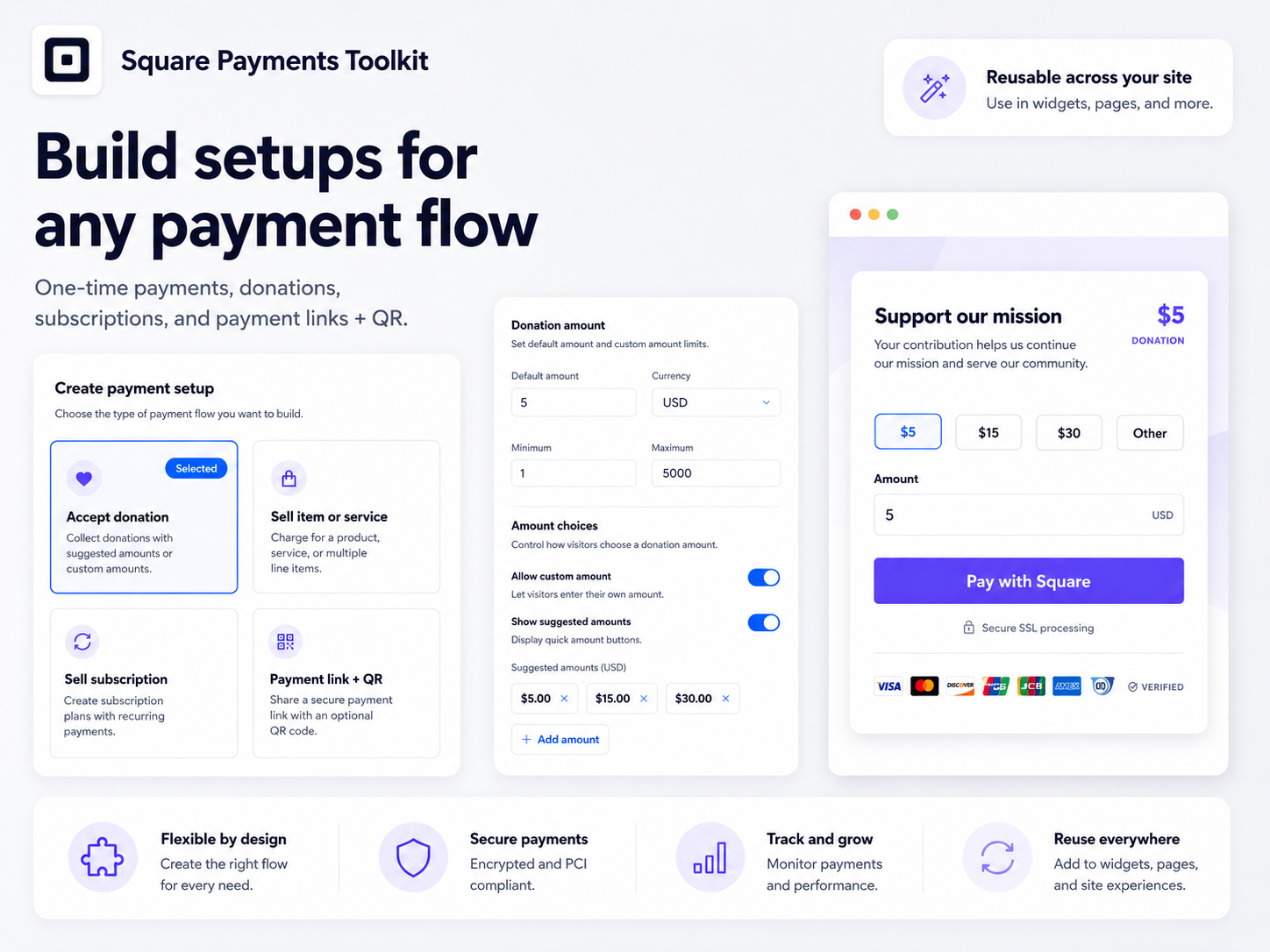
Square の概要
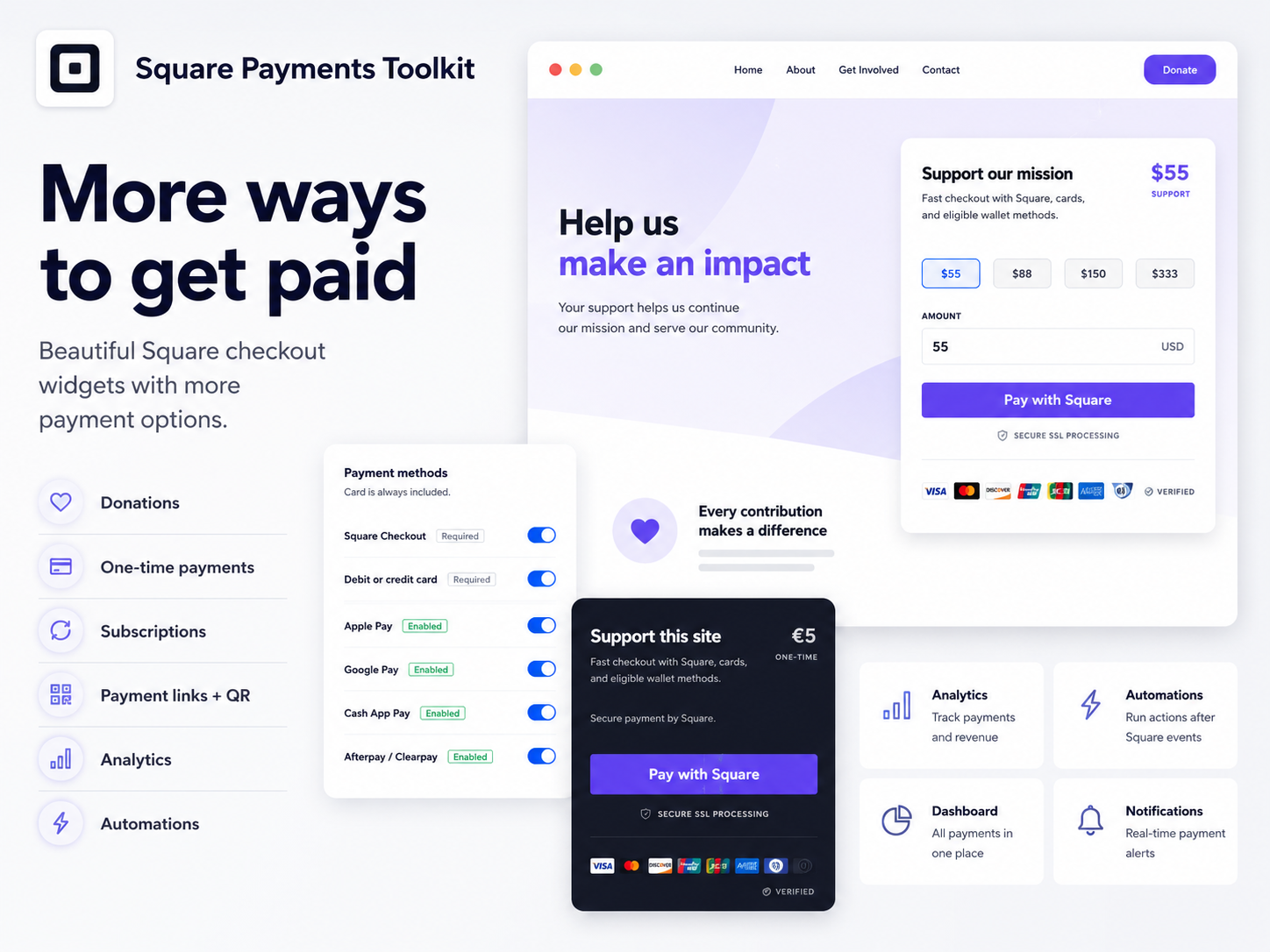
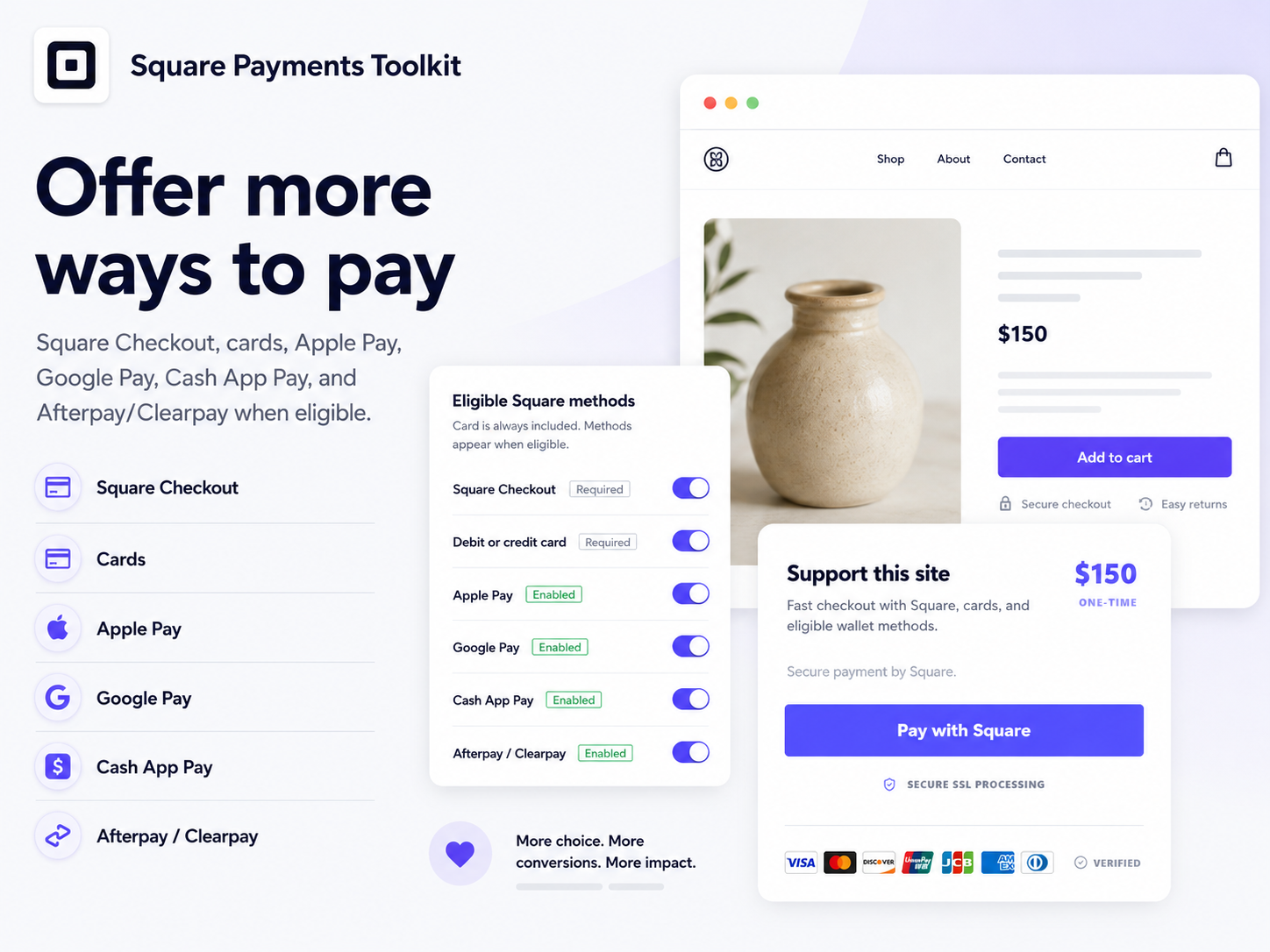
- Square checkout buttons and payment widgets - Create Square payment buttons and Square checkout widgets for one-time payments, products, services, donations, custom amounts, suggested amounts, quantities, Square payment links, QR payments, and Square subscriptions. Let eligible buyers use cards, Square Checkout, Apple Pay, Google Pay, Cash App Pay, Afterpay/Clearpay, and other Square-supported payment methods where available
- Square reusable payment setups - Build reusable Square payment setups once and use them across widgets, Square payment links, and QR codes. Create Square setups for services, products, donations, payment links, subscriptions, or custom checkout flows without recreating the same Square payment configuration every time
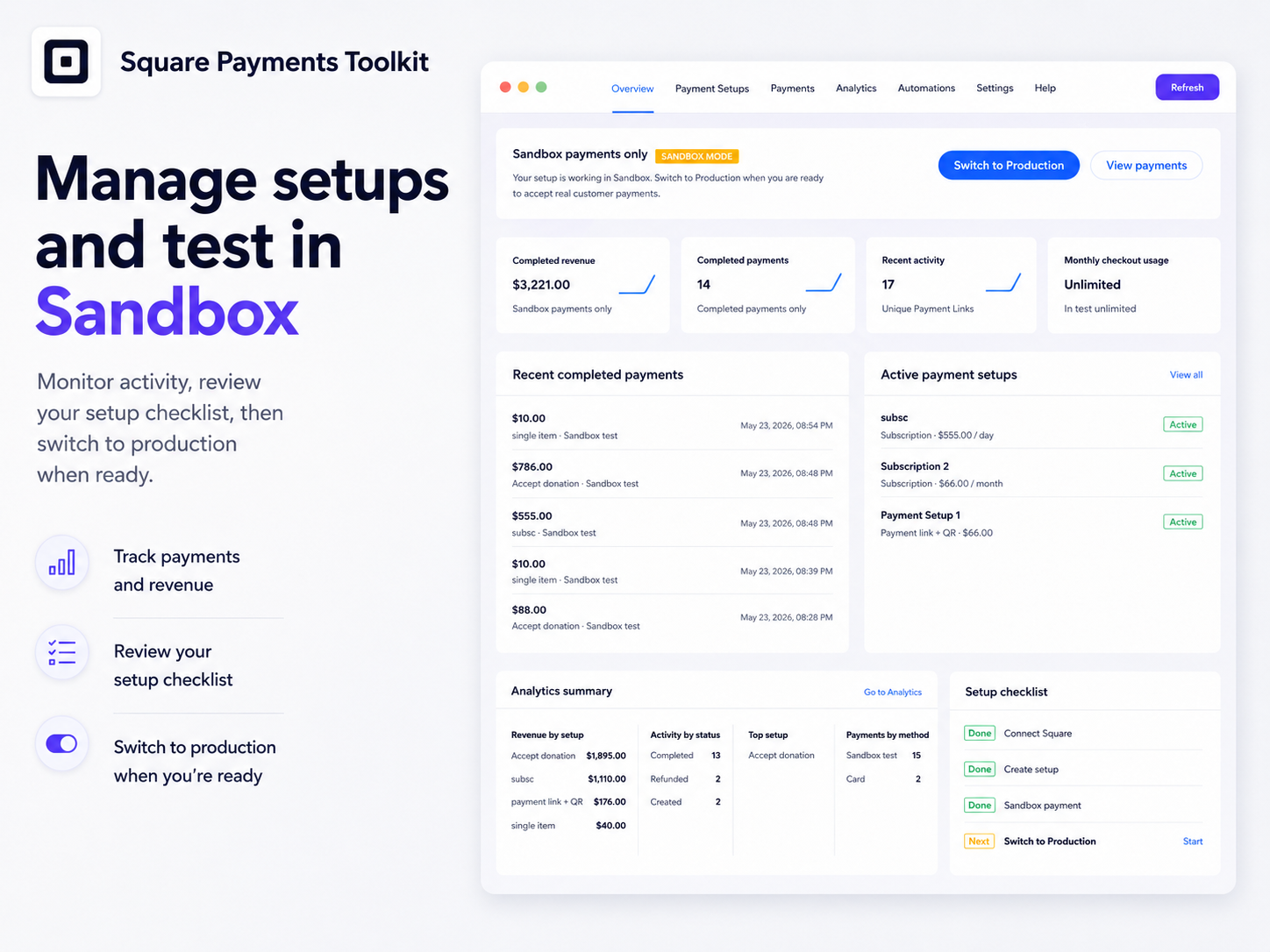
- Square dashboard, analytics, and reports - Manage Square payments from one dashboard. Track Square payment activity, completed payments, captured revenue, refunds, payment methods, setup performance, subscription activity, checkout results, and Square sync freshness. Use Square analytics to understand which Square payment setups and Square checkout flows perform best
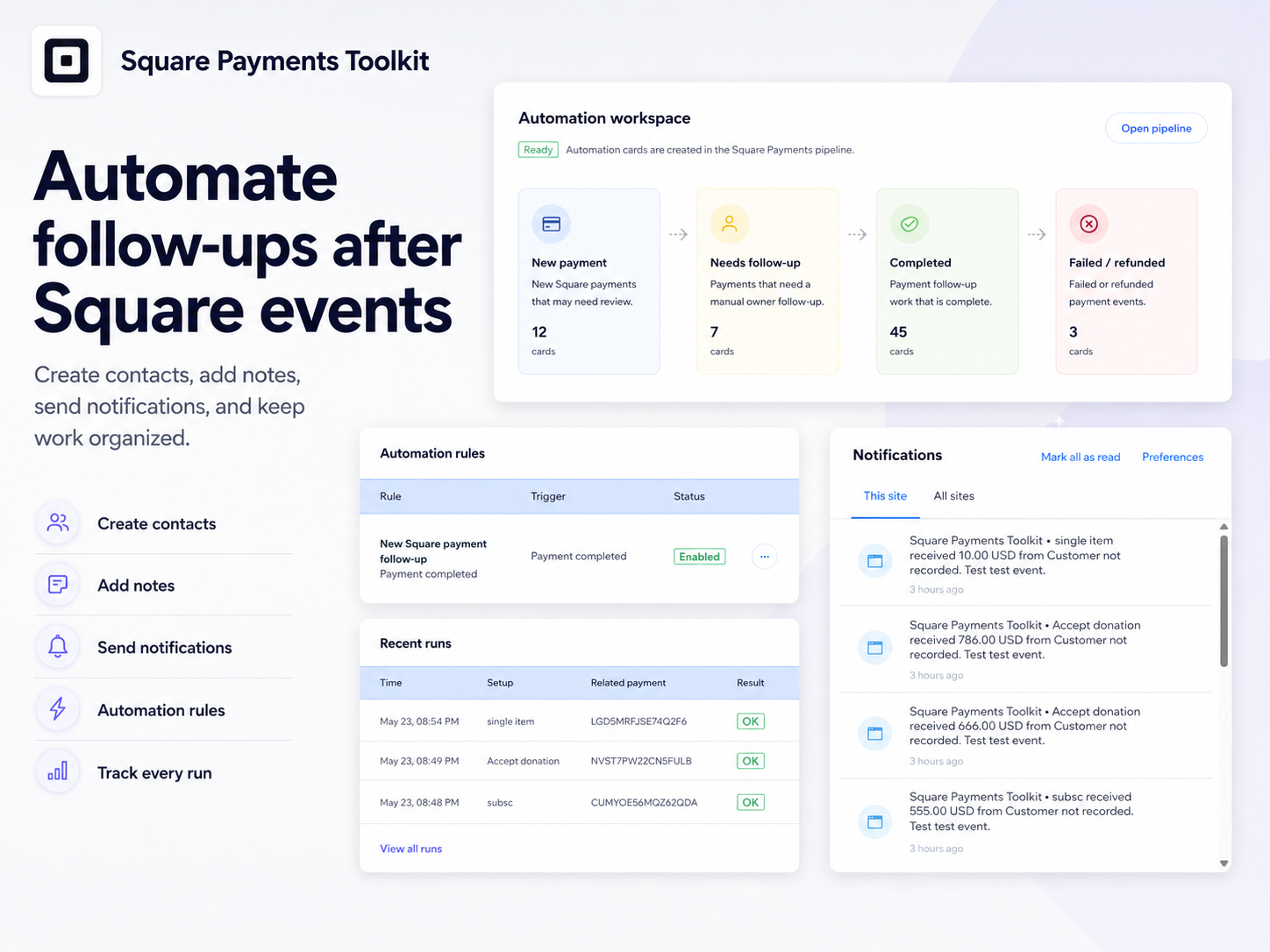
- Square automations and follow-ups - Run automations after Square payment events. Create contacts, add notes, send notifications, or create pipeline cards when Square payments, Square donations, Square subscriptions, Square refunds, or Square checkout events are completed, failed, refunded, or need follow-up
5.0 平均評価
31件のレビュー
5
31
4
0
3
0
2
0
1
0
並び替え:
7V
7v392axu4i/ Oct 22, 2026
Perfect for donations
(0)
貴重なご意見ありがとうございました!
AL
Allthingscustom26/ Oct 15, 2026
Beautiful payment widget
(0)
貴重なご意見ありがとうございました!
IN
Inkconservatoryboo/ Oct 7, 2026
Professional and simple
(0)
貴重なご意見ありがとうございました!
SH
Shewrightz/ Oct 6, 2026
Simple product checkout
(0)
貴重なご意見ありがとうございました!
LO
Lovelandbranddesign/ Oct 4, 2026
Perfect for small businesses
(0)
貴重なご意見ありがとうございました!
料金・プラン
Freeプラン
無料
1 active setup
20 checkouts / month
Cards payment method
Basic payment records
Coreプラン
$
3
49
/月
10 active setups
200 checkouts / month
Links and QR
Donations and custom amounts
Proプラン
$
6
99
/月
Unlimited setups
Unlimited checkouts
Subscriptions
Automations
* 価格はUSDです。