

オンラインストア
サービス予約
イベント
ポップアップ

Microsoft Excel Tables
開発元:
Live Excel tables on your site, always current
5.0
無料プラン利用可能

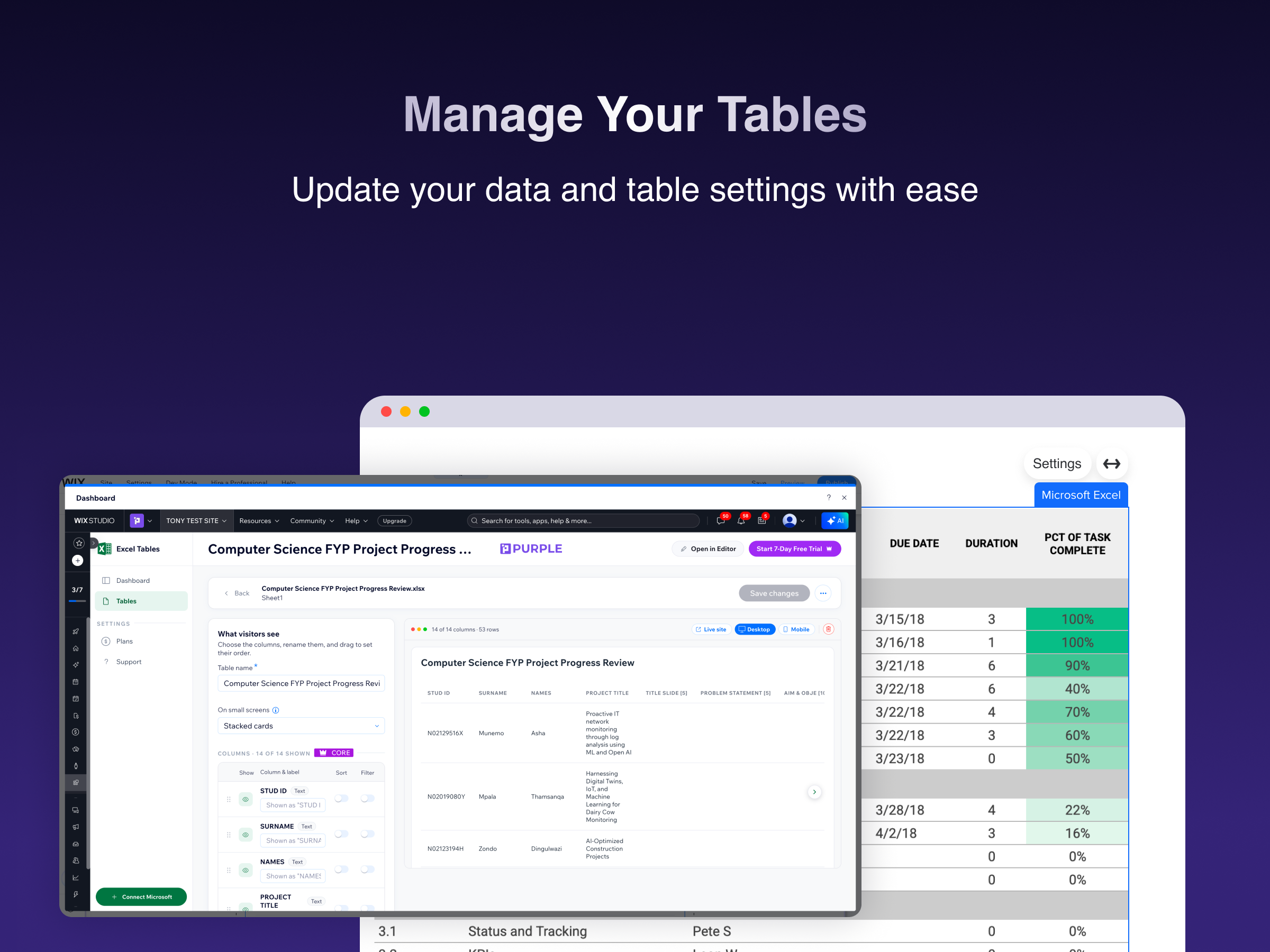
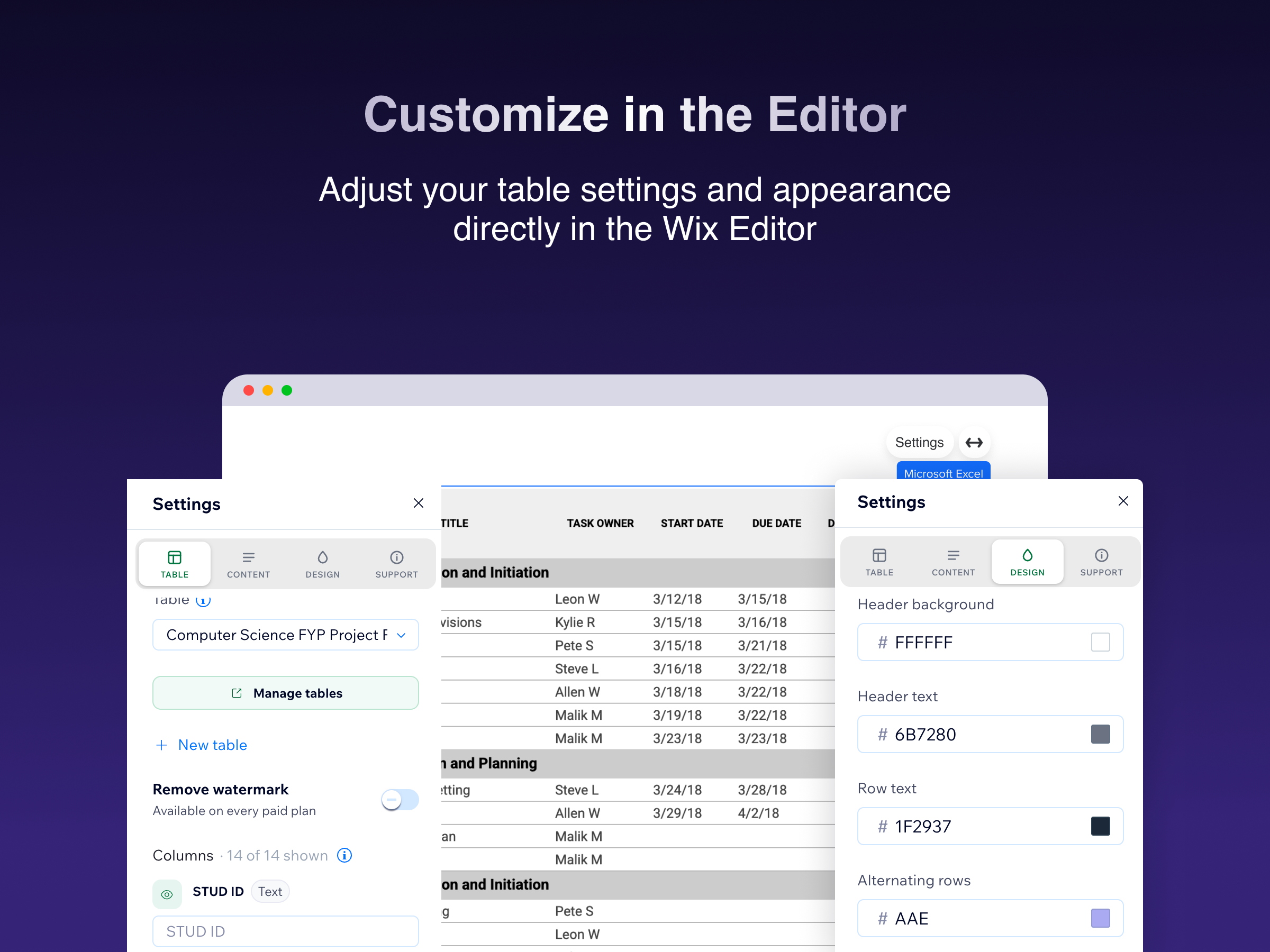
Microsoft Excel Tables の概要
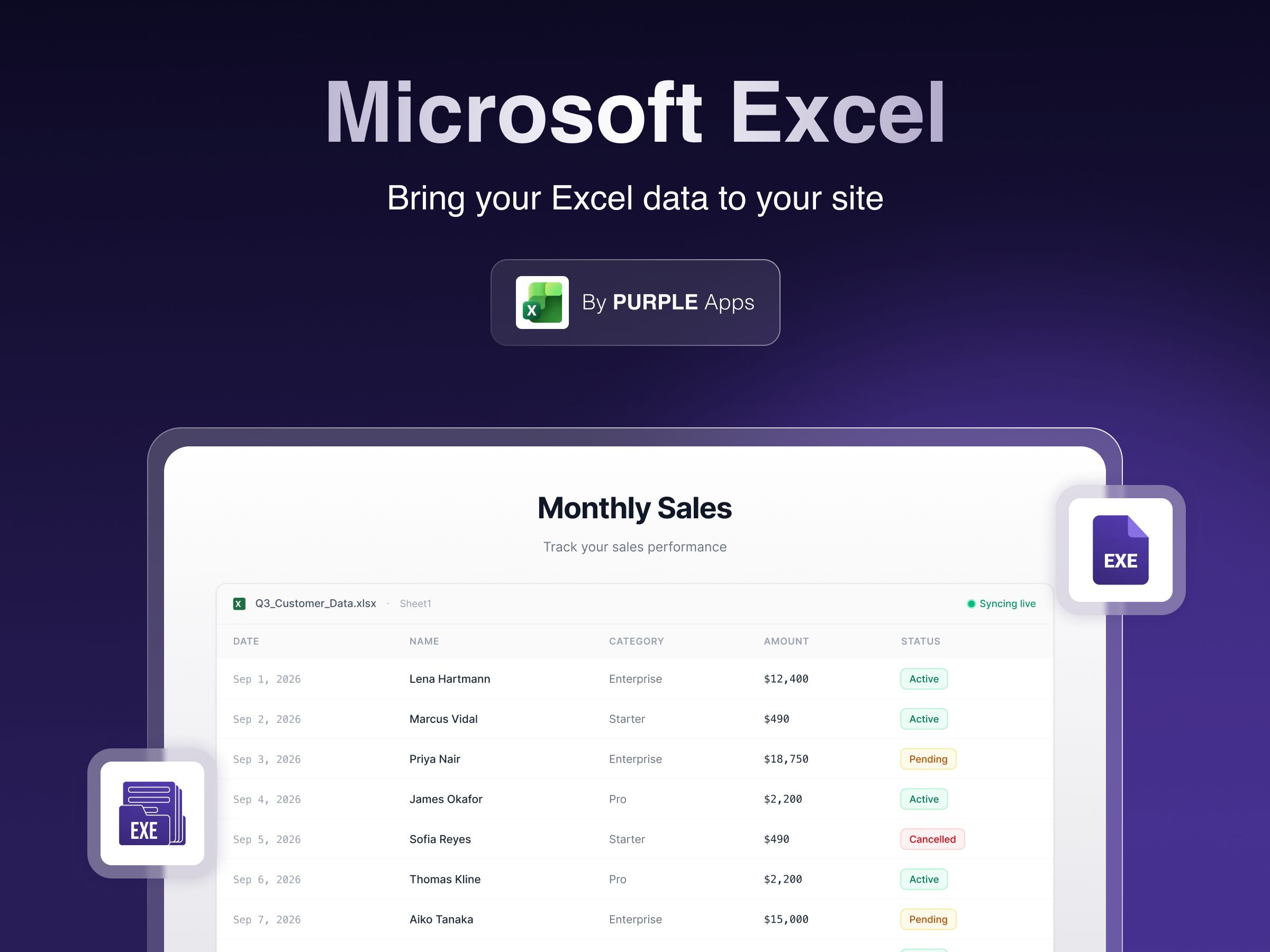
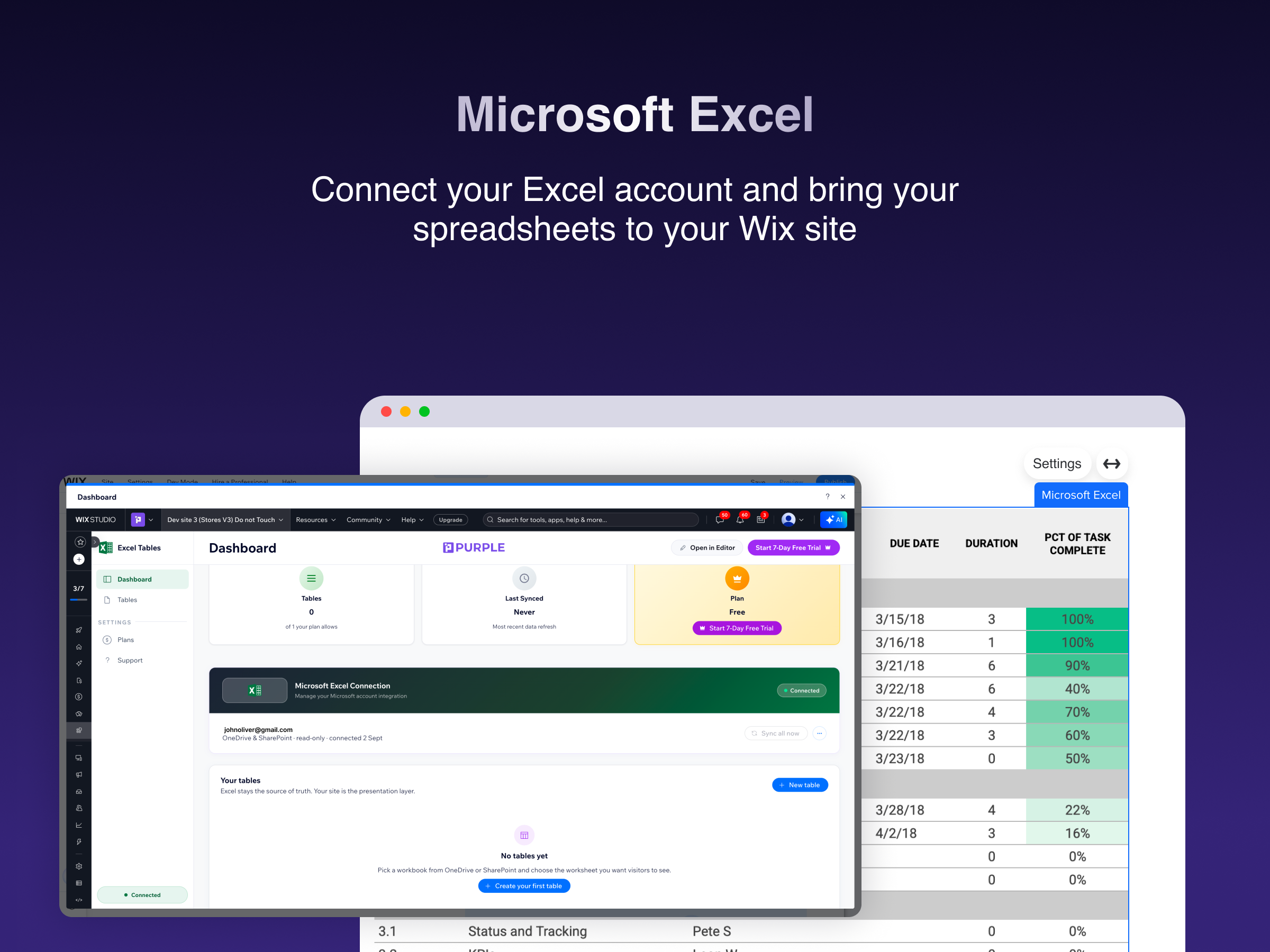
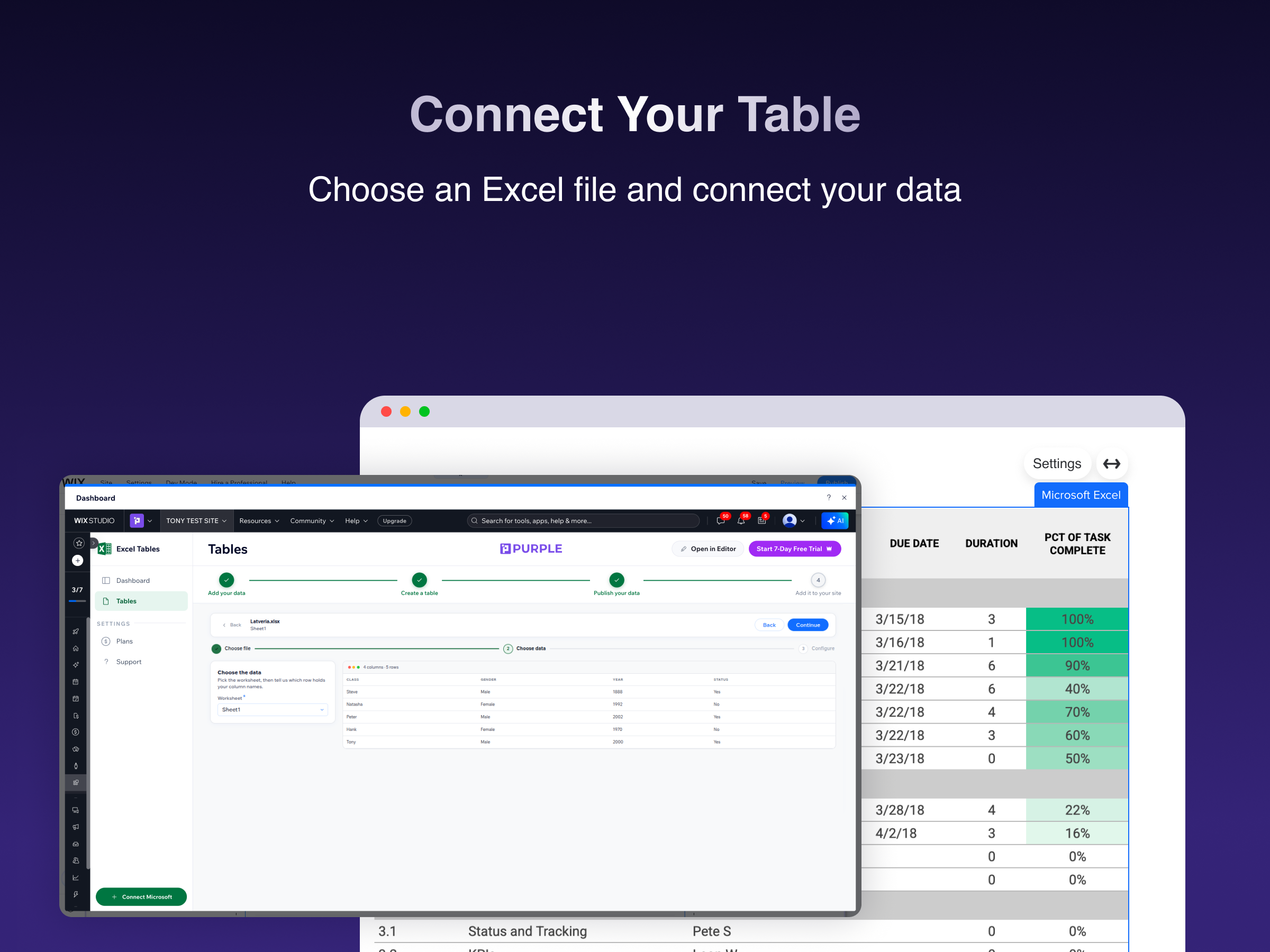
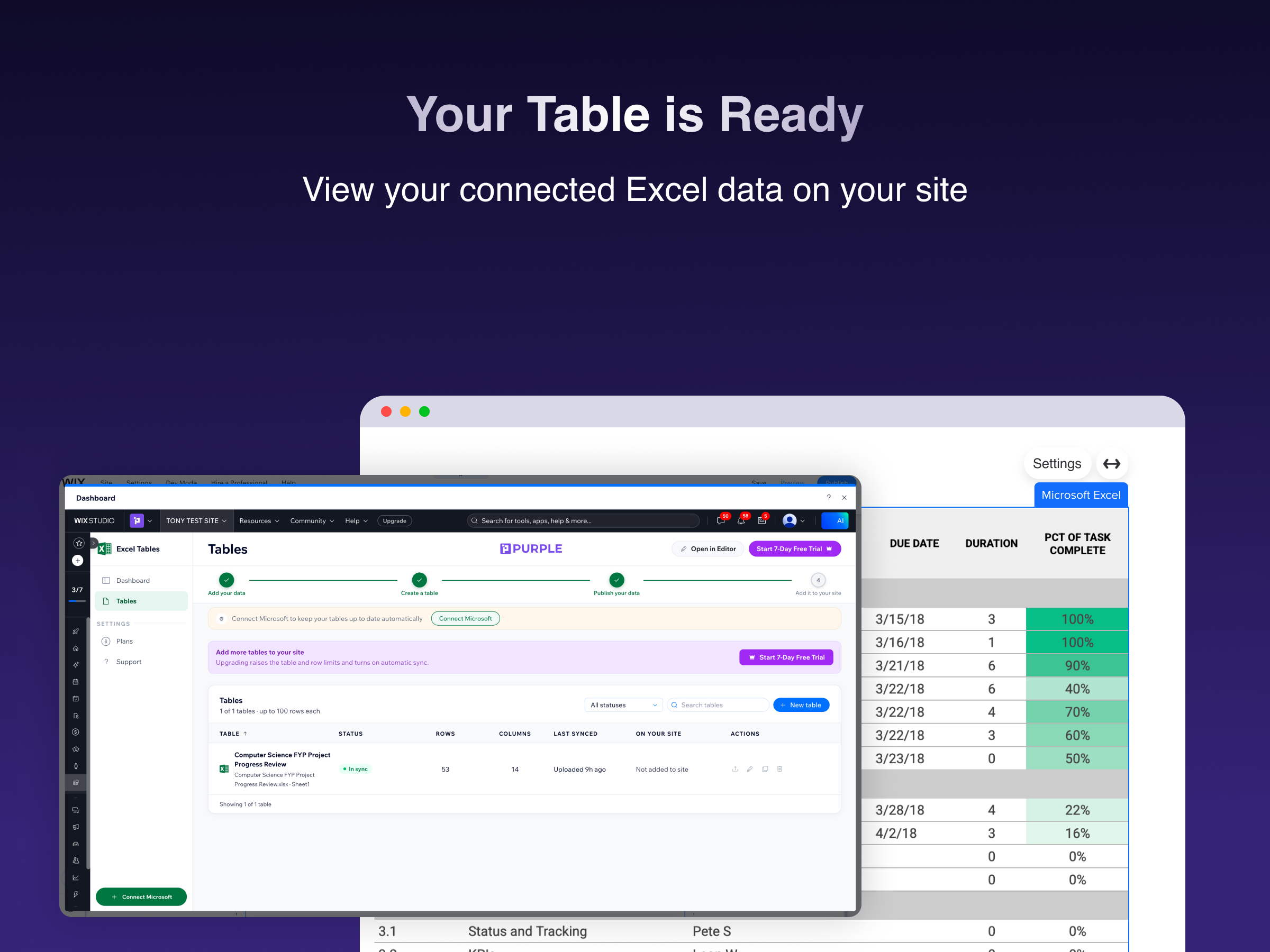
- Connect OneDrive or SharePoint and put any worksheet on your site in minutes
- Edit the spreadsheet as usual — your site updates automatically, no re-publishing
- Table or card layout, your columns, your colours, your fonts
- Visitor search, sorting and column filters for long lists
5.0 平均評価
1件のレビュー
5
1
4
0
3
0
2
0
1
0
LA
Laneygrid10/ Oct 16, 2026
LoveSuch a great app to have on WIX. Made reading my tables so easy
PU
PURPLEチーム
Hi there,
Thank you so much for the five-star review! We're thrilled to hear that Microsoft Excel Tables has made reading your tables on Wix so much easier. We truly appreciate your support and...(0)
貴重なご意見ありがとうございました!
料金・プラン
Basicプラン
無料
1 Excel table
Up to 100 rows
Manual sync
Purple branding
Lightプラン
$
3
80
/月
Up to 3 tables
Up to 1 000 rows per table
Daily automatic sync
Remove PURPLE branding
Coreプラン
$
7
40
/月
Up to 5 tables
Up to 10 000 rows per table
Hourly automatic sync
Search, sorting & filters, more styles
Proプラン
$
9
60
/月
Unlimited tables
Unlimited row limits
Fastest available automatic sync
Priority support
* 価格はUSDです。