

オンラインストア
サービス予約
イベント
ポップアップ

Ask in Aria
Hotel Booking
開発元:
Take direct hotel bookings on your site
まだレビューはありません
無料

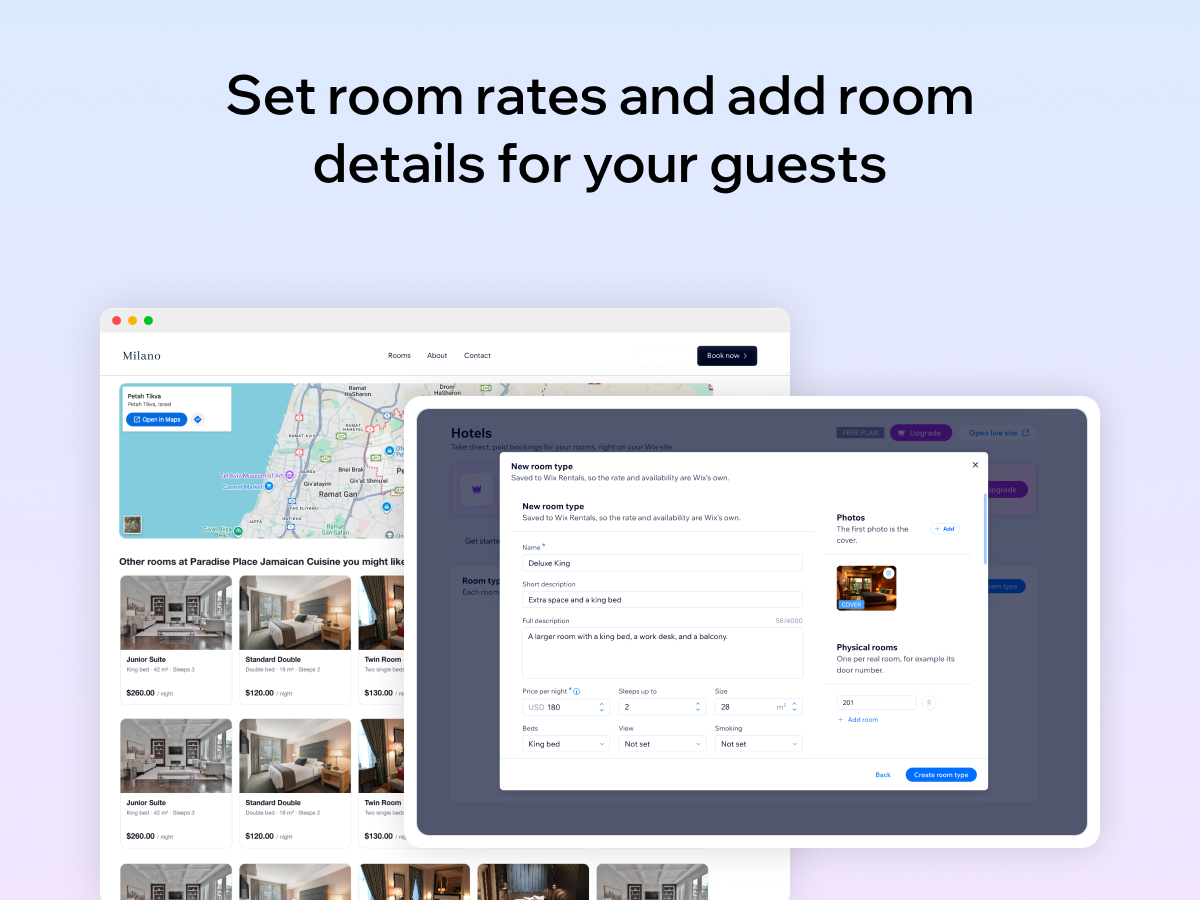
Hotel Booking の概要
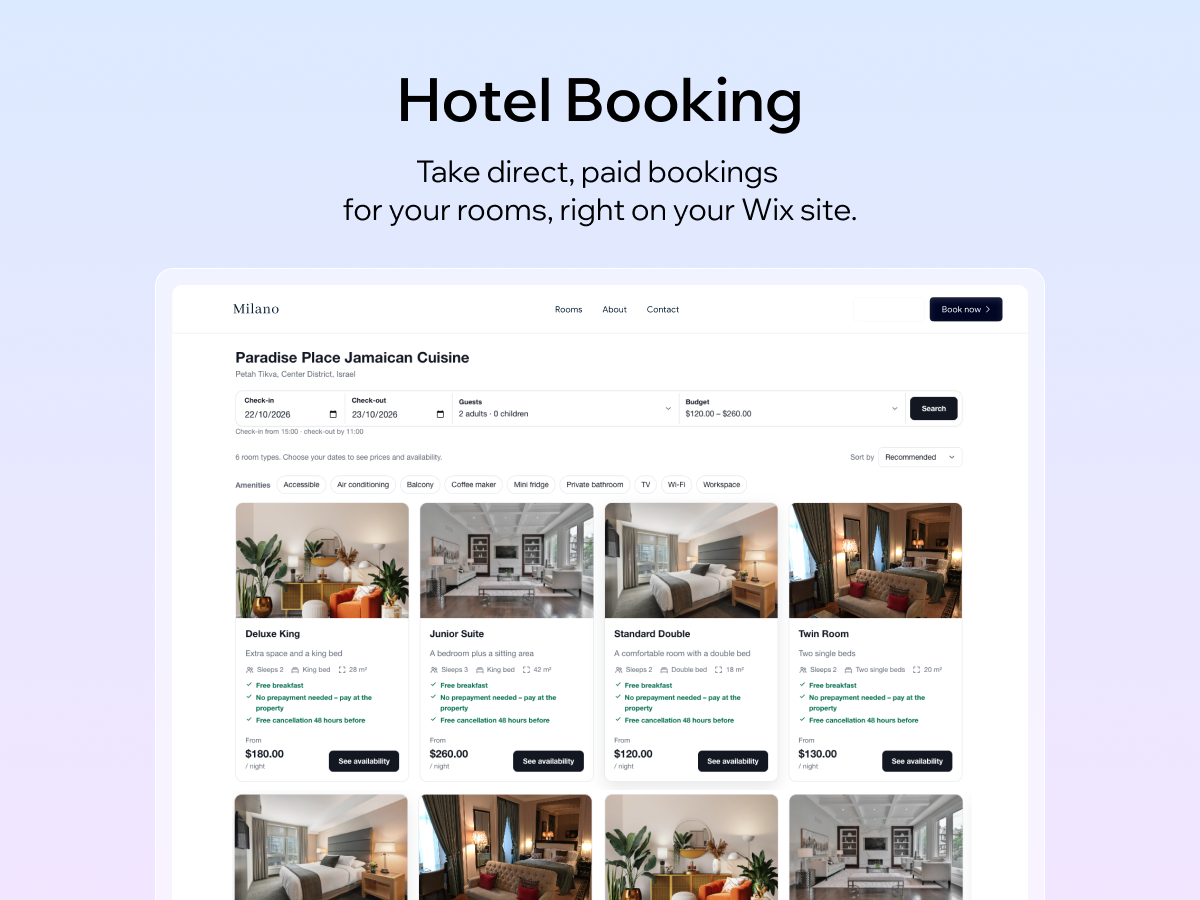
- Guests search by dates and only see rooms that are free
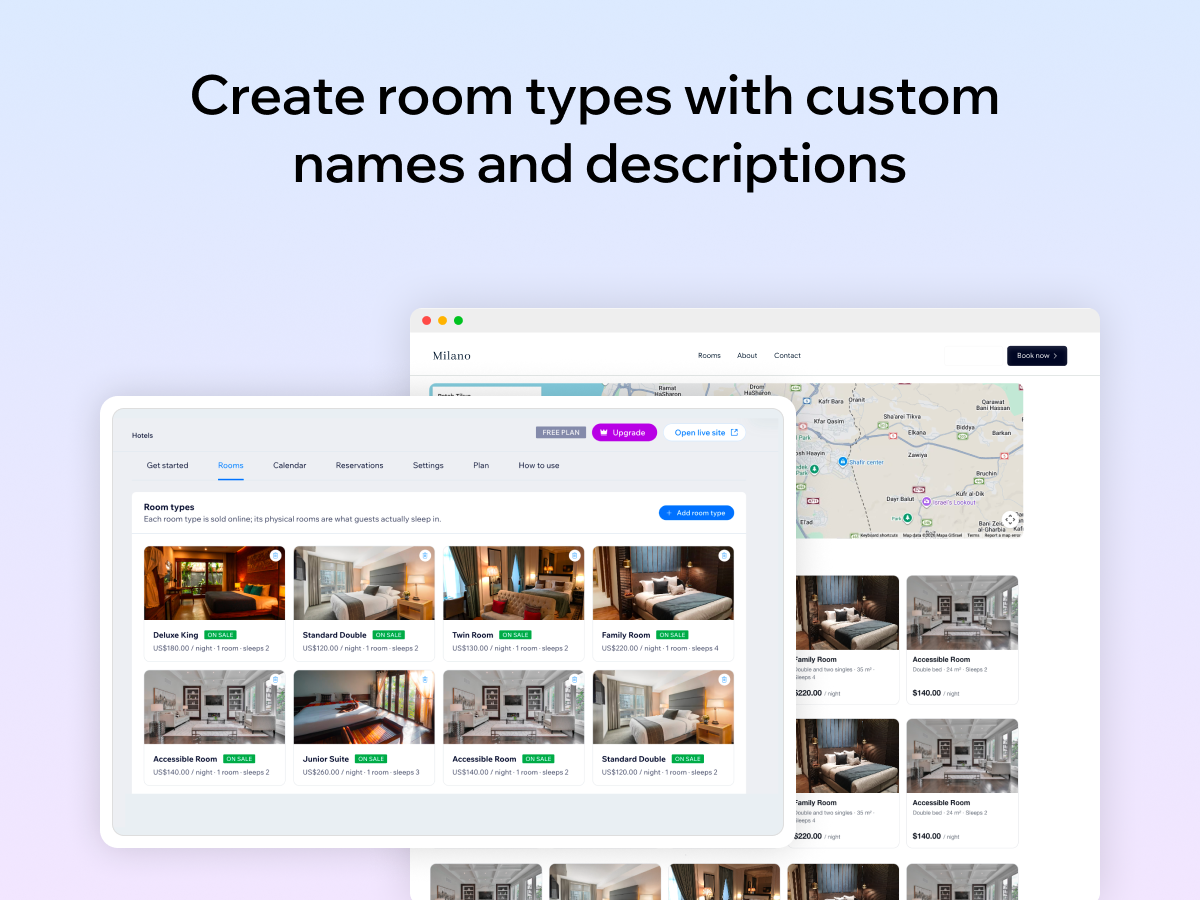
- Room pages with photos, a nightly price, and amenities
- Guests pay on your site through checkout
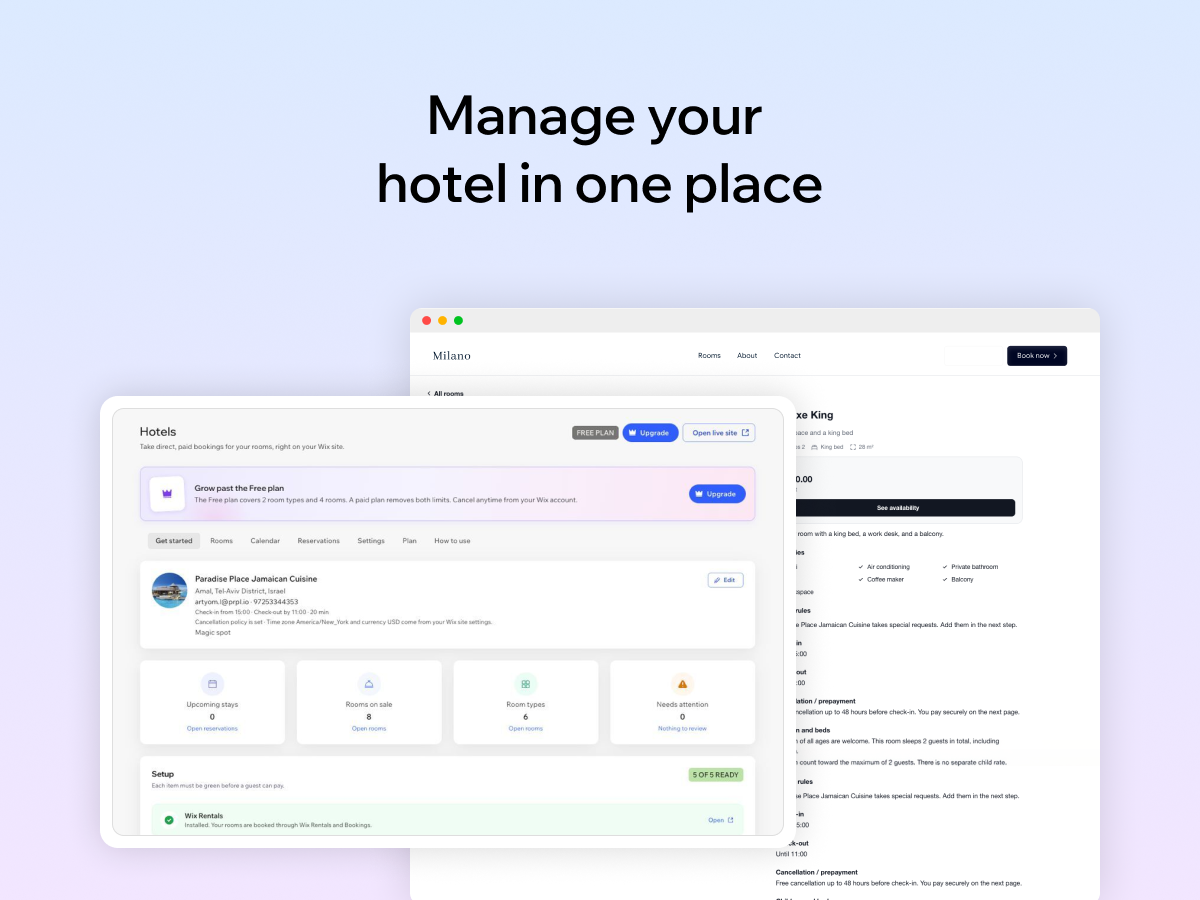
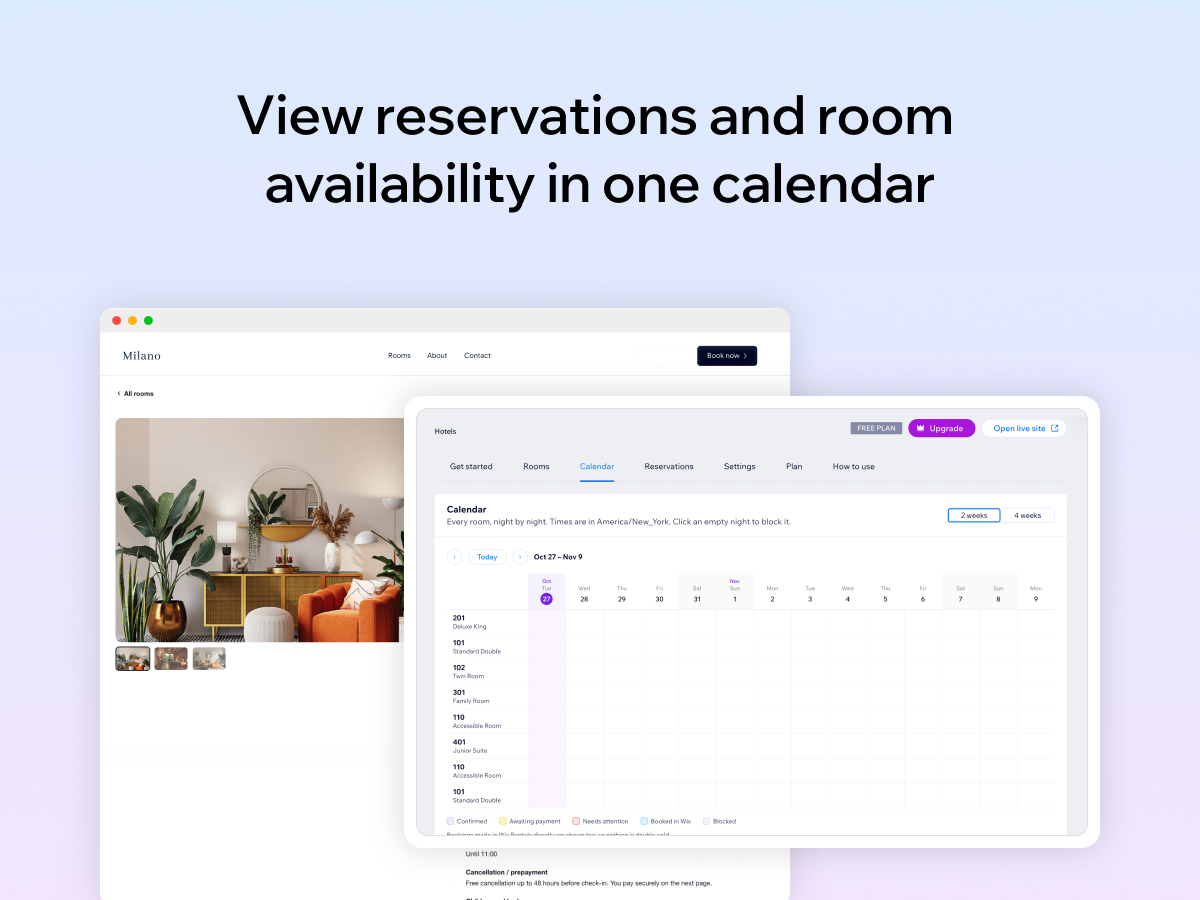
- A calendar to block nights, plus every reservation in one list
利用できる国:
このアプリは世界中で利用できます。アプリ言語:
英語,
イタリア語,
ウクライナ語,
エストニア語,
オランダ語,
ギリシャ語,
クロアチア語,
ジョージア語,
スウェーデン語,
スペイン語,
スロバキア語,
タイ語,
チェコ語,
デンマーク語,
ドイツ語,
トルコ語,
ノルウェー語,
ハンガリー語,
ヒンディー語,
フィンランド語,
フランス語,
ポーランド語,
ポルトガル語,
マケドニア語,
ラトビア語,
リトアニア語,
ルーマニア語,
ロシア語,
韓国語,
中国語,
日本語