

オンラインストア
サービス予約
イベント
ポップアップ

Jotform: Form Builder&Payments
開発元:
Capture leads, bookings, surveys, orders & sales
5.0
無料プラン利用可能


Jotform: Form Builder&Payments の概要
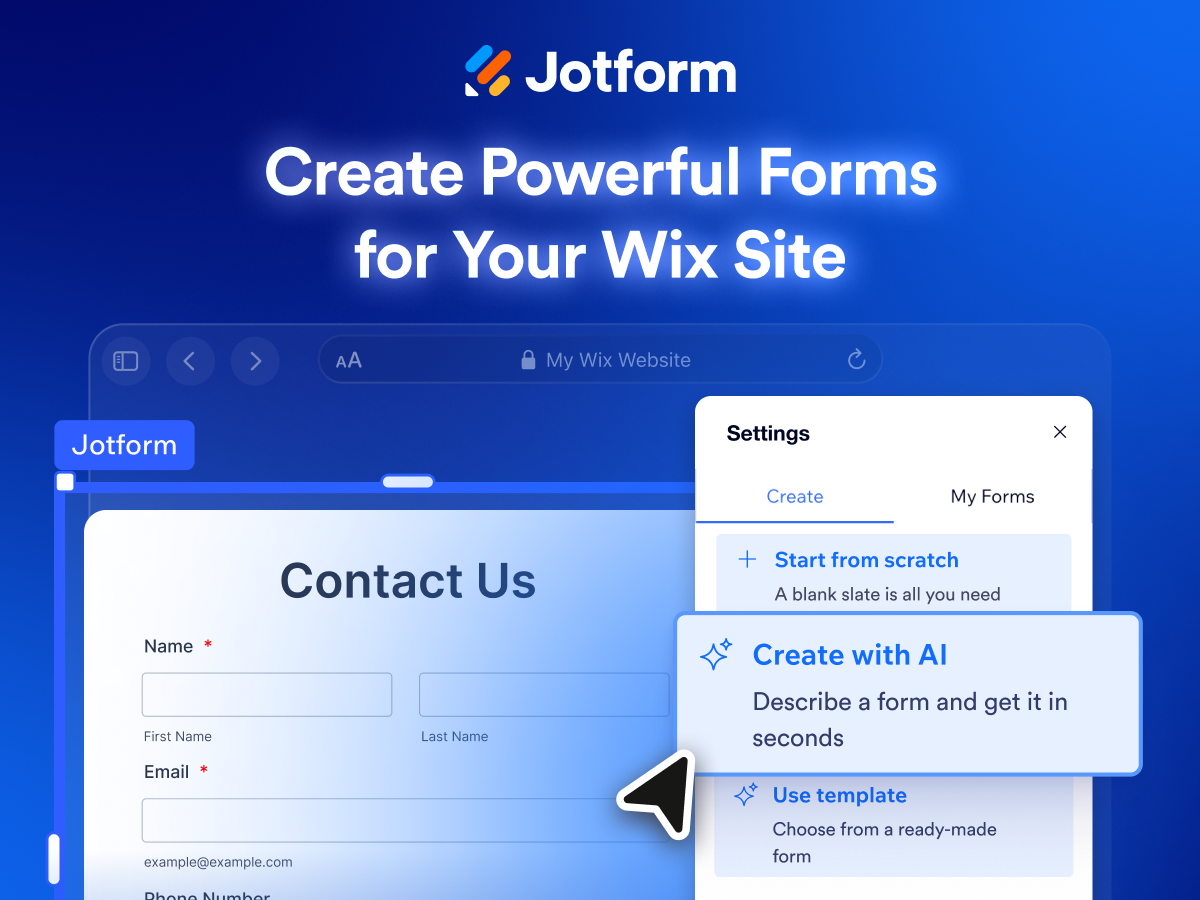
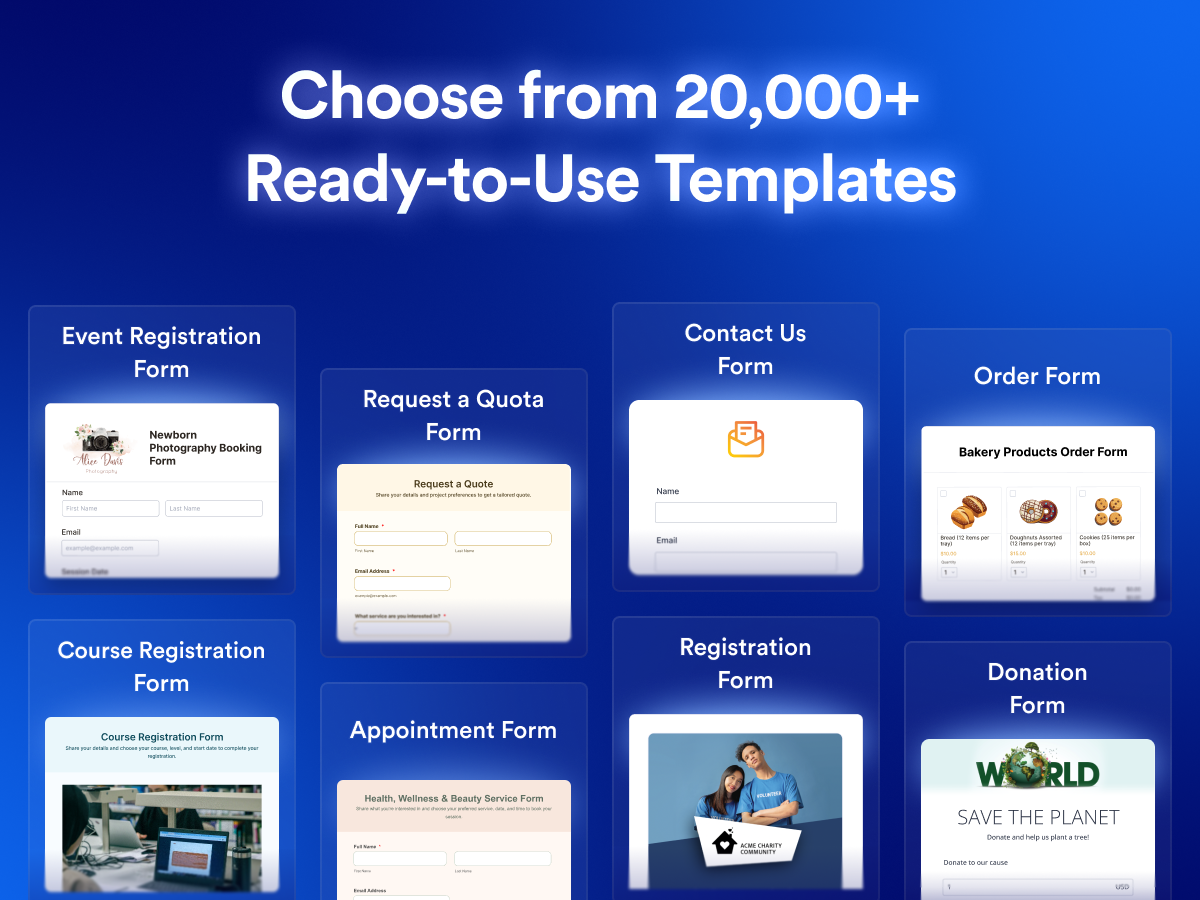
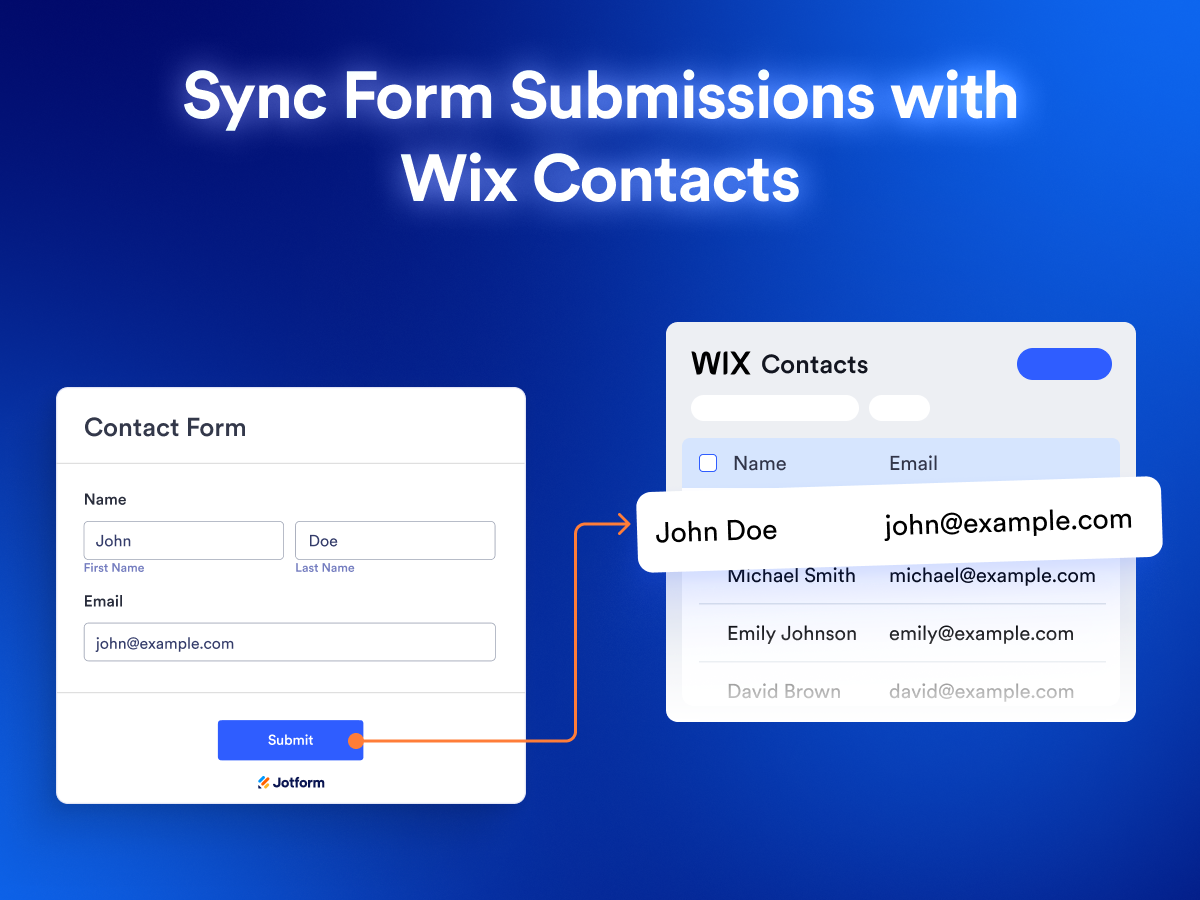
- Create professional, mobile-responsive forms with a drag-and-drop form builder, 20,000+ templates, conditional logic, file uploads, and no coding
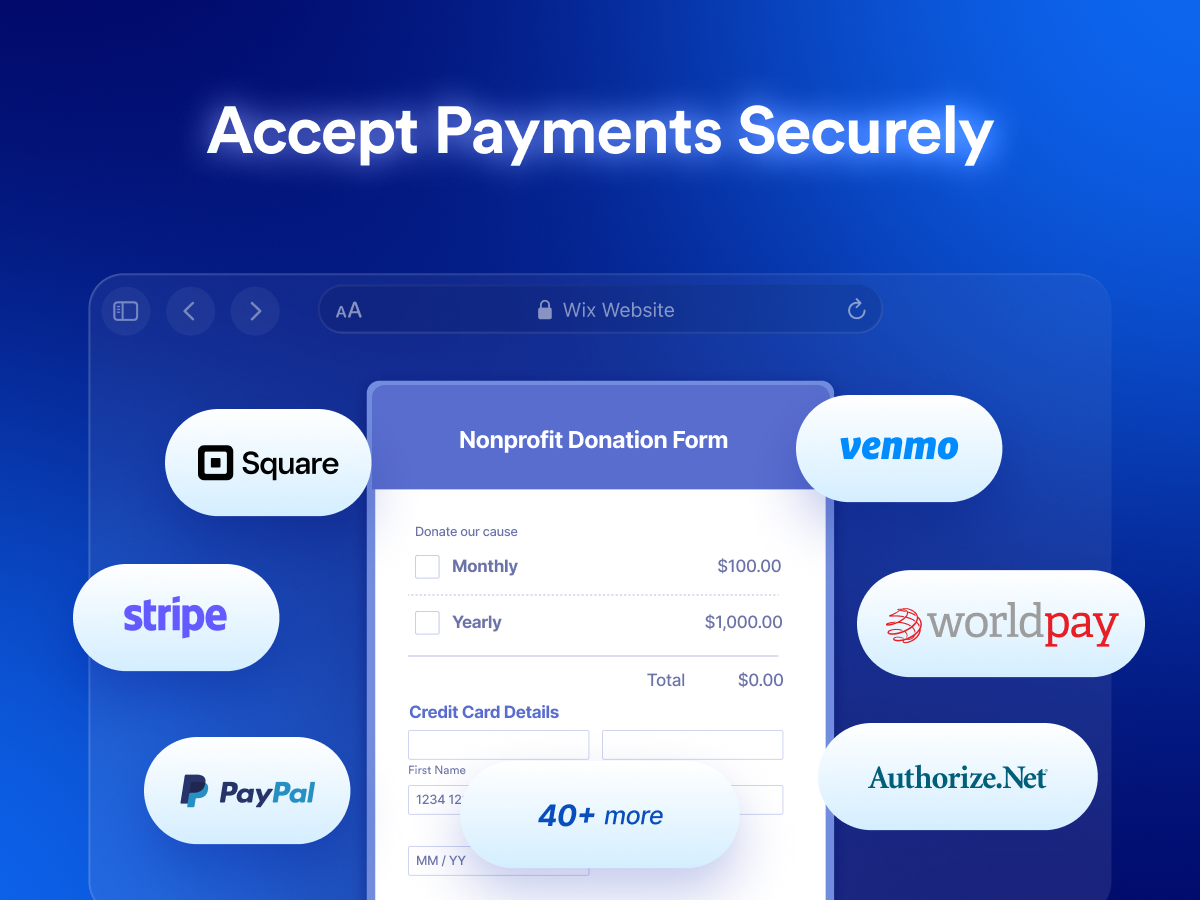
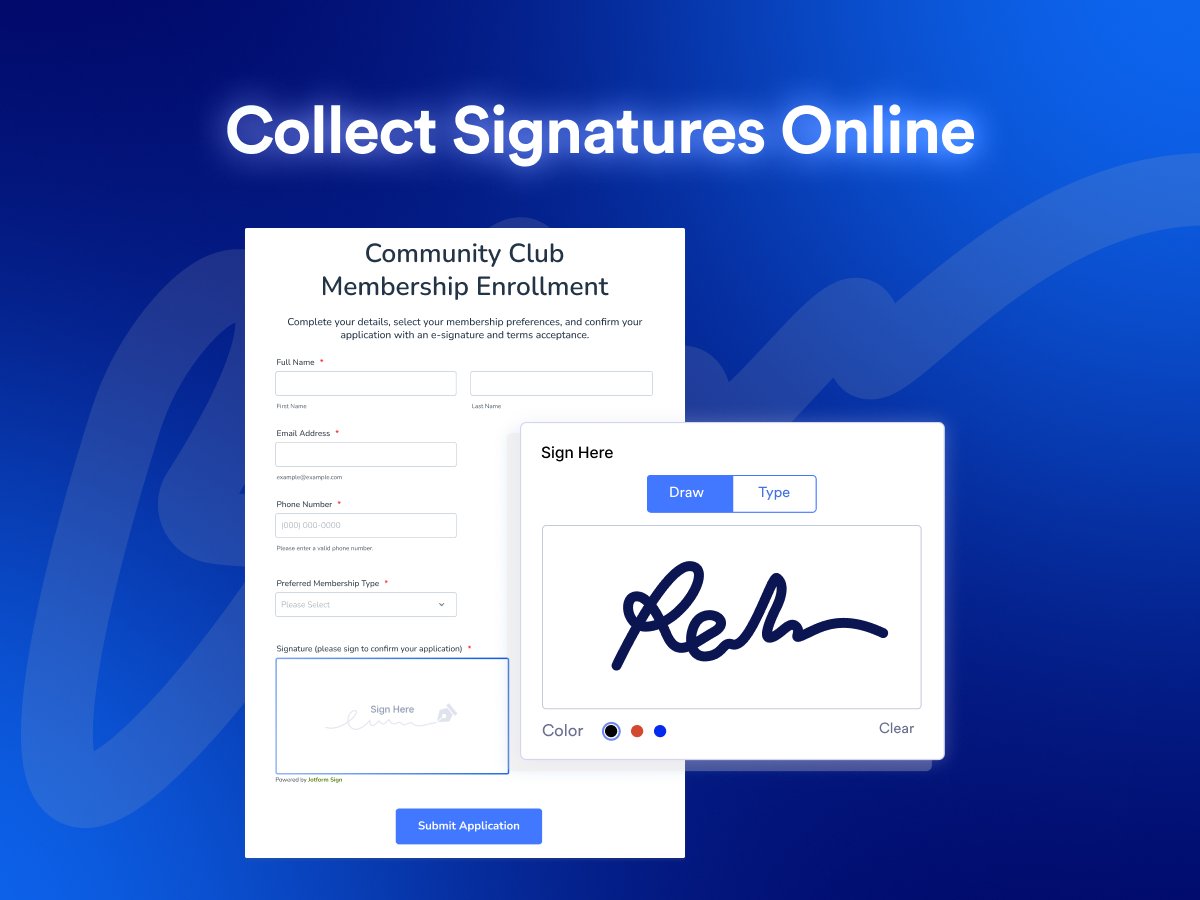
- Accept one-time or recurring payments through PayPal and Stripe, and collect electronic signatures for agreements, waivers, and consent forms
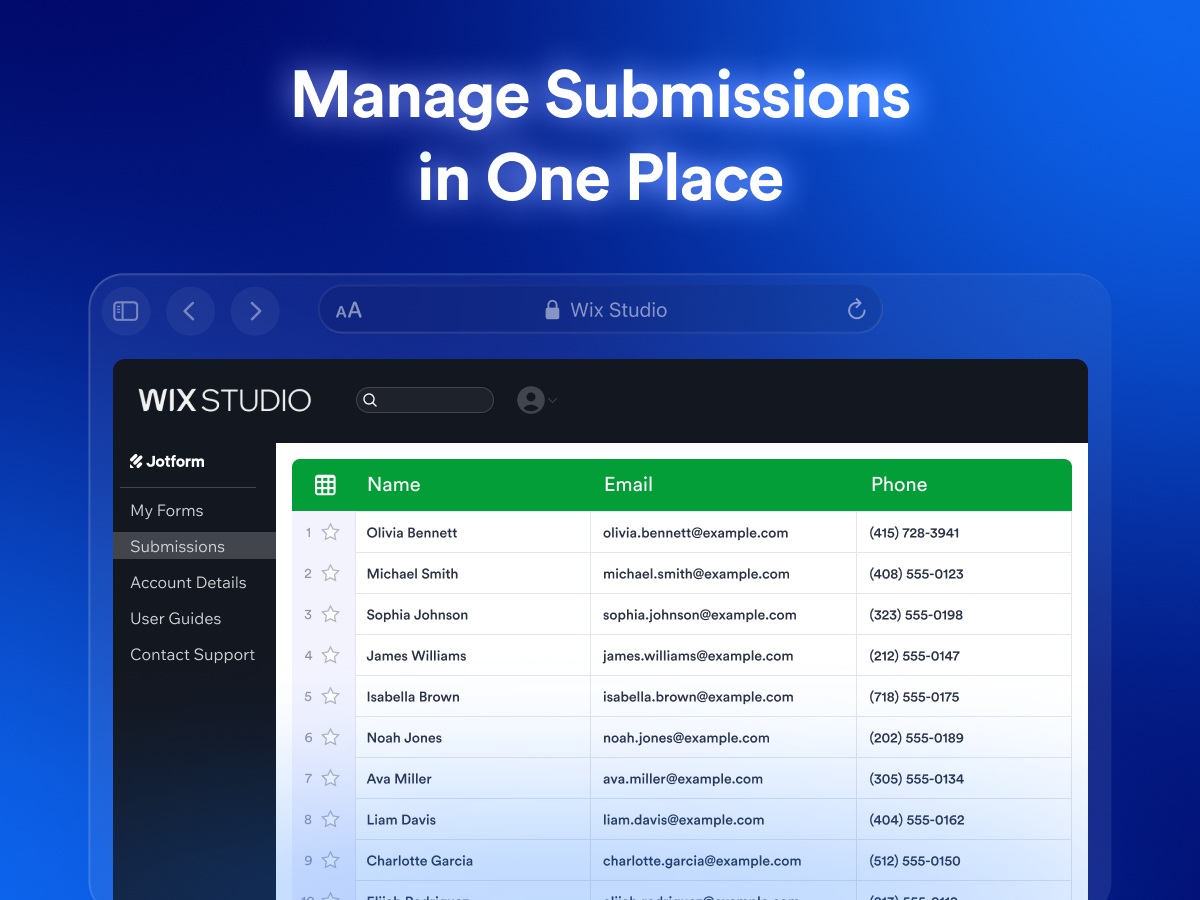
- Manage all form submissions in one place with real-time SMS, WhatsApp, and email notifications, personalized autoresponder emails, and easy tools to search, edit, download, and share responses
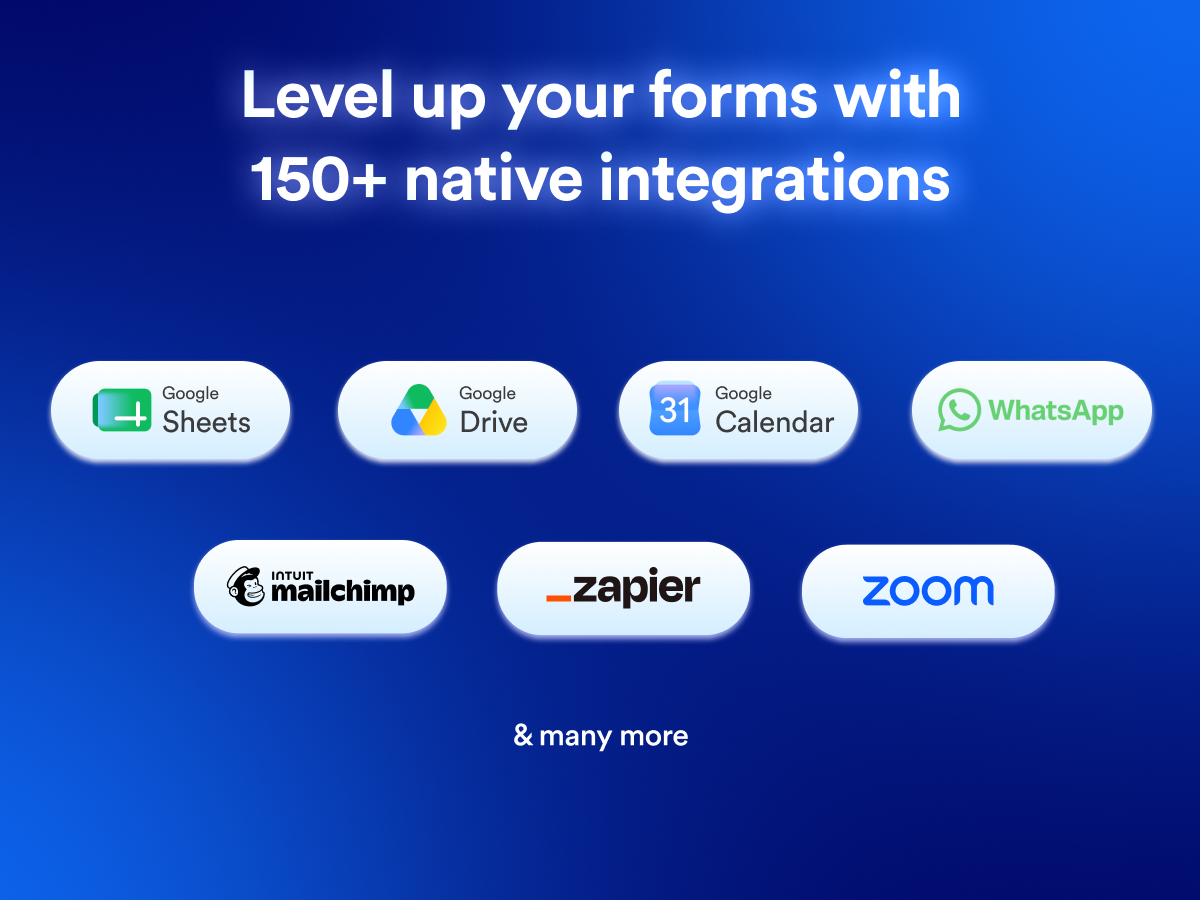
- Connect forms with 150+ native integrations, including Google Drive, Google Sheets, Google Calendar, Whatsapp, Mailchimp Zapier, Zoom and more
5.0 平均評価
8件のレビュー
5
8
4
0
3
0
2
0
1
0
並び替え:
AB
Abhinandps/ Nov 3, 2026
A Smooth and User-Friendly Form-Building ExperienceMy overall experience with Jotform has been great. The platform is user-friendly, intuitive, and offers excellent flexibility for creating and managing forms. Its customization options and seamless integration capabilities make it a valuable...
JO
Jotformチーム
Hi abhinandps,
Thanks for your great review. We're happy to know our platform has been working well for your business and has made it easier to create forms, collect feedback, and connect with...(0)
貴重なご意見ありがとうございました!
HL
Hlnsolutionsllc/ Oct 30, 2026
Easy to Create and Integrate Forms with WixWe used Jotform to create a customer inquiry form for our HLN Solutions LLC website, which is built with Wix. Creating the form was straightforward, and we successfully integrated it into our website.
We...
JO
Jotformチーム
Hi hlnsolutionsllc,
Thanks for your thoughtful review and for sharing your experience. We're glad to hear that creating your form and integrating it with your website was a smooth process, and that everything was...(0)
貴重なご意見ありがとうございました!
FA
Faxiha8245/ Oct 28, 2026
AI Form builder is actually pretty good!Customizing it was easy, and publishing on Wix took a couple of clicks!
I described my contact form in one sentence and then forms was there, so easy :)
JO
Jotformチーム
Hi faxiha8245,
Thanks for your nice review. We're glad you're enjoying our platform and finding it seamless to publish your forms directly on Wix. We appreciate your positive remarks.
If you have any questions or...(0)
貴重なご意見ありがとうございました!
TH
Thatgirlsach/ Oct 27, 2026
i like it
JO
Jotformチーム
Hi thatgirlsach,
Thanks for the 5-star rating. We're glad you're enjoying our app.
Let us know if you have any other feedback through our Contact Us page at https://www.jotform.com/contact/. We'd really appreciate it.(0)
貴重なご意見ありがとうございました!
ED
Edojahracheal9/ Oct 26, 2026
Smooth Integration and Easy to Use!!Embedding Jotform form on my Wix website was super easy and straightforward. The form looked great on the website and worked perfectly. I love the different features and integration options available. You can...
JO
Jotformチーム
Hi edojahracheal9,
Thanks for your positive review. It's great to hear that the setup process was smooth and that you were able to get everything working the way you wanted on your website.
If...(0)
貴重なご意見ありがとうございました!
プラン
無料
5 Forms, 100 Fields per form
100 Monthly Submissions
10,000 Monthly Form Views
プラン
$
34
0
/月
25 Forms, 250 Fields per form
1,000 Monthly Submissions
100,000 Monthly Form Views
No Jotform Branding
プラン
$
39
0
/月
50 Forms, 2,500 Monthly Submissions
1,000,000 Monthly Form Views
250 Monthly Payment Submissions
250 Monthly Signed Documents
プラン
$
99
0
/月
100 Forms, 10,000 Monthly Submissions
10,000,000 Monthly Form Views
All of Silver +
HIPAA-Enabled Features
* 価格はUSDで、請求元はJotformです。