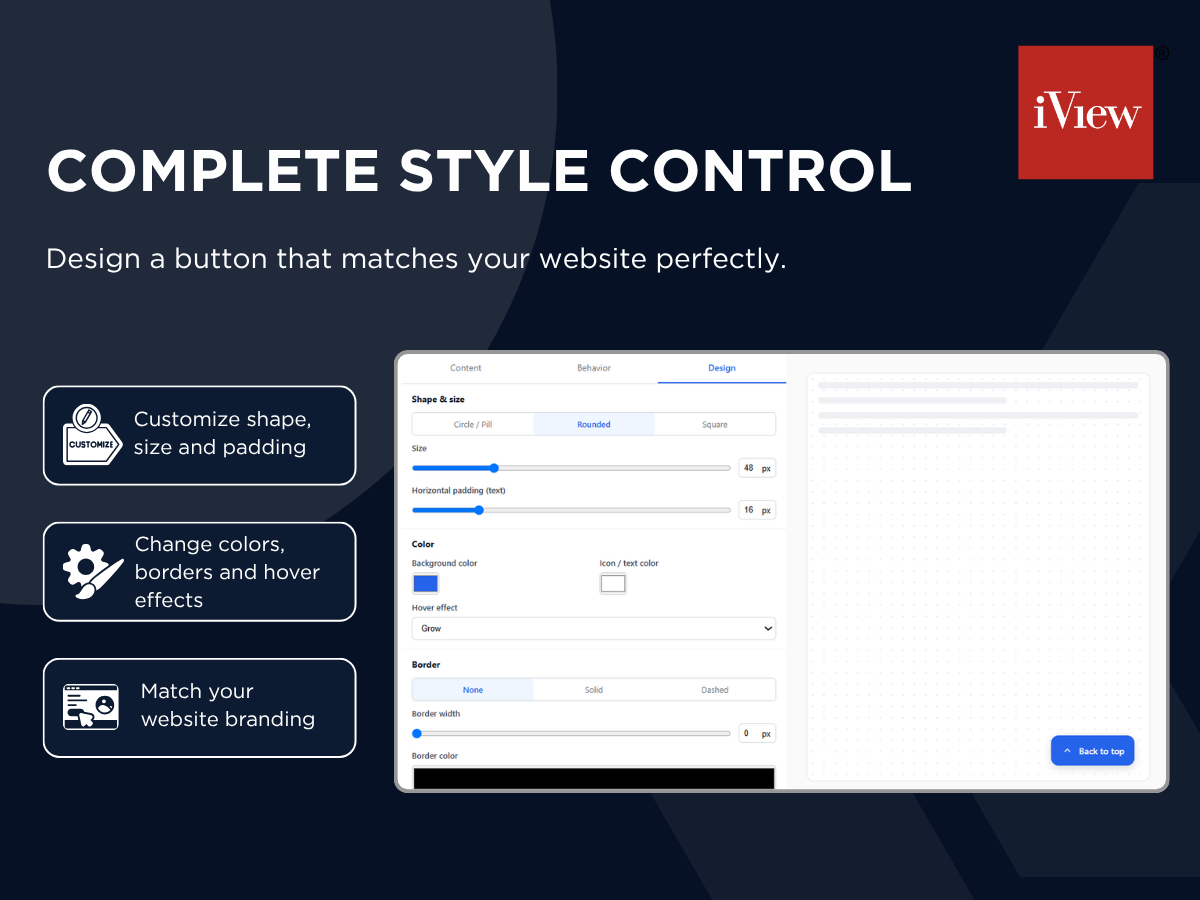
Full styling control: shape, size, color, border & hover effects
Easily show or hide the scroll button with a simple display toggle
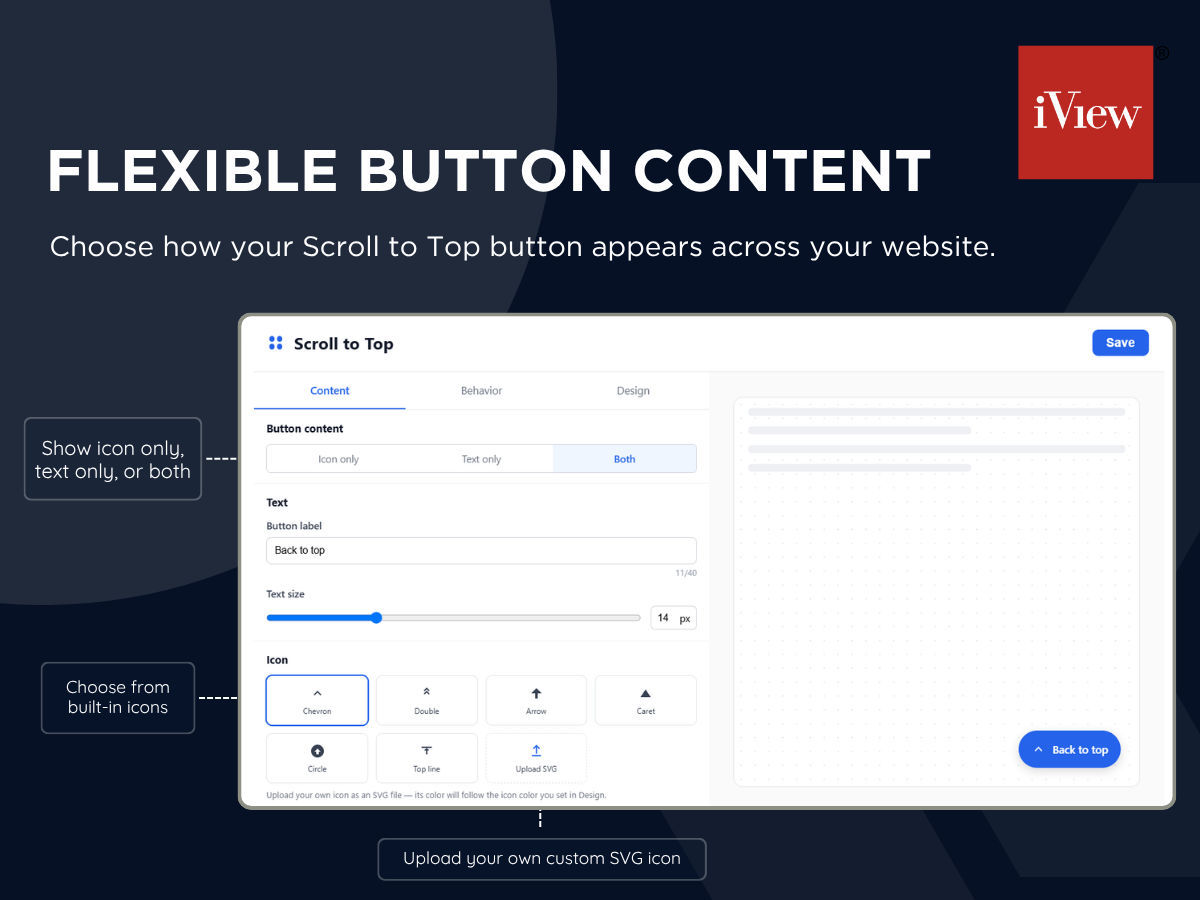
Show icon, text, or both - with custom SVG icon upload
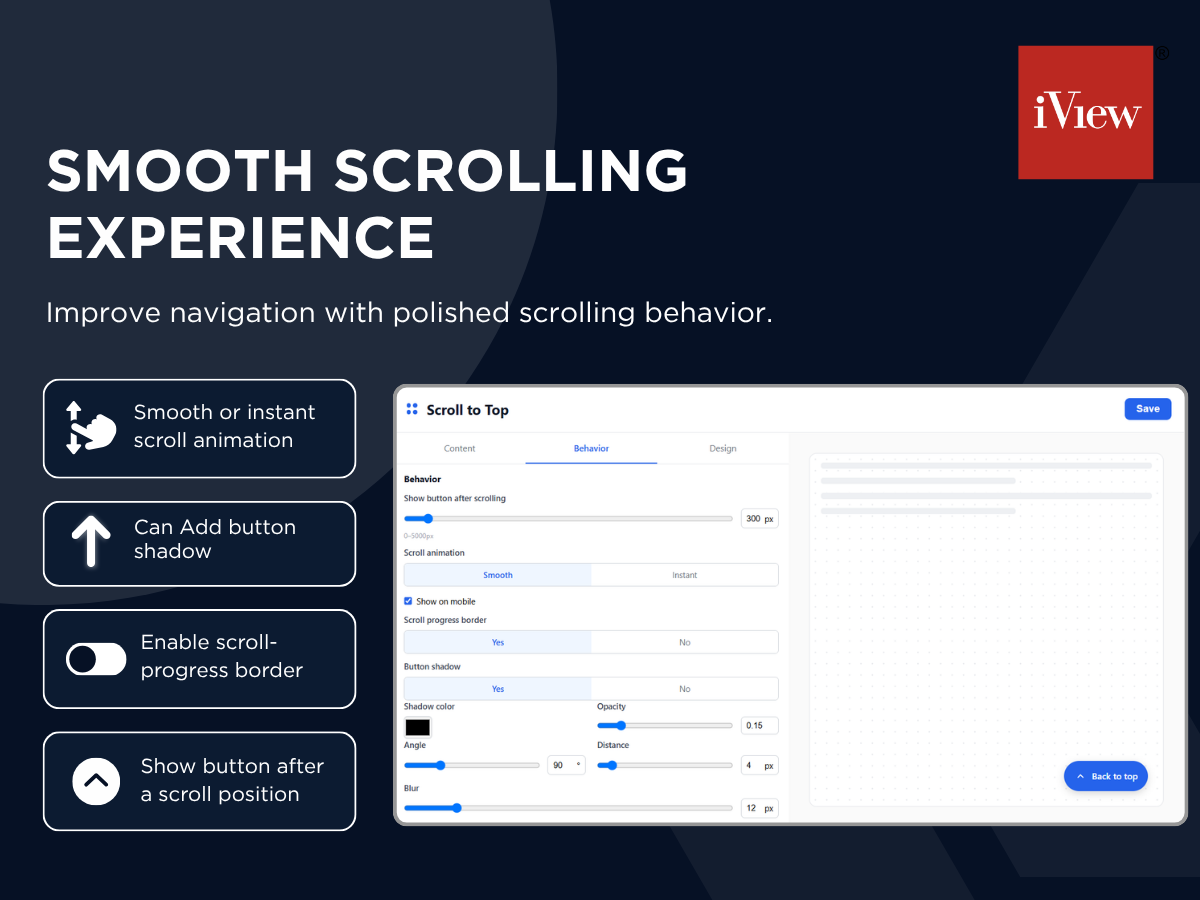
Add a custom shadow or a scroll-progress border for extra polish
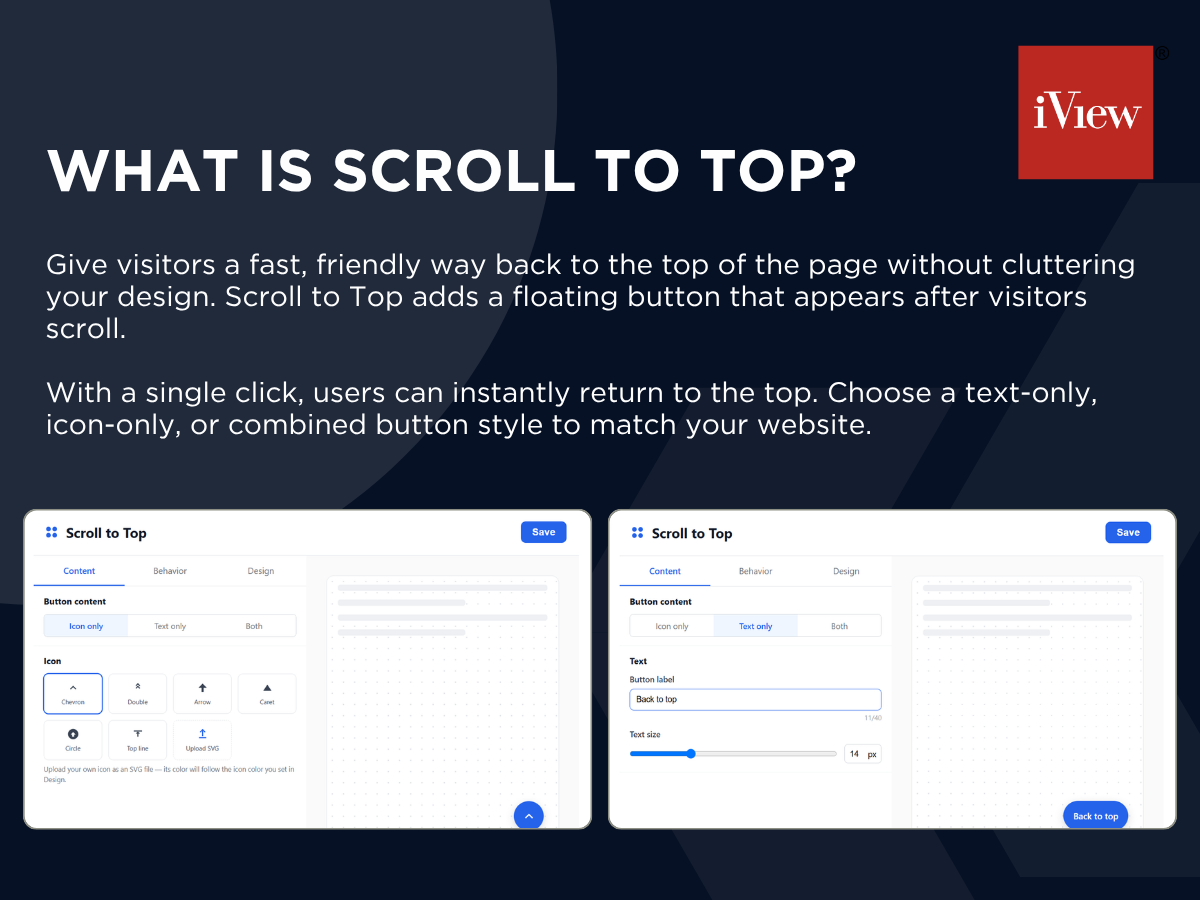
Give visitors a fast, friendly way back to the top of the page - without cluttering your design. Scroll to Top adds a floating button that appears once a visitor scrolls past a point you choose, then smoothly returns them to the top with a click. Show an icon, text, or both; pick from built-in icons or upload your own SVG in any color; and style the button's shape, size, background, border, and shadow to match your site exactly. A scroll-progress border and adjustable shadow add a polished, custom-app feel with zero coding.
It keeps long pages easy to navigate, especially on mobile, and blends naturally into your site instead of looking bolted on. Every setting lives in a simple visual panel with a live preview, so changes are easy to see before you save - and it works out of the box with sensible defaults or fully customized in minutes. Whether you run a blog, a portfolio, or a full online store, Scroll to Top is a small addition that makes browsing your site noticeably smoother.