Tracking numbers usually arrive as a spreadsheet: a carrier export, a label-service report or a warehouse file. Adding them one order at a time means opening each order and typing the number.
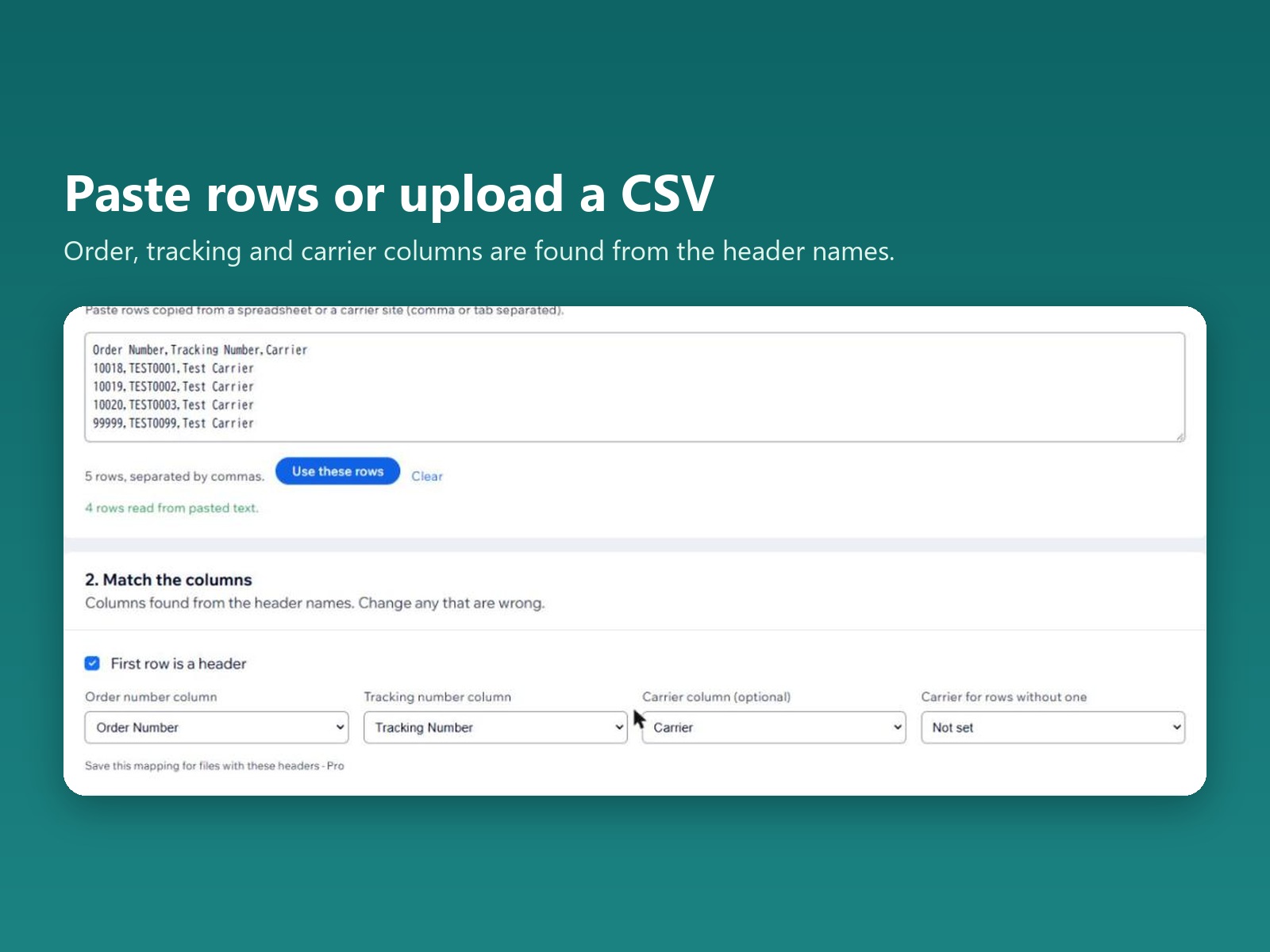
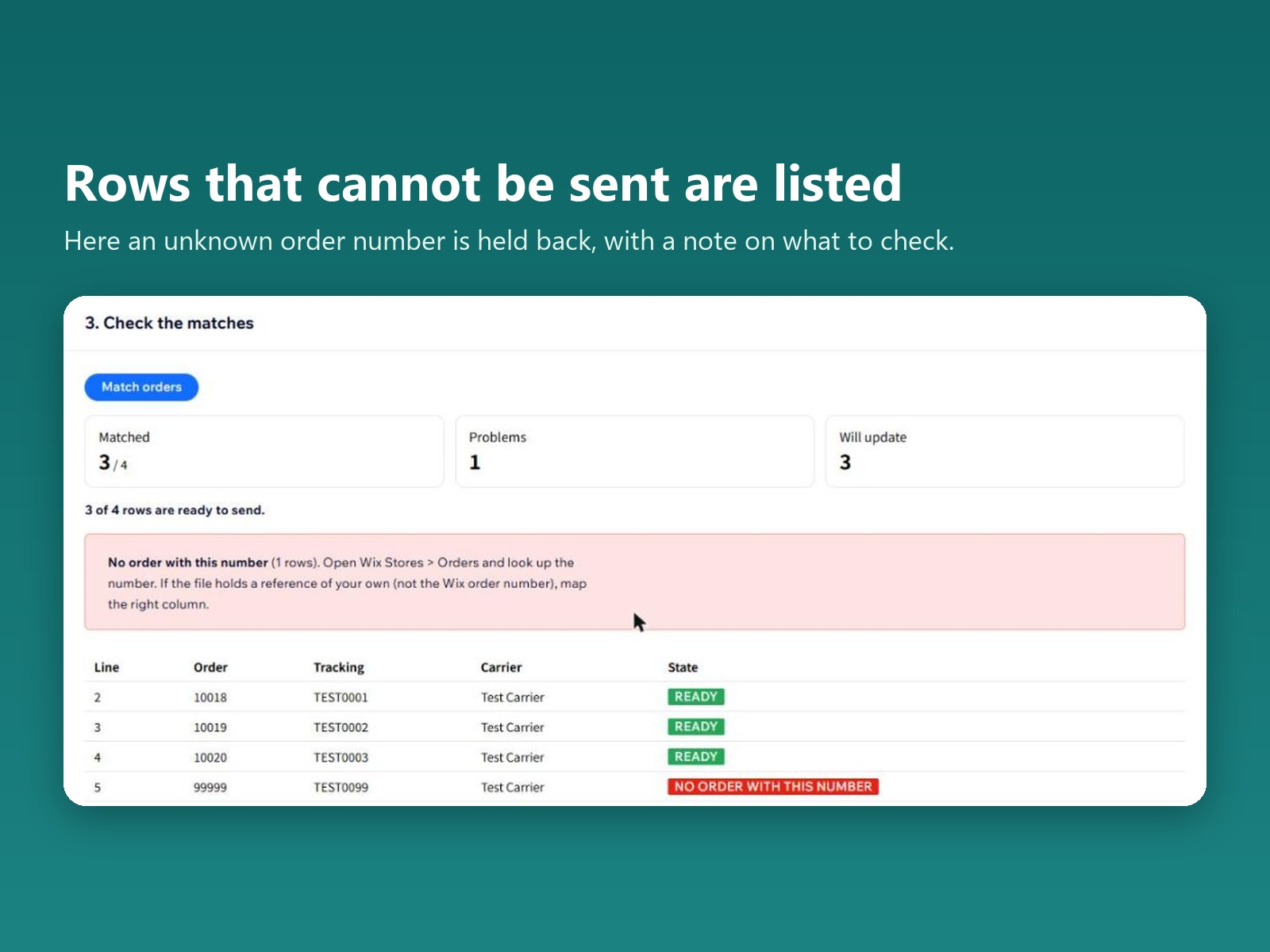
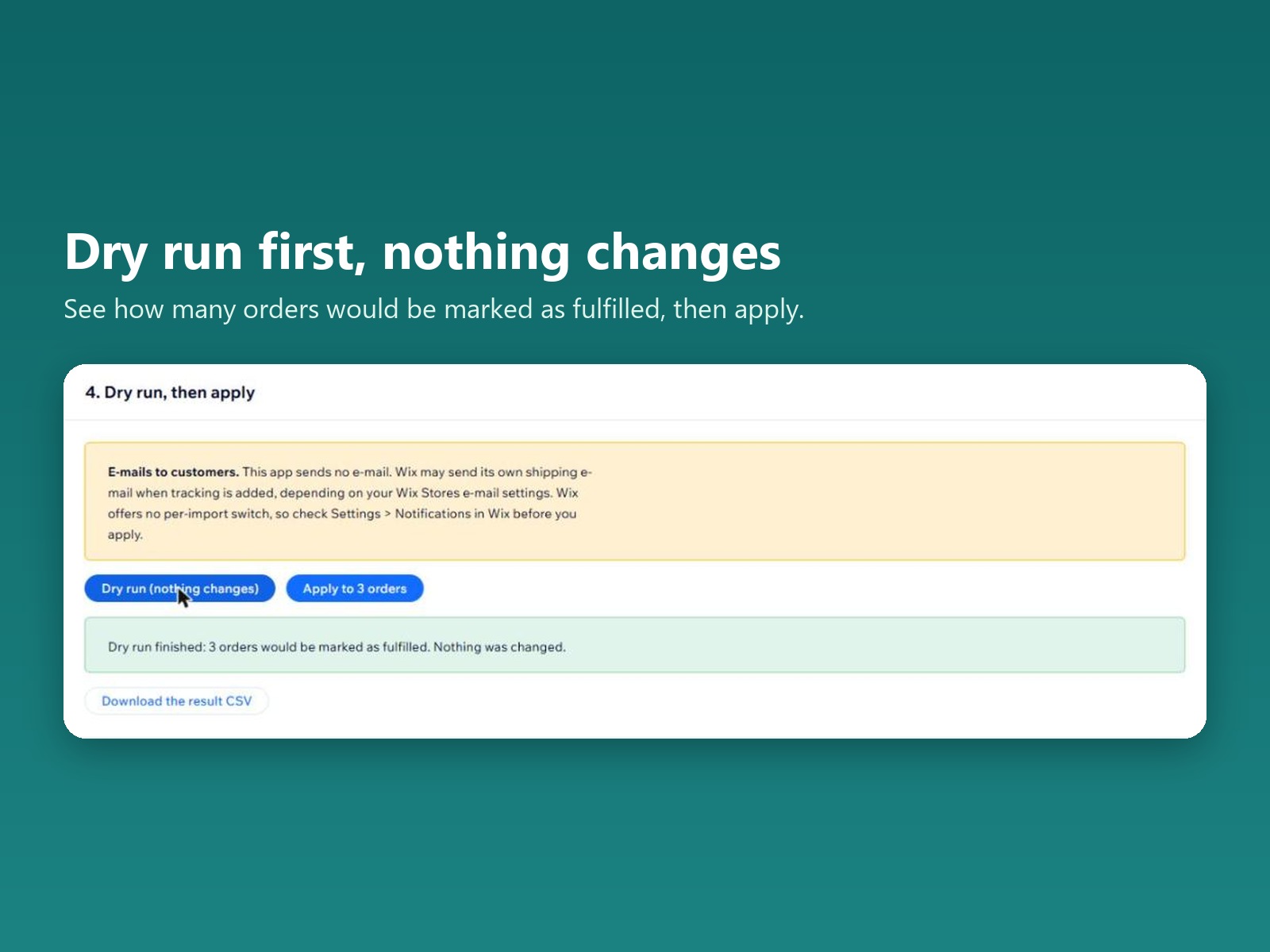
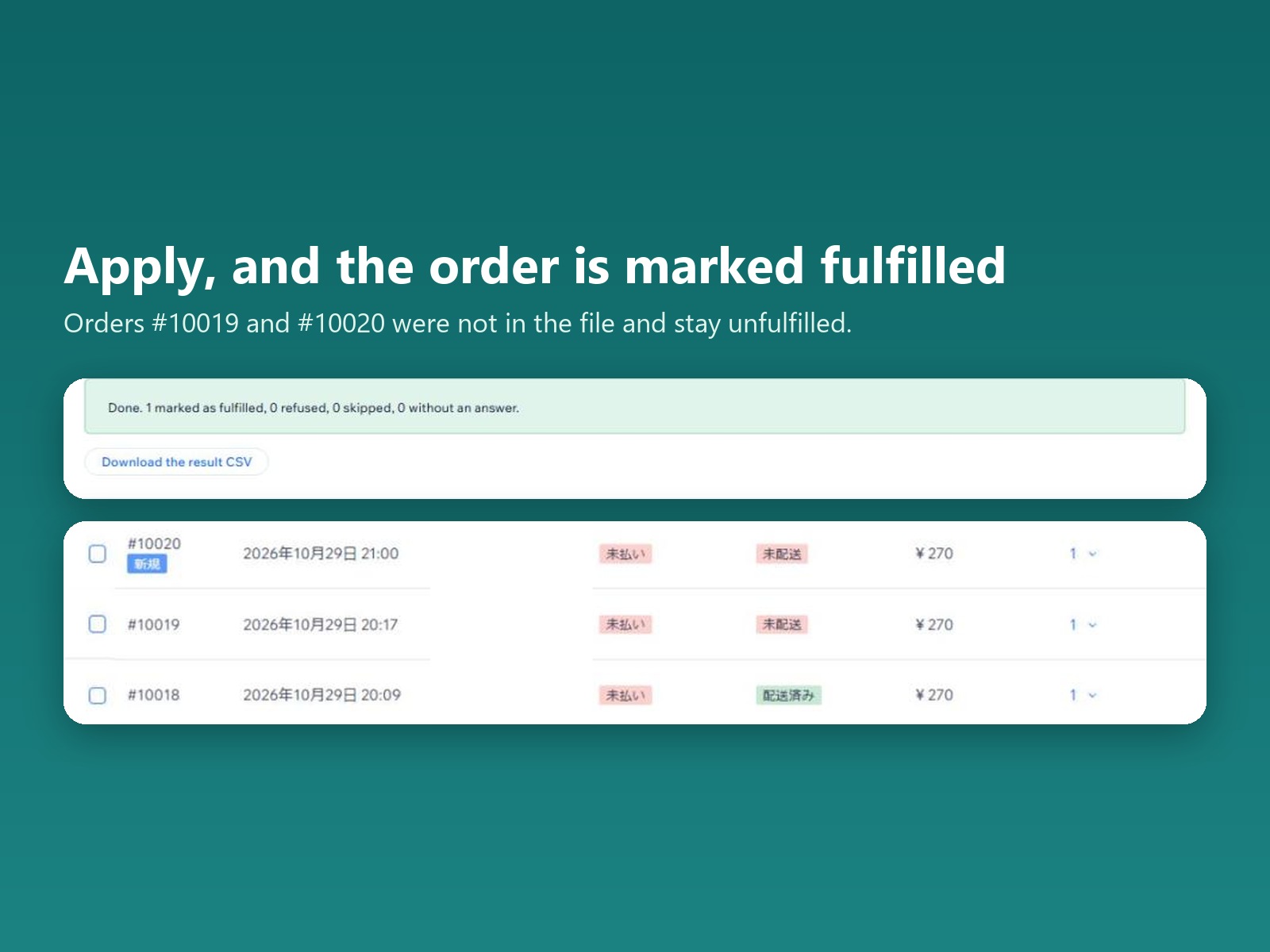
Upload the CSV or paste rows and the app looks for the order, tracking and carrier columns using common header names, including those in UPS, USPS, FedEx, DHL, Royal Mail, Japan Post, Yamato and Sagawa exports. A checklist shows each row that cannot be sent, such as a canceled order or a number used twice, with a suggested fix. Run a dry run to see what would change, then apply. Orders go in chunks of 100, and you can download a result CSV with a line for every row.
Partly fulfilled orders can be included, and the tracking goes onto the items still open. Other carriers are sent with the name you type and an optional link template. The app sends no emails itself, but your store may send its own shipping email, depending on its settings. The free plan covers 20 orders a month (UTC). Pro, $3.99 a month, removes the limit, saves column mappings and keeps the last 20 imports. Customer names and addresses are not used or stored.