Stock levels are the numbers you touch most and the ones your store makes hardest to reach. Every variant, in every location, behind its own product page.
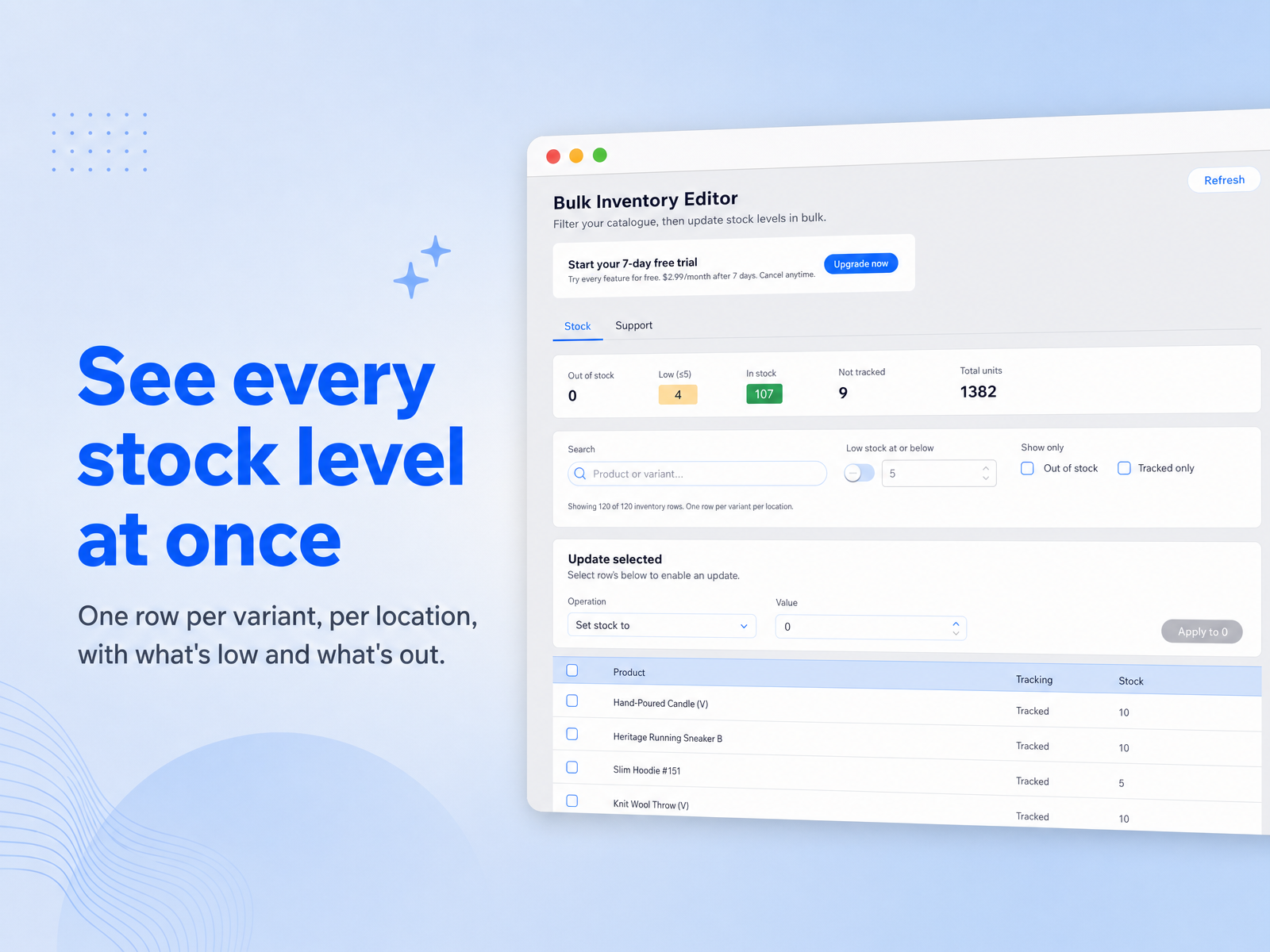
Bulk Inventory Editor puts them all on one screen. One row per variant per location, showing what is in stock, what is low, what has run out, and what is not being tracked at all.
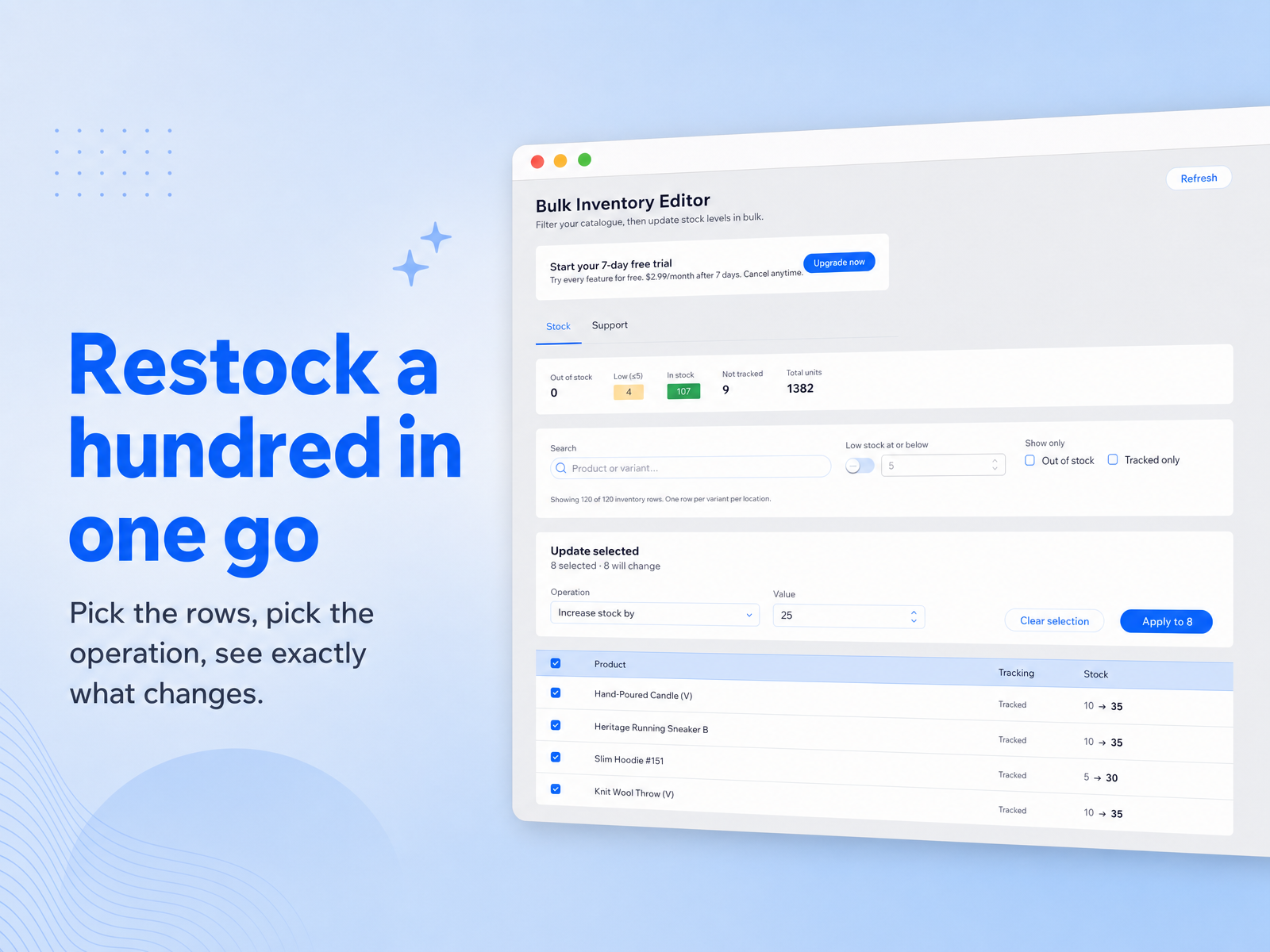
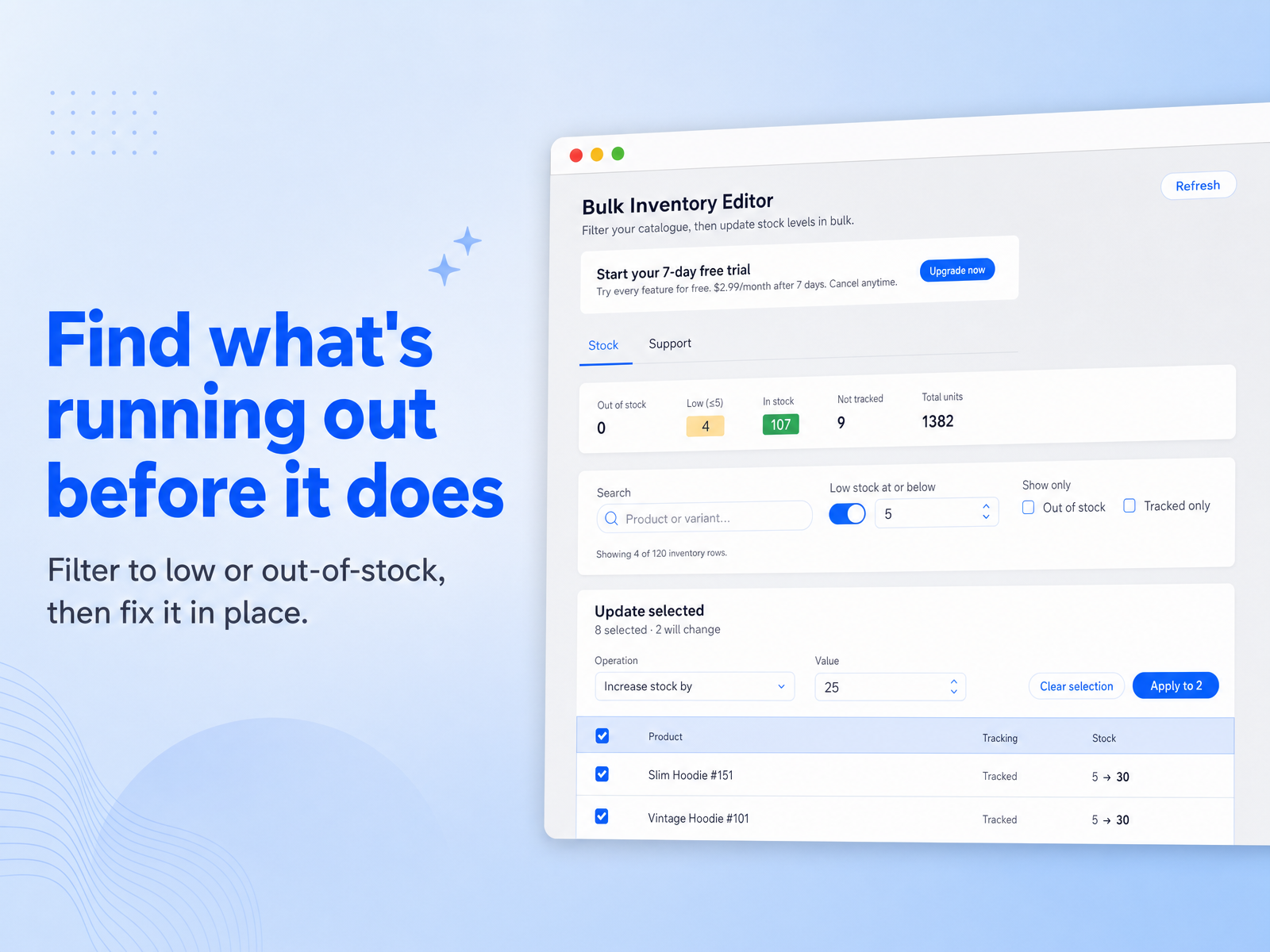
Filter to exactly the rows you mean - low stock at or below a number you pick, out of stock only, tracked only, or by product name. Select them. Then set an exact quantity, increase or decrease by an amount, or switch inventory tracking on or off across all of them at once.
Nothing is written until you say so. A before-and-after preview shows each row as it is now and as it will be, and tells you which rows will not change and why - a row that is not tracking inventory has no quantity to edit, and the app says so instead of quietly doing nothing.
Decreases stop at zero, never going negative. Every update reports back per row, so a partial failure is visible instead of hidden behind a success message.
Built for restocking after a delivery, correcting a count, or getting a seasonal range back on sale.