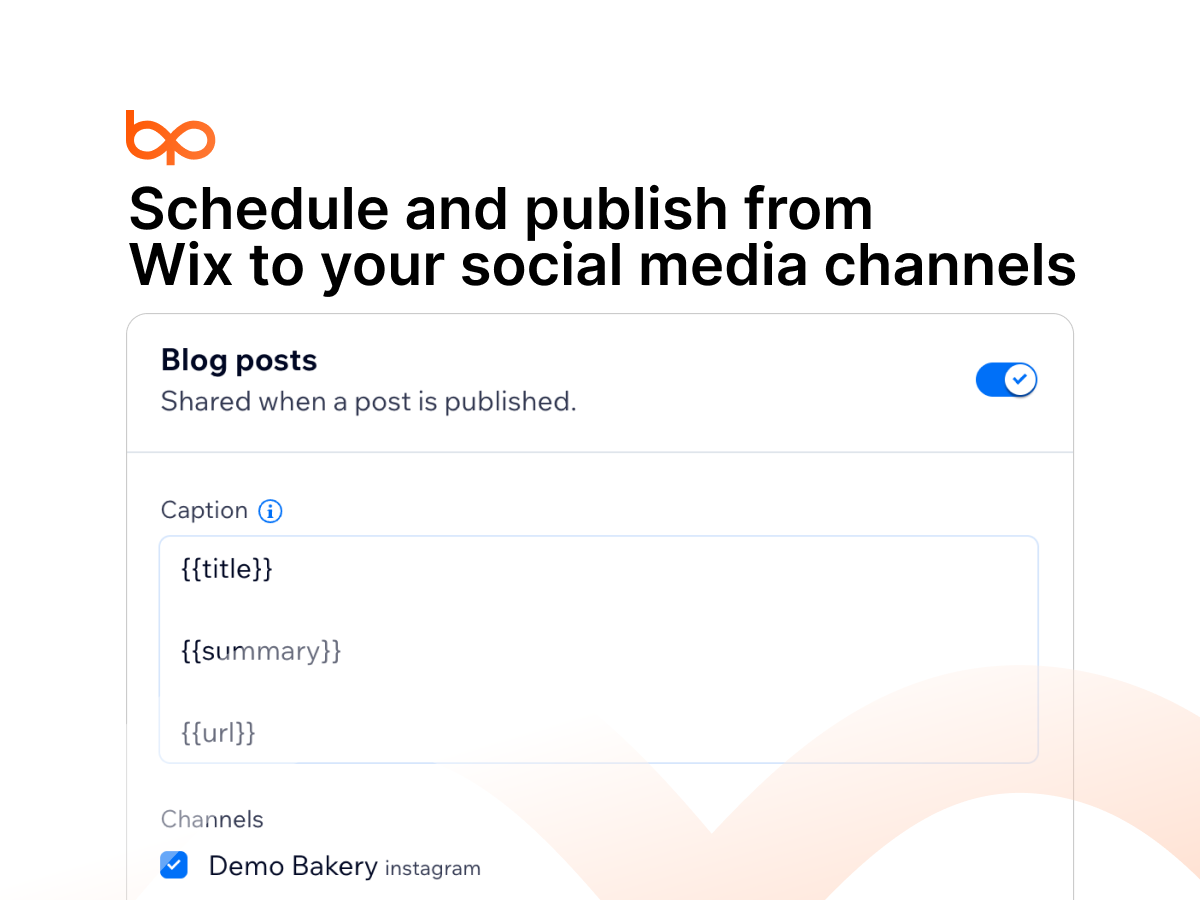
Write a caption once; it is fitted to every channel
Write articles in BulkPublish and publish to your blog
BulkPublish helps you share what you publish on your site with the people who follow you on social media. When you publish a new blog post or add a product to your store, BulkPublish can prepare a social post for it with the title, a short summary, the image and a link back to the page, and send it to the channels you choose.
After adding the app, you open it from your site dashboard, sign in to BulkPublish or create a free account, and link your site. From there you pick which channels receive new blog posts and which receive new products, and write a caption template that is adapted to each channel's length limits.
Each new item appears on your BulkPublish calendar, where you can review it, hold it for a teammate's approval, or let it go out. The app is designed to skip hidden products and unpublished posts and to avoid sharing the same item twice. If something can't be shared, for example because a channel needs reconnecting, it is listed with the reason so you can fix it and try again.
You can also write an article in BulkPublish and publish it to your blog. The app is free to add, BulkPublish has a free plan, and paid plans are available on bulkpublish.com.