

オンラインストア
サービス予約
イベント
ポップアップ

- 20%
BL Bulk Product Editor
開発元:
Bulk edit products, prices, tags & more
5.0
無料プラン利用可能

BL Bulk Product Editor の概要
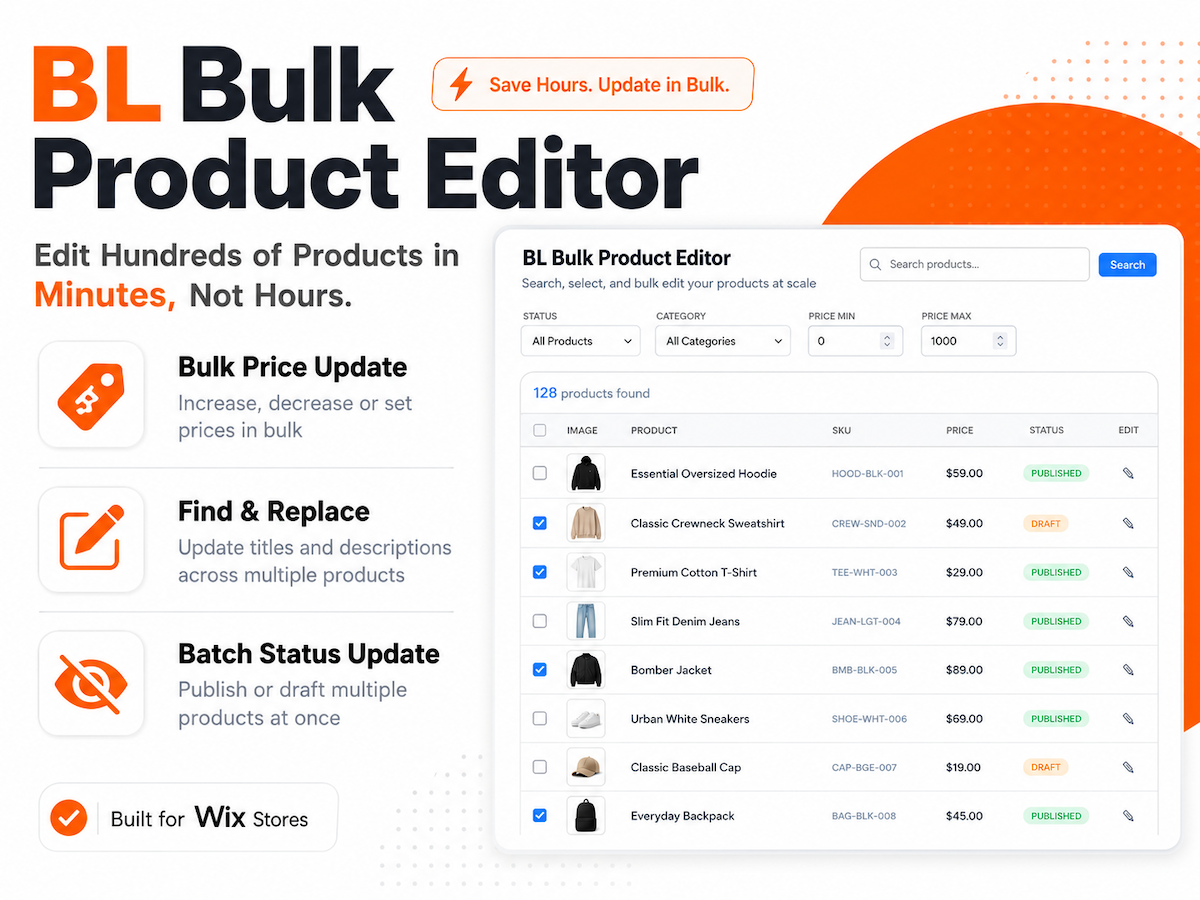
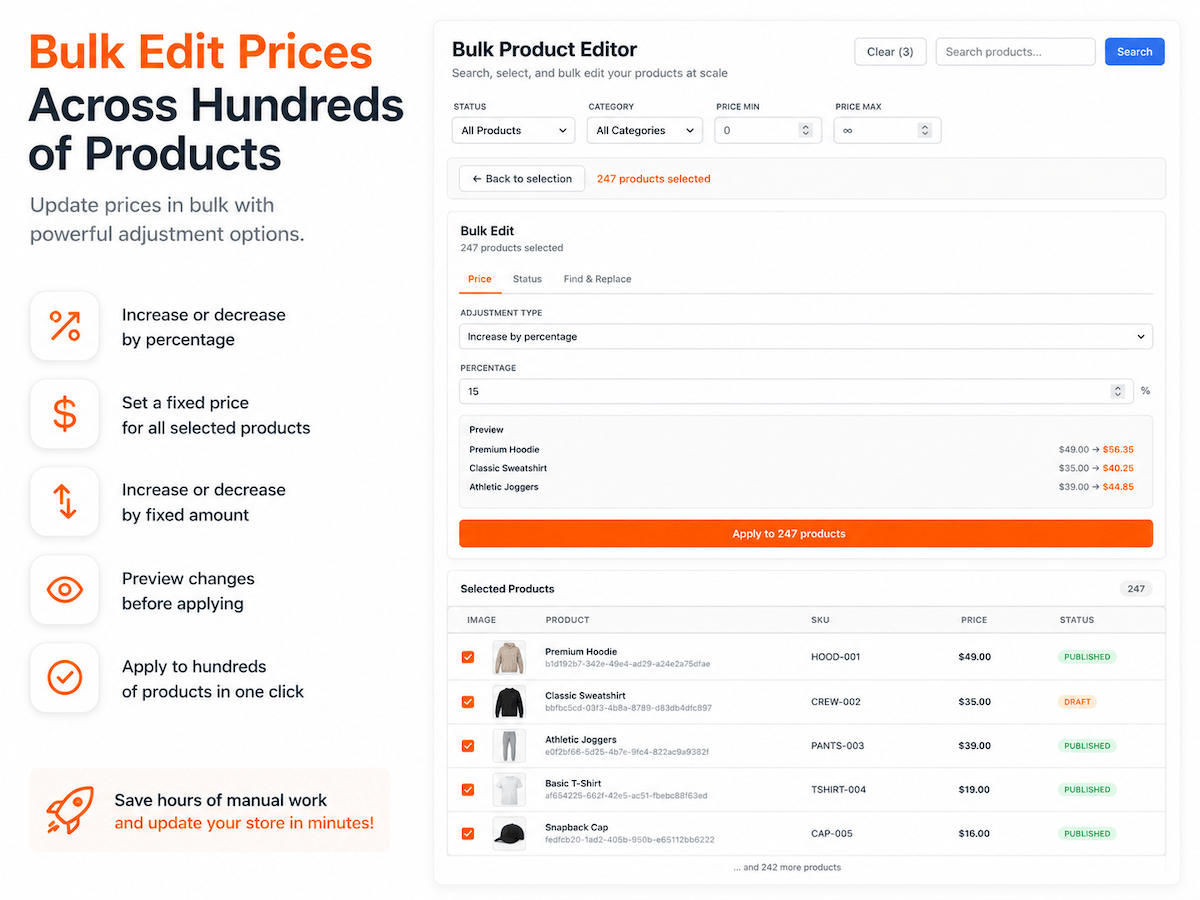
- Update prices for multiple products at once by setting fixed prices or increasing and decreasing them by percentage or flat amount, with optional compare-at pricing for sales
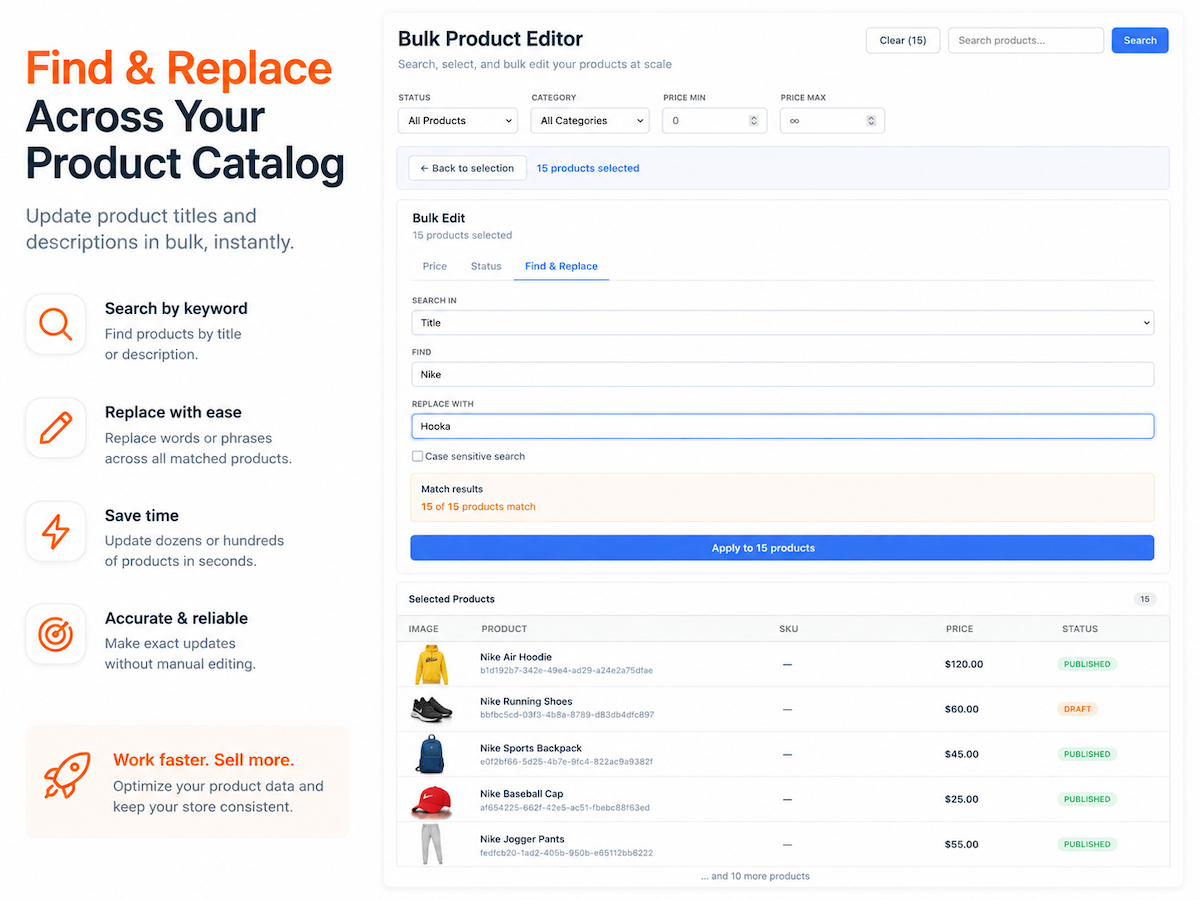
- Find and replace text across product names and descriptions in a single bulk action to quickly update product information, fix mistakes, or keep your catalog consistent
- Publish or hide multiple products with one click, making it easy to prepare for product launches, seasonal promotions, or inventory changes
- Quickly find the products you need using product search, category filters, visibility filters, and price ranges before applying bulk updates
5.0 平均評価
1件のレビュー
5
1
4
0
3
0
2
0
1
0
OL
Olegkirelenko/ Oct 13, 2026
good
BA
BACKLIPチーム
Thanks for your feedback! Glad you're enjoying the app.(0)
貴重なご意見ありがとうございました!
料金・プラン
Basicプラン
無料
Up to 30 product edits daily
Bulk price updates
Bulk status updates
Find & replace text
Bulk Unlimitedプラン
- 20%
$
1
92
/月
$240
Unlimited product edits
Unlimited bulk updates
Edit large catalogs faster
Priority support
* 価格はUSDです。
* このセールは2026年10月31日の23:59(UTC)まで有効です。アプリの開発者はいつでも販売を終了する権利を有しており、販売条件は変更される場合があります。